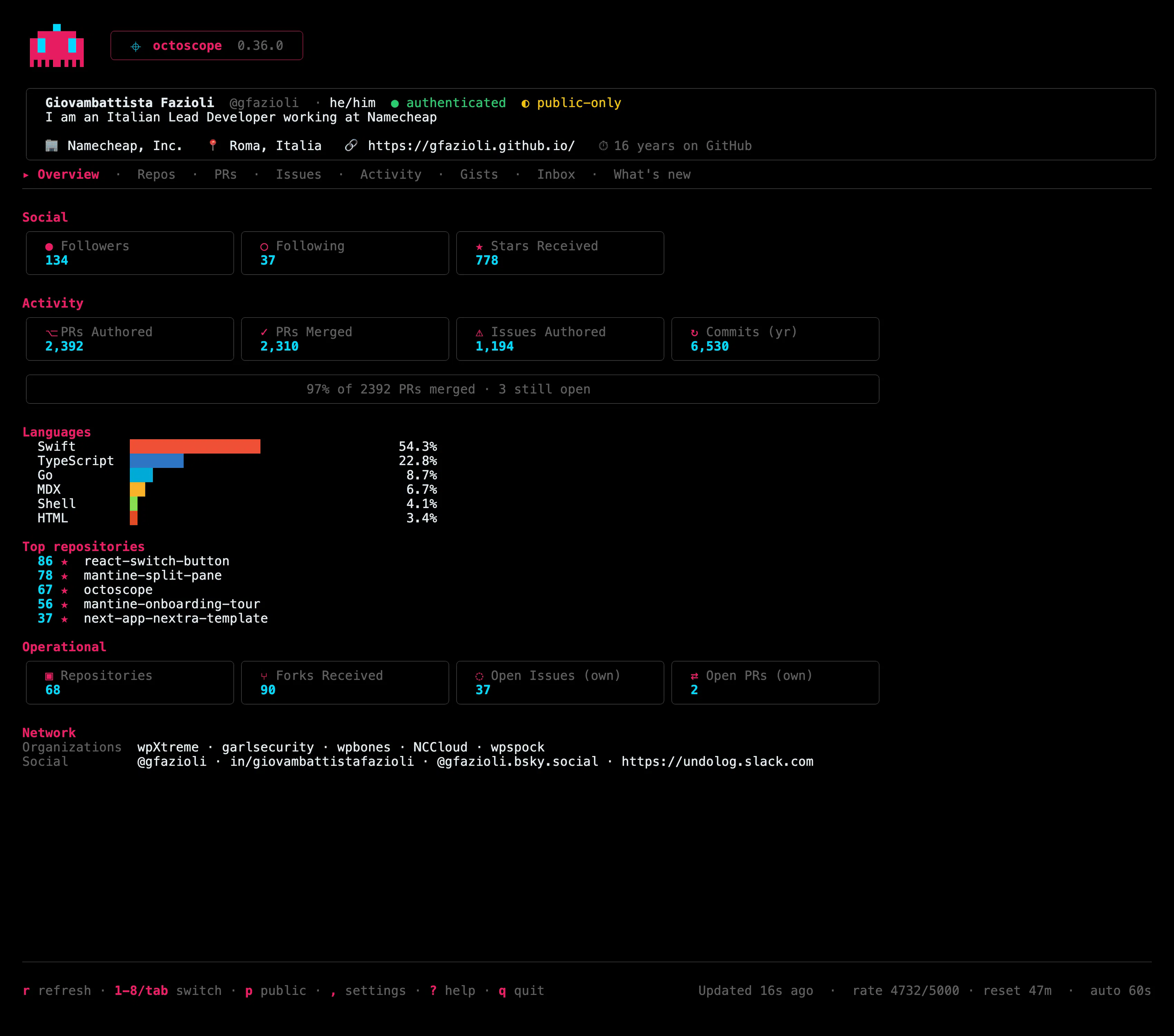
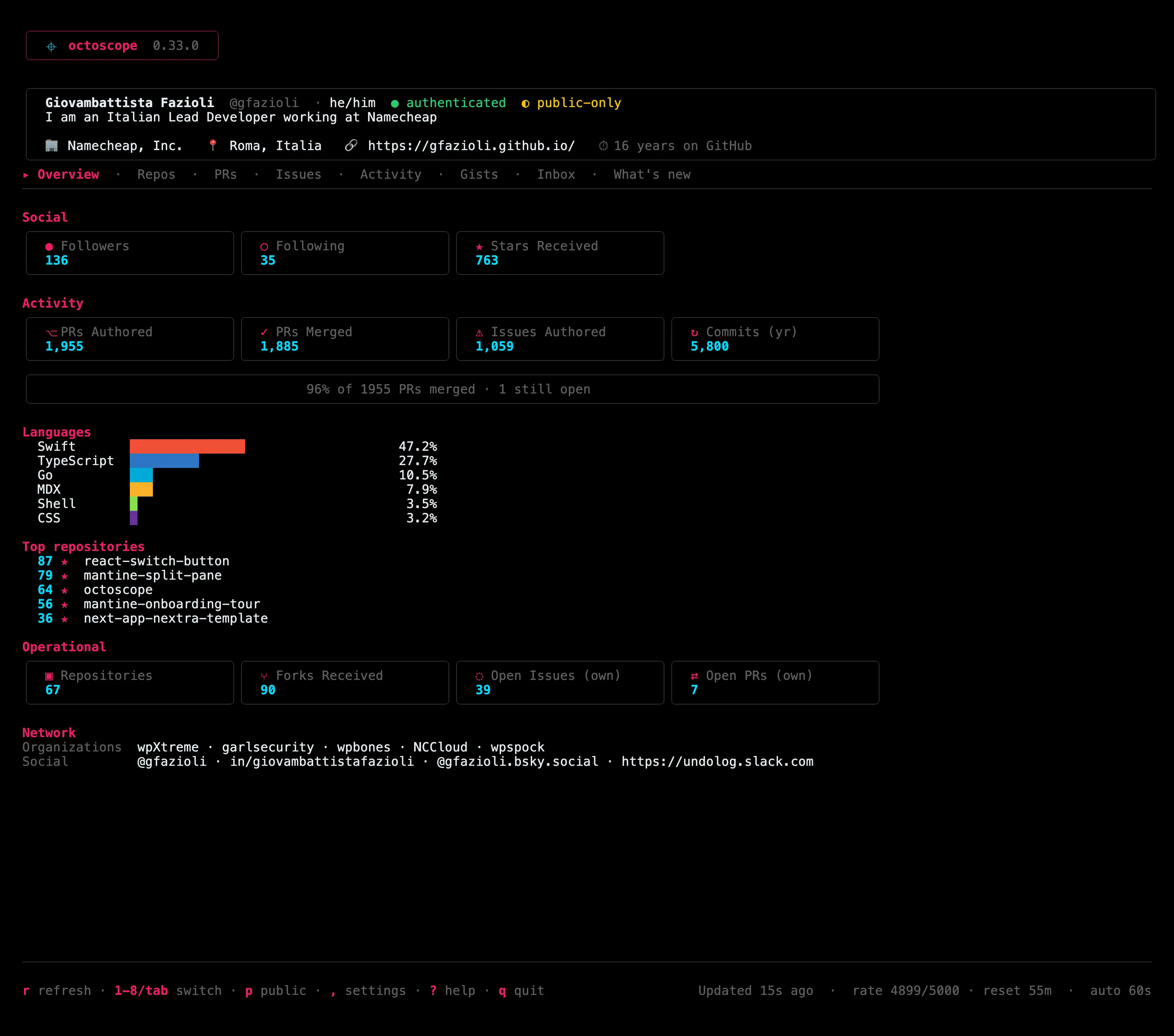
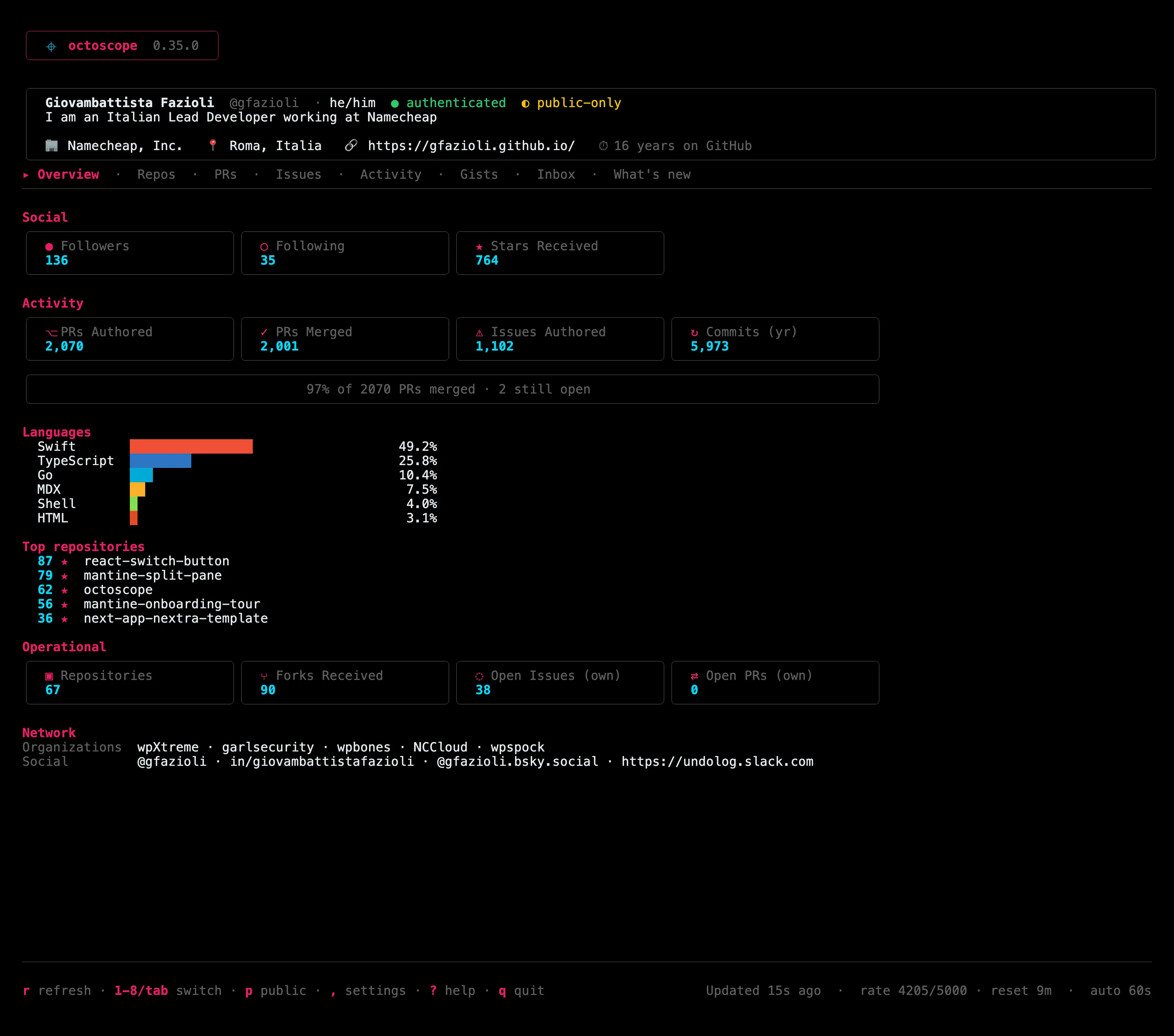
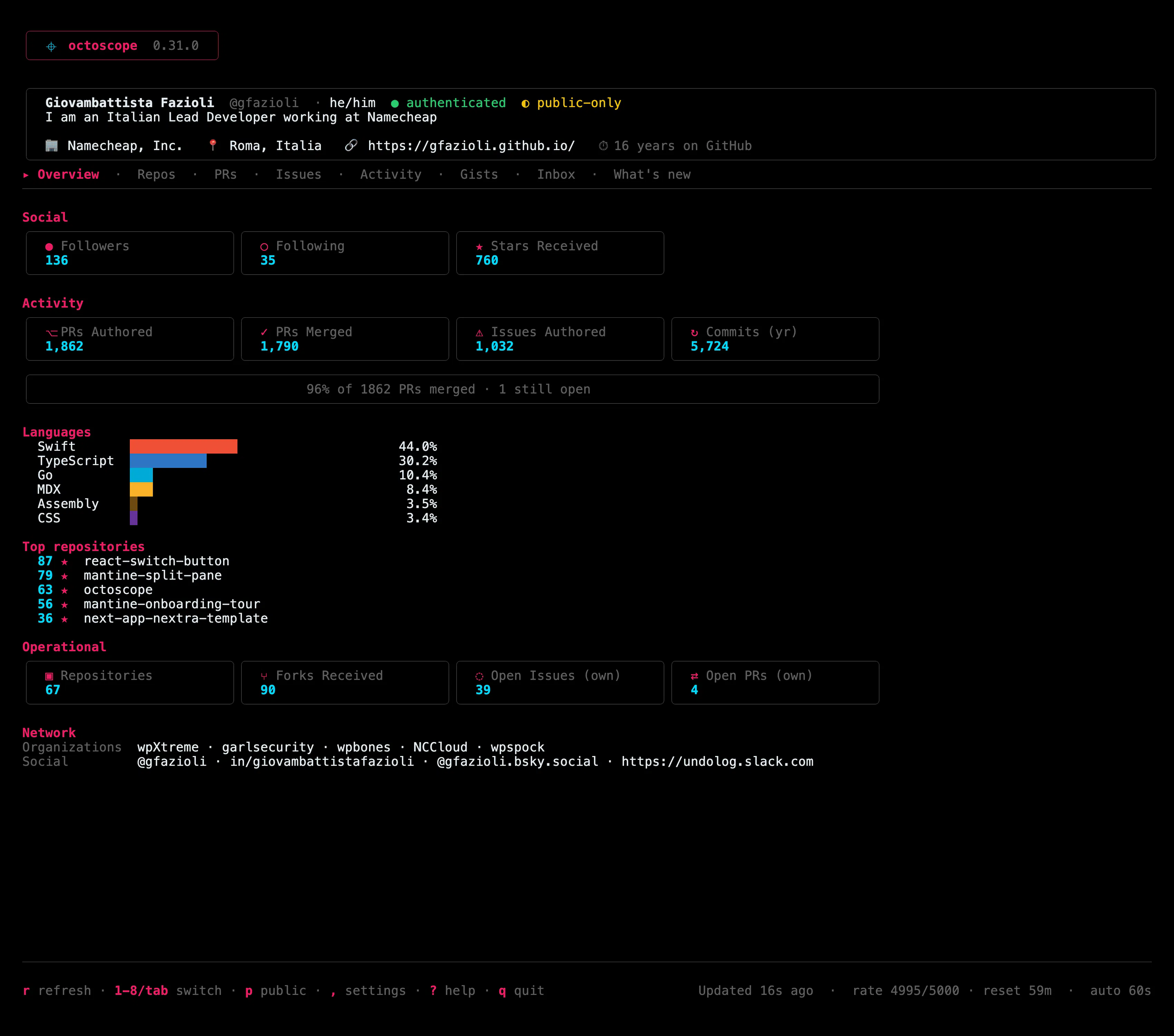
octoscope 0.27.0 the integrity scan stops describing a repo and starts noticing things about it.
Before this release the supply-chain scan could only talk in the present tense: here is what auto-executes right now, here is a commit tip that looks forged. Useful if you happen to scan while the implant is sitting there. Useless for the two questions you actually have when a worm is circulating did something change, and what could whoever got in reach?
You rename packages/cli to apps/cli. The next scan tells you a dependency started running code at install, and another one stopped. Nothing started you moved a folder.
0.34.0 is four changes that are the same sentence from different angles: a security signal is only worth reading if it fires on what happened, not on what you did to your own repo. An axis that cries wolf is one you learn to skip, and then it's worth nothing on the day it's right.
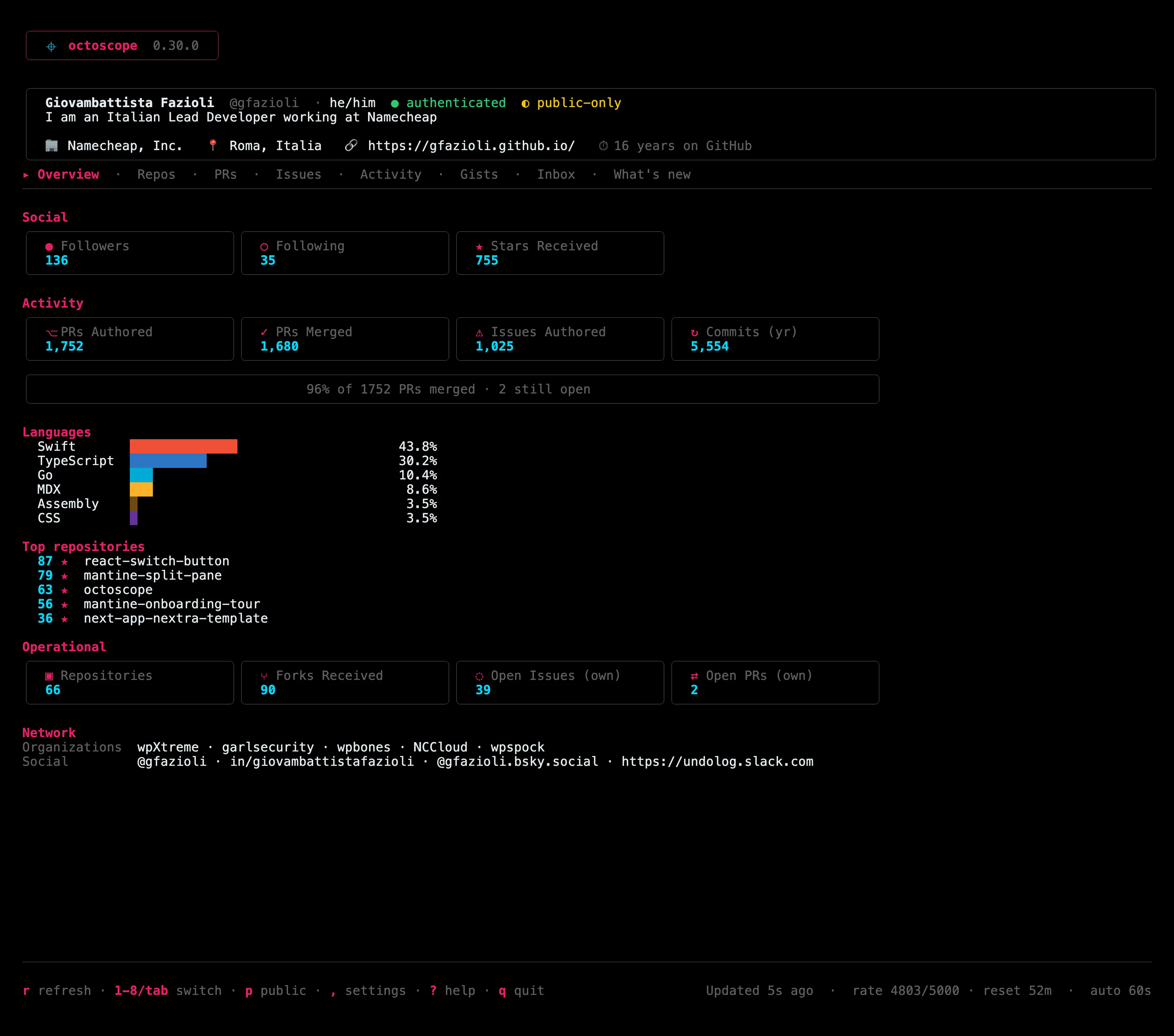
Hey everyone octoscope 0.30.0 is out, and this one has an odd origin story: three of its four changes were written by one of you.
They came in as a comment under the 0.27.0 launch. He didn't ask for a single feature. Instead he found three places where octoscope's report claimed more than it had actually verified and every one of them held up when I went and measured it. One even turned up a bug that had been sitting in the code for several releases.
octoscope 0.32.0 answers a question the Repos tab could not: which of your repositories do you actually commit to most?
Until now you could see your commit count for one repo at a time, in the drill-in. Fine for "how much did I do here", useless for "where does my year actually go" that is a question about the ordering of the whole list, and you cannot answer it one row at a time.
Until this release there were two doors: Homebrew, or go install. Both fine, both assuming you wanted a binary on your machine which is not what you want when you're inside gh already, or writing a CI step, or on a box you'll throw away in ten minutes.
octoscope 0.28.0 is out, and the integrity scan can now see an attack that lives in two files instead of one.
Here's the shape it used to miss. You read a workflow, it triggers on pull_request_target so anyone can start it, and it holds nothing worth stealing. Fine. Except the last line is uses: ./.github/workflows/build.yml with secrets: inherit and that file reads your deploy token. Neither file is a finding on its own. Together they're a stranger's pull request opening a path to your secrets.
Four things still made me open a browser every day, even with octoscope running. 0.29.0 is those four.
A gist I needed the code out of. What I actually did this week. Who funds the work. And the notification that mentioned me.
Gists now open into the file contents, syntax-highlighted c copies the code, not the link. A one-file gist opens straight into it, because that was the only thing there was to see.