Sponsor splash a gentle nudge at launch to support development. Press o to open the Sponsors page, c to copy the link, any other key to dismiss. Suppressed under --public-only; opt out with show_sponsor=false or --no-sponsor.
"What's new" tab (press 6) the highlights of the version you're running, bundled into the binary so it works offline, with a link to the full release notes.
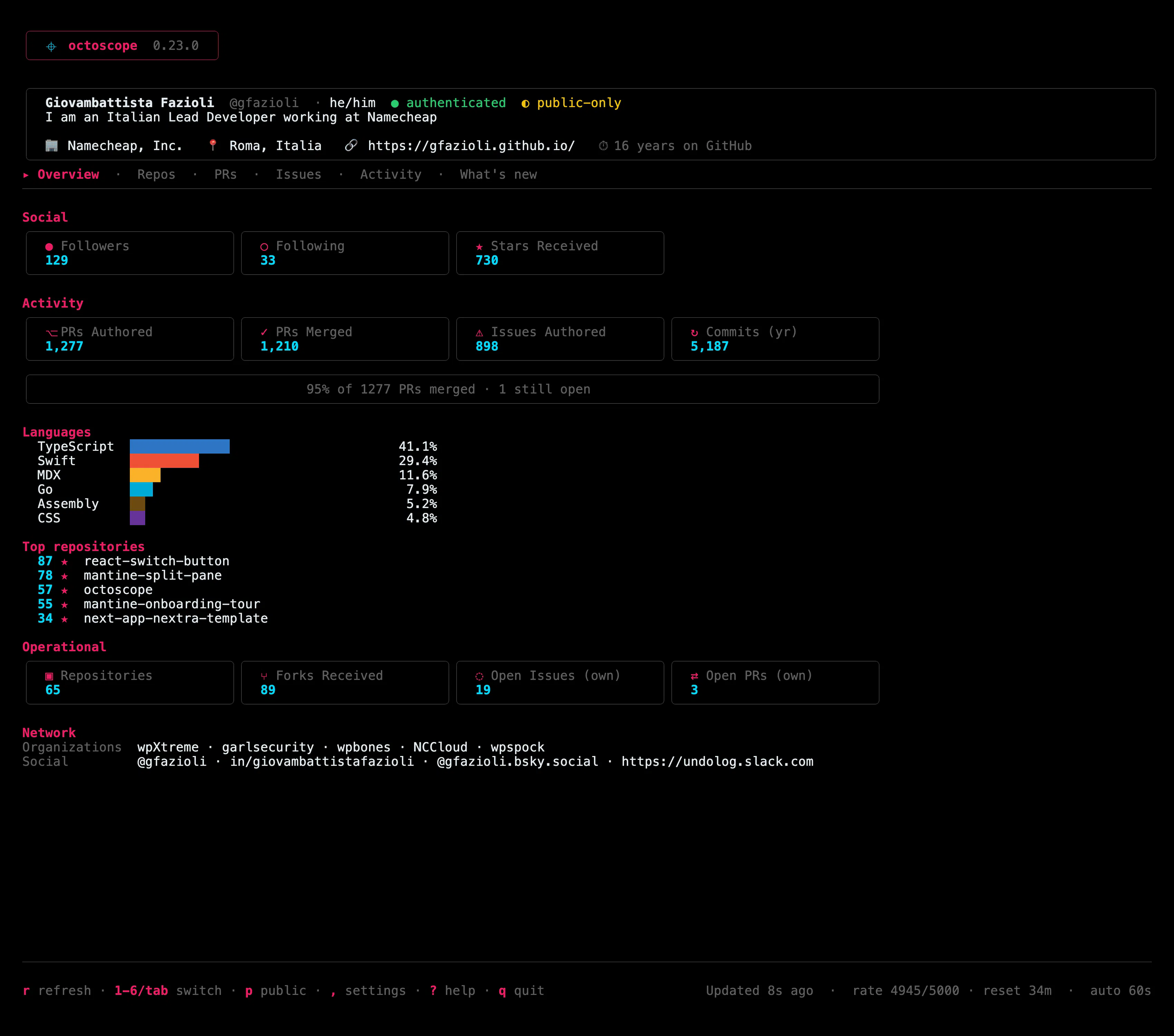
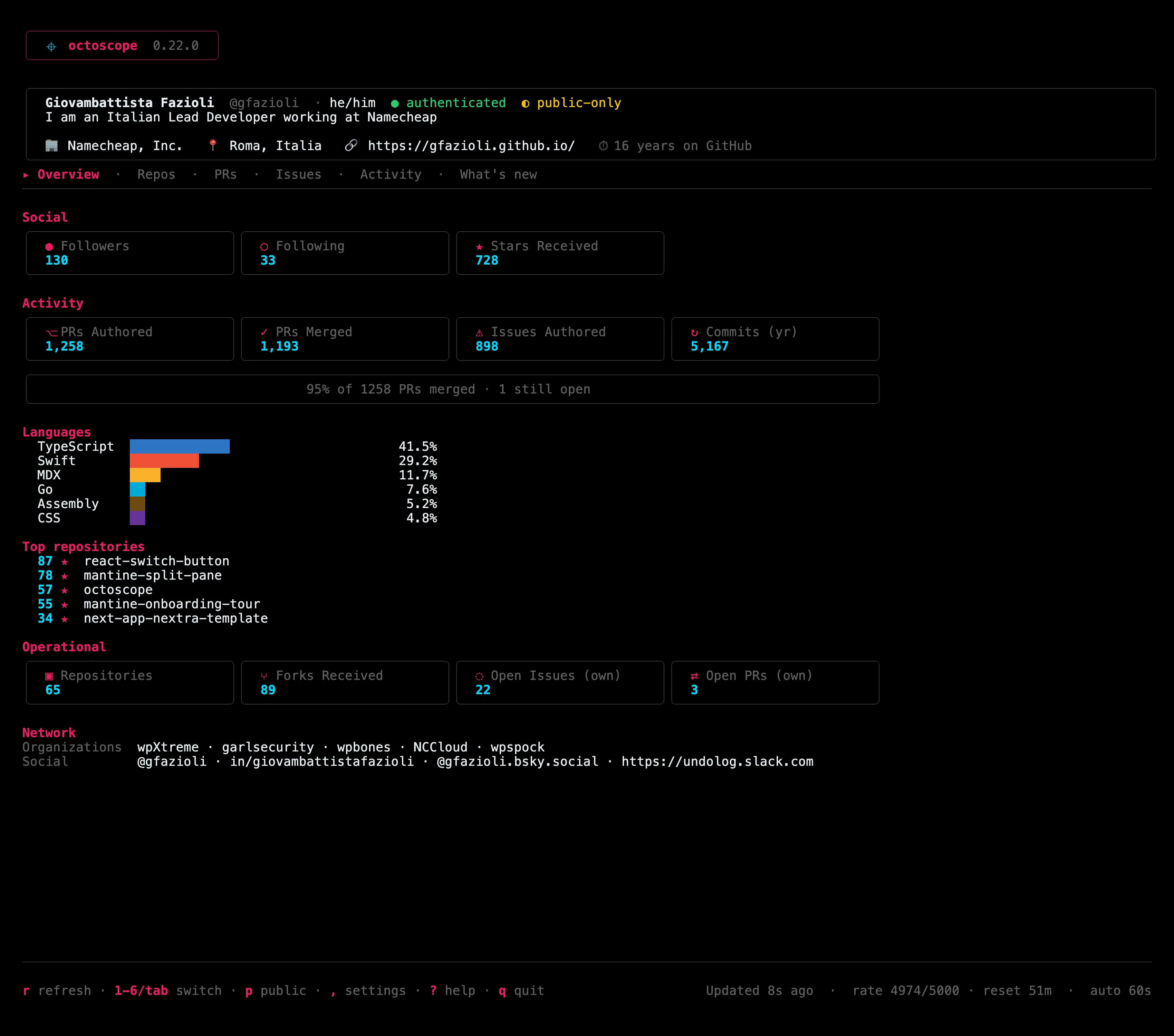
octoscope is a terminal dashboard for your GitHub account: followers, stars, PRs, issues, languages and CI, all at a glance, auto-refreshed, and read-only.
New in v0.22.0: full NO_COLOR support. Set NO_COLOR in your environment, or pass --no-color, and octoscope switches to its zero-chroma monochrome theme all greys, full hierarchy, no colour noise.
No new tabs this time three small read-only features that answer questions you'd normally leave the terminal for: how a repo's stars are really trending, how much API budget you've actually got left, and which of your repos need attention right now.
The biggest UX shift since I shipped octoscope. The drill-in pattern I prototyped for Repos in v0.10.0 now works on PRs and Issues too and it's bound to Enter, the universal TUI gesture for "go deeper".
Issues state chip, markdown-rendered description, assignees, recent comments, labels, linked PRs (the ones that would close the issue when merged), curated timeline.
Repos description, license, language chips, latest release, languages bar, recent commits with a "N total M by you in the last year" counter, open issues / PRs preview, topics.
Each detail is fetched in a single targeted GraphQL query for that one item no fan-out across your list, zero rate-limit pressure. Descriptions and comments render through glamour (https://github.com/charmbracelet...) with chroma syntax highlighting, so a "## heading" is a heading and a fenced code block is colourised.
No new tabs this time. v0.17.0 is the boring-on-purpose release: I went back through everything you actually touch in a long session and made the app meaningfully steadier underneath. It does the same things v0.16.0 did it just behaves the same in hour eight as in minute one.
The Shai-Hulud / Miasma worm has been quietly pushing itself into people's GitHub repos including real, well-known OSS projects where it auto-runs the moment you open the repo in an AI editor (Claude / Cursor / Gemini / VS Code) or install it, then harvests your tokens. It lives in the GitHub source, not the npm registry, so a lockfile audit never sees it. octoscope already points at the repos you own, so this release teaches it to look. @icflorescu
What it catches
On a Repos row, open the action menu (space) and hit Security scan (s). It matches the invariant of the attack instead of a single payload filename because the worm renames its dropper the week after you blocklist it, so a renamed variant still trips it.
Two honesty fixes this round: octoscope now tells you when a newer version is out, and it counts your whole account instead of just the first 100 repositories.
The update notice
On launch and hourly after that, on its own timer separate from the dashboard refresh octoscope checks the public Releases API and, if there's something newer, drops a quiet one-line notice under the banner. The upgrade command is context-aware: it detects how you installed octoscope and suggests the right one brew upgrade, go install, gh extension upgrade, or a download link.
Privacy --public-only (the screenshot/screen-share mode) now also hides private watched repos and private review-requests. If you ever demo or stream octoscope, this is the one to update for.
Config safety toggling public-only or saving from the in-app settings panel could silently drop your pinned_repos / watch_repos from the config file. Fixed: every save now preserves them.
Watched repos they no longer disappear from the Repos tab on accounts with no public owned repos.