FinderGit 0.25.0 is out is it you, or is it GitHub?
You know the afternoon. A fetch that normally takes a second just sits there. A column comes up empty. So you quit the app, relaunch it, check your Wi-Fi and it was GitHub all along.
If you keep forks around, you know the moment: you open one, it's behind, and GitHub's one-click Sync refuses because you did some work of your own in there. Which is why you forked it in the first place.
FinderGit used to tell you that and stop. Now it just fixes it.
FinderGit 0.23.0 is out and it fixes the most quietly infuriating thing in the app.
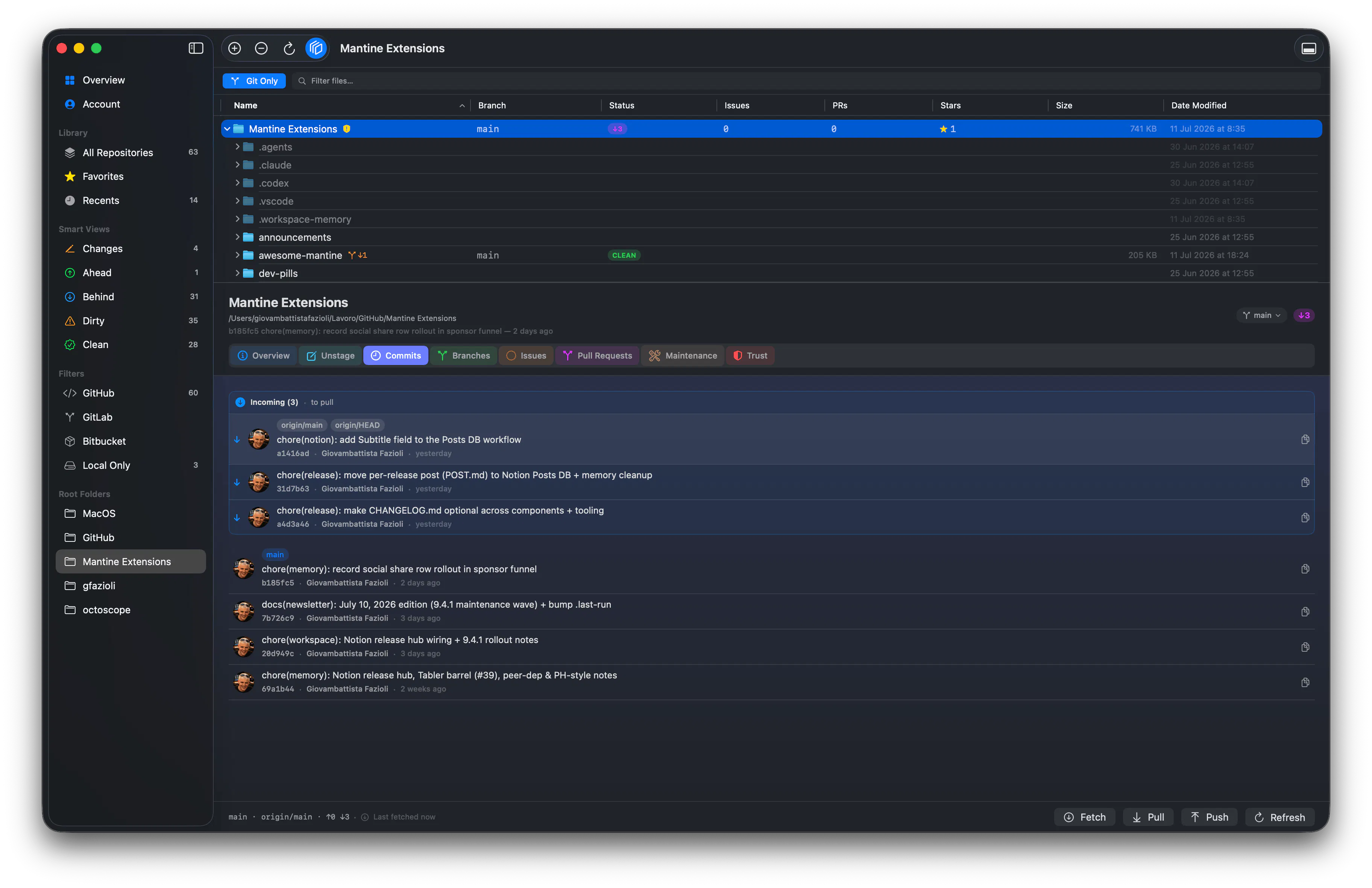
You know the moment: five commits ahead, eight behind, you press Pull and nothing happens. Press it again. Still nothing. That's not the button Git refuses that pull outright, because there's no single right answer, and it won't guess.
FinderGit 0.21.0 now it counts the repos hiding inside your repos
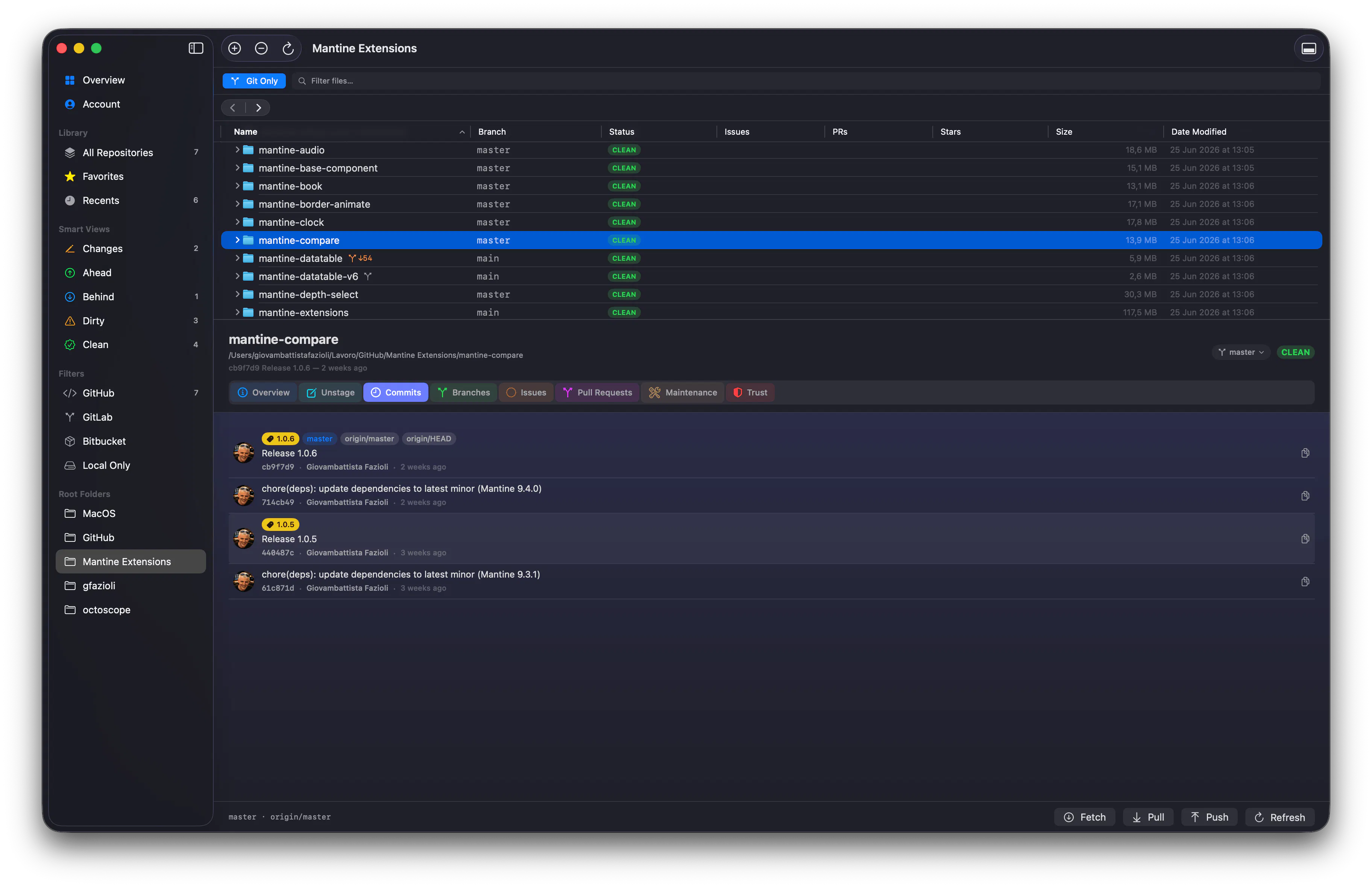
Ever keep a folder that's itself a Git repo AND holds a bunch of clones inside it? FinderGit used to stop at the outer repo and miss the rest. One of my own folders showed just 7 repositories
FinderGit the Git-aware file browser for macOS just shipped 0.13.0, and it turns the app from a per-repo browser into a whole-workspace cockpit. Two new dashboards lead the release: