trending

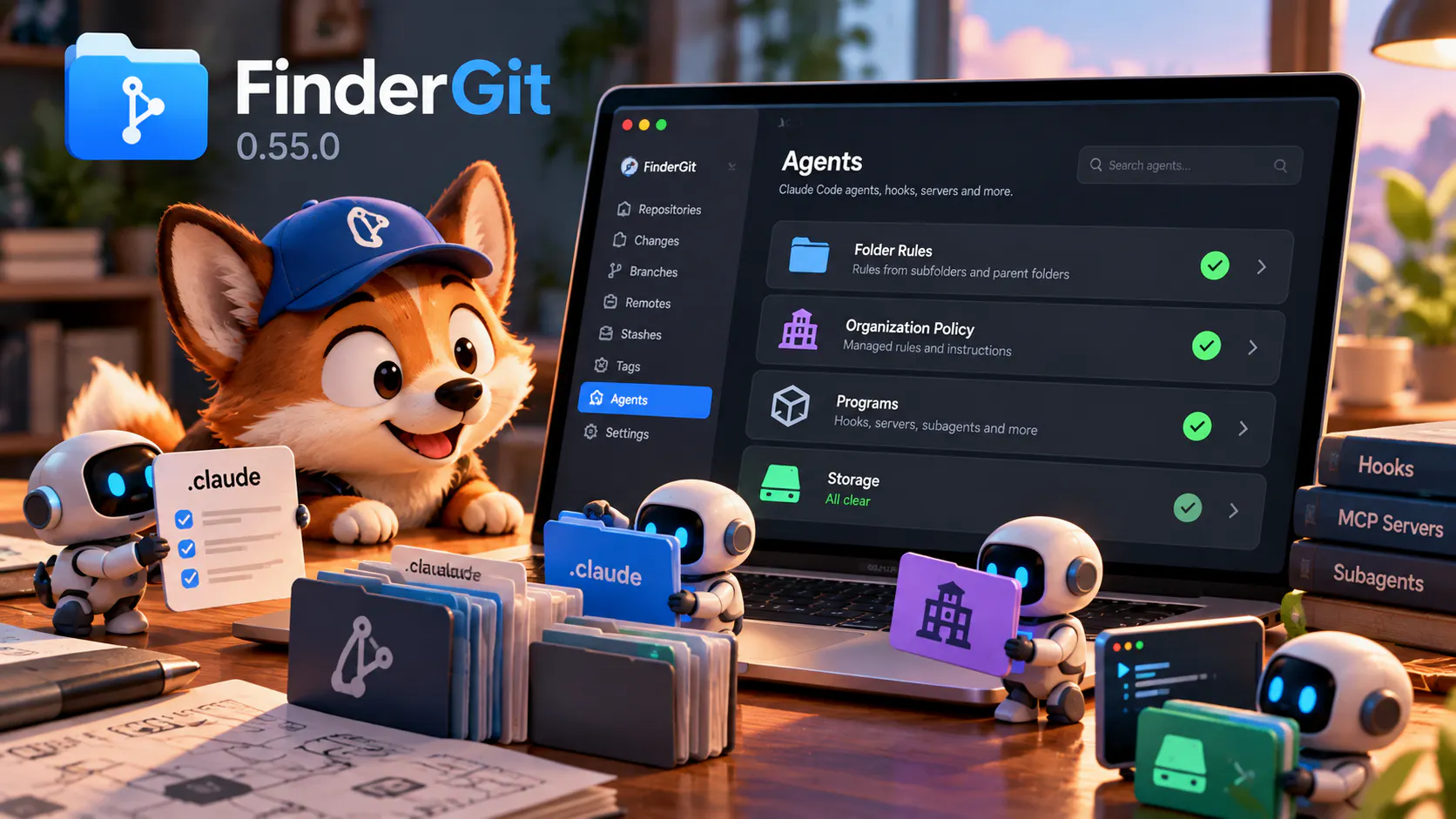
πŸ›‘οΈ FinderGit 0.10 β€” a repo can run code the moment you open it, before you read a line

The advice used to be simple: read the diff, don't run code you don't trust, let your antivirus handle the rest. That quietly stopped being enough.

Two things changed the shape of the attack:

FinderGit 0.9.0 β€” see what your repos weigh, then take it back

Hey everyone

FinderGit 0.9.0 is out, and it's about disk space:

FinderGit 0.8.0 is out πŸŽ‰

The headline: in-app file preview. Hit Space (or Y) on any file and it opens right inside the window no bouncing to a separate panel:

Source code with full syntax highlighting, across dozens of languages, themed for light & dark

Markdown rendered formatted on a clean background

FinderGit 0.6.0 is out β€” virtual groups, clearer commits, and a friendlier sidebar

Just shipped FinderGit 0.6.0, the biggest update since the original launch.

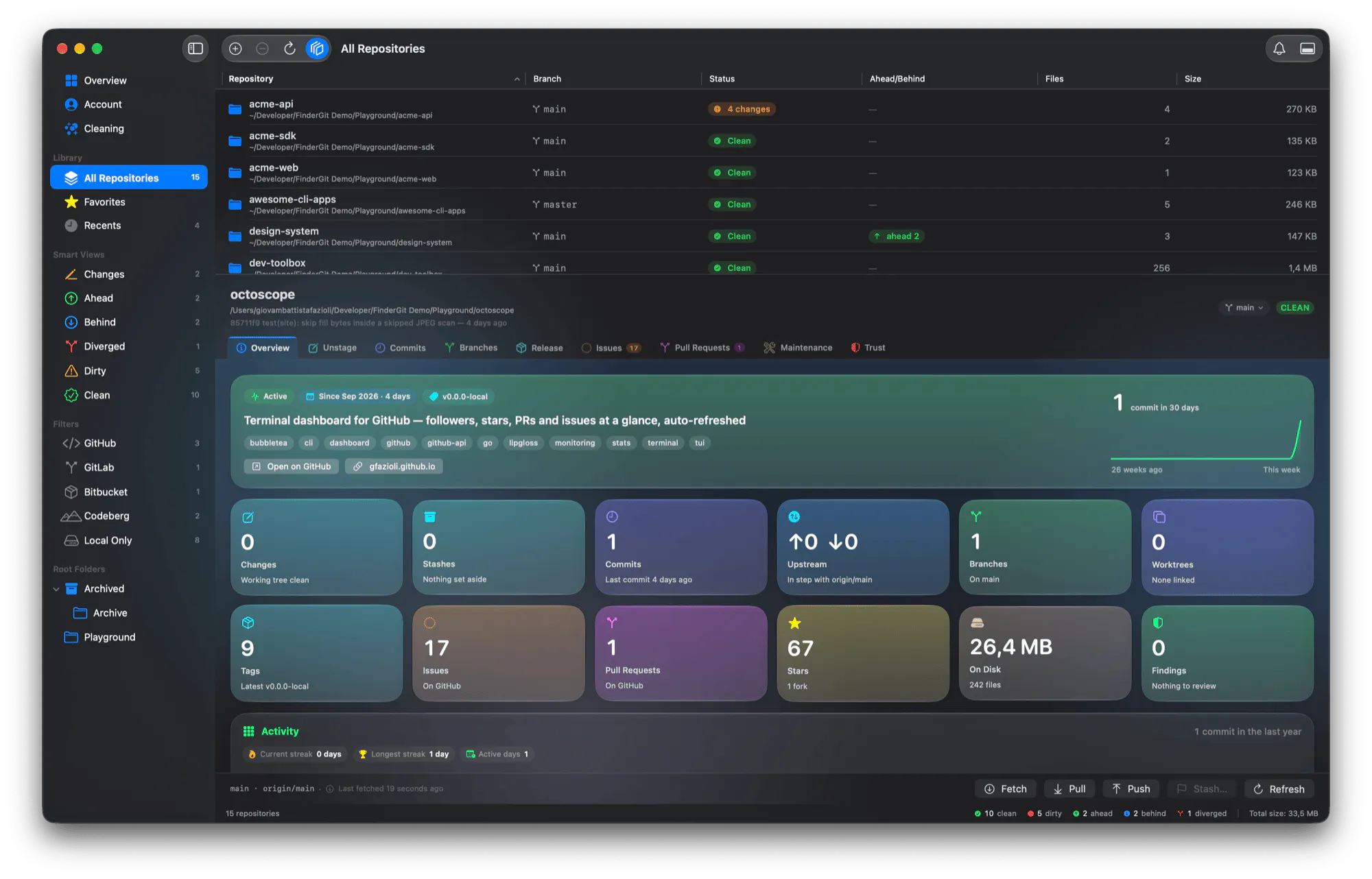
Quick reminder for anyone who doesn't know it yet: FinderGit is a native macOS file browser with Git baked in. Every folder shows its branch, clean / dirty / ahead-behind state, and modified file count, live. Click any modified file to see the diff and stage it with one click.

FinderGit 0.5.0 β€” Native AI commit messages, no setup ✨

If you've ever stared at the "Commit message " field at 11 pm wondering how to summarize 14 file changes into a coherent line, this one's for you. FinderGit 0.5.0 ships with native AI commit-message generation click AI next to the commit field, get a properly-formatted message back in about a second.

What makes it actually useful:

FinderGit 0.4.1 β€” we got our Apple Developer ID 🍎

Small but meaningful update: starting today, FinderGit is signed with Apple Developer ID and notarized by Apple.

If you tried earlier versions, you'll remember the awkward first-launch dance: right-click Open, click through the Gatekeeper warning, hope macOS lets you in. That's gone. Just download, drag, and double-click the way any Mac app should behave.

What changes for you:

- Zero-friction first launch Gatekeeper trusts the binary out of the box, even offline

FinderGit 0.4.0 β€” Native macOS Git browser, now with smarter layout πŸš€

Hey hunters!

FinderGit is the macOS-native file browser that knows about Git. Think Finder, but every folder shows you its branch, sync status, and pending changes without ever opening a terminal or a heavyweight Git client.

I've been shipping updates every couple of weeks, and v0.4.0 is the one where the app starts behaving like a real macOS citizen on tight screens.

What's new

FinderGit 0.3.0 is out β€” multi-select, folder drill-down, and a Finder-worthy right-click menu

Image

Hey! Just shipped FinderGit 0.3.0 The biggest focus of this release was making the app feel more like a real Finder companion less "Git-aware directory list", more "place where you actually live when working with repos".

FinderGit v0.2.0 β€” Universal binary, ahead/behind counter, and ~0% idle CPU

Hey everyone! Just shipped FinderGit v0.2.0 here s what s new:

Universal binary one DMG now runs on both Apple Silicon and Intel Macs. Intel support is experimental in this first release, so if you hit anything weird please let me know.

Ahead/behind counter the status badge now shows N, N, or N M when your branch has unpushed commits, commits to pull, or both. Hover for a plain-English tooltip like 3 commits behind upstream pull to sync.

Auto-fetch on interval optional background git fetch on all your watched repos at a schedule you choose. Settings Git Fetch interval. Off by default.

FinderGit - See every Git repo's status from one native Mac window

FinderGit brings Git intelligence to your file browser. No terminal-hopping, no heavy GUIs β€” just one window showing every repo's branch, status, and changes in real time. β€’ Live status: branch, clean/dirty/unpushed β€” updated instantly β€’ Inline diffs with line numbers for any modified file β€’ Git actions: stage, commit, push, pull, fetch, switch branch β€’ Search, filter, and "Git Only" toggle β€’ Markdown preview with GitHub-style rendering 100% native SwiftUI. No Electron. Free. macOS 15+.