Someone asked me why v1.0.2 was sitting at the bottom of a 207-tag list instead of between 1.0.1 and 1.0.3. Sorting bug, right?
Nope And chasing it explained three other things they'd asked in the same message.
Git has two kinds of tag. An annotated one is a real object with a message and a creation date. A lightweight one is just a name pointing at a commit git records nothing about when it was made. So the only date it has is the commit's, and that commit was six days older. The list was right and read as though it were broken.
If you keep clones from more than one place, FinderGit used to be uneven about it. GitHub filled in its numbers once you connected an account. Codeberg filled them in with no setup at all. GitLab and Bitbucket showed you nothing.
Now all four are read and the last three need nothing from you. No account, no token.
Hey everyone Small release with a big "why wasn't this always here" energy.
Every commit now unfolds.
Click the chevron on any commit and the files it touched appear underneath status letter, path, the old name on a rename, per-file line counts. Click a file and you get that commit's diff for that one file. Read-only, nothing to accidentally stage. Deleted files open too, because what got removed is usually the interesting part.
FinderGit 0.28.0 is out, and it finally answers the most ordinary interruption there is.
You're halfway through something. The thing you actually need to do is the other thing. A commit would be wrong you're not finished, and a commit you have to undo is worse than none. You just want to put this down for a minute.
Last week's release added a panel that tells you whether a slow afternoon is FinderGit's fault or GitHub's. It shows four services and never puts a reassuring green tick on your screen.
So: what if you want the rest? Now there's a Details link straight to GitHub's own status page every service, the 90-day uptime, the full timeline.
Stop means stop. A Fetch, Pull or Push that is dragging? Three seconds in, its button becomes a stop control. Click, done the Git process underneath actually ends, it is not just the app looking away.
Why three seconds? So a double-click on Fetch does not cancel the fetch you just started.
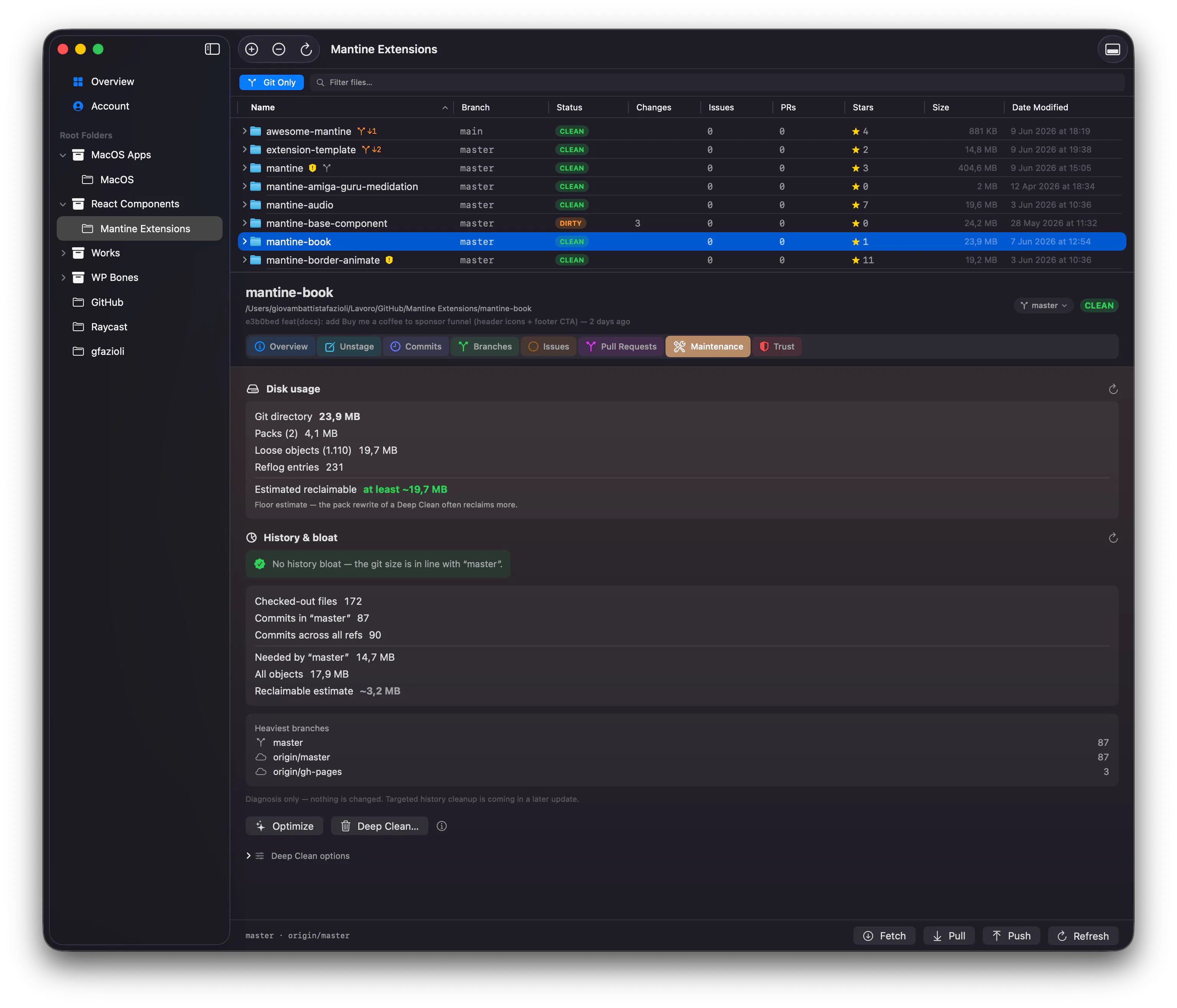
A git gc tells you a repo is big. 0.14 tells you why.
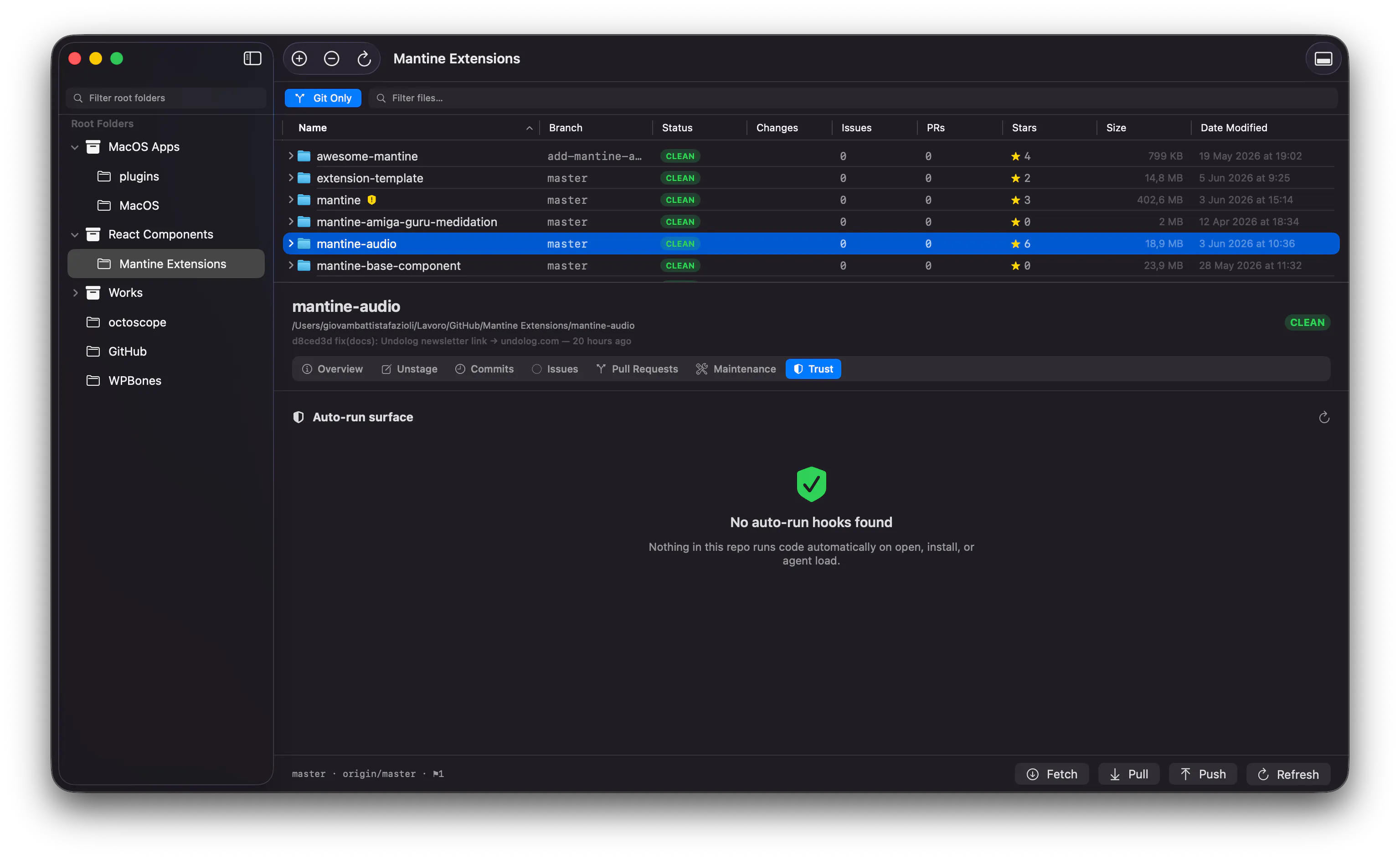
Analyze history (in the Maintenance tab) find out if a stale branch or an oversized clone is weighing a repo down: it ranks the heaviest branches and estimates what you could reclaim. Read-only it never changes a thing.