

Room Service 2.0: less noise, more signal for your Mac 🔥

Hey Product Hunt,
Room Service 2.0 is now available.
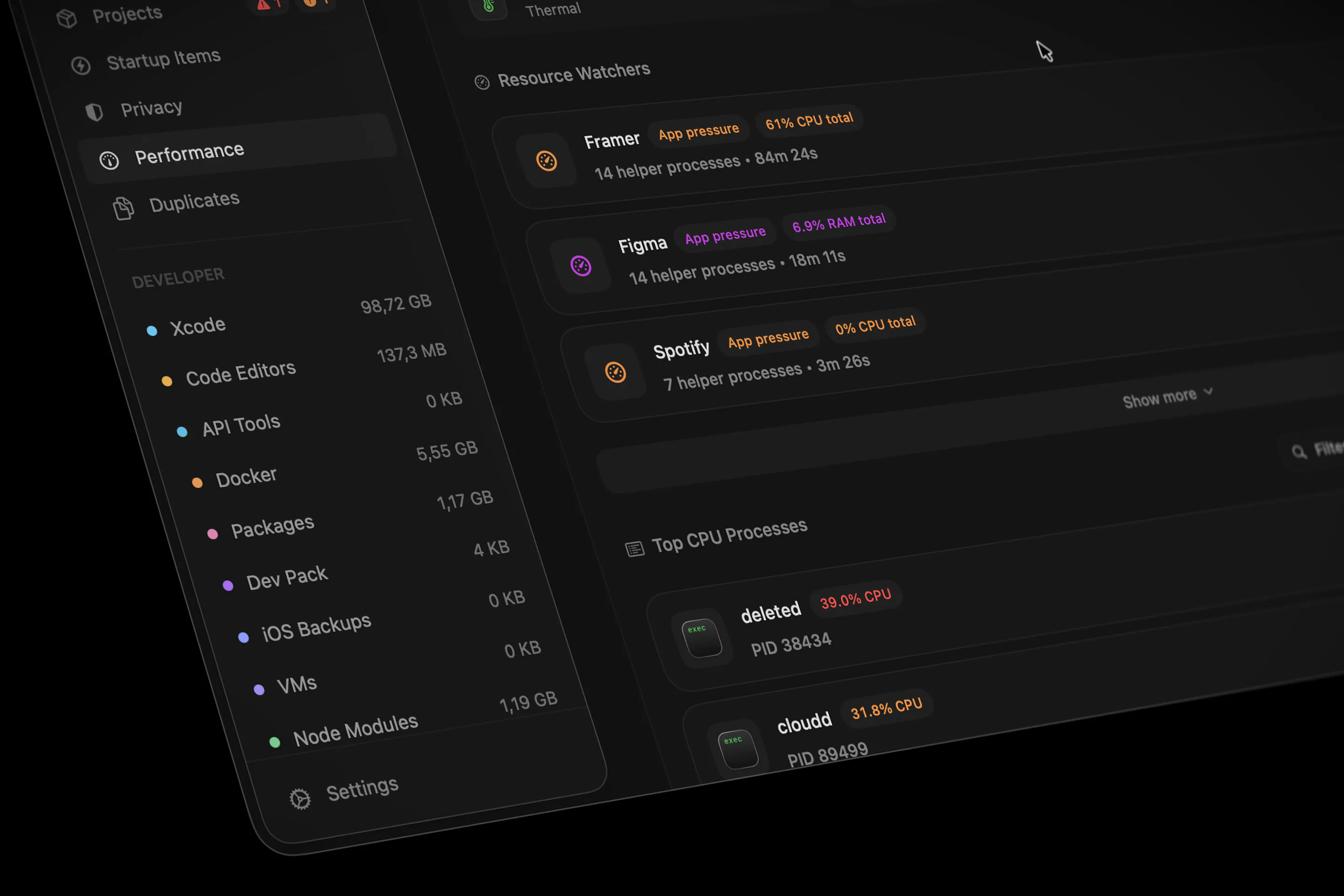
This is the biggest update so far: a full UI/UX refresh across the Mac app, with cleaner workspaces, tighter navigation, calmer surfaces, and better responsiveness across busy screens.
Room Service started around cleanup, but the product has grown into a broader workspace for understanding what is happening on a developer Mac: storage, projects, running services, build activity, performance, privacy signals, and cleanup opportunities.
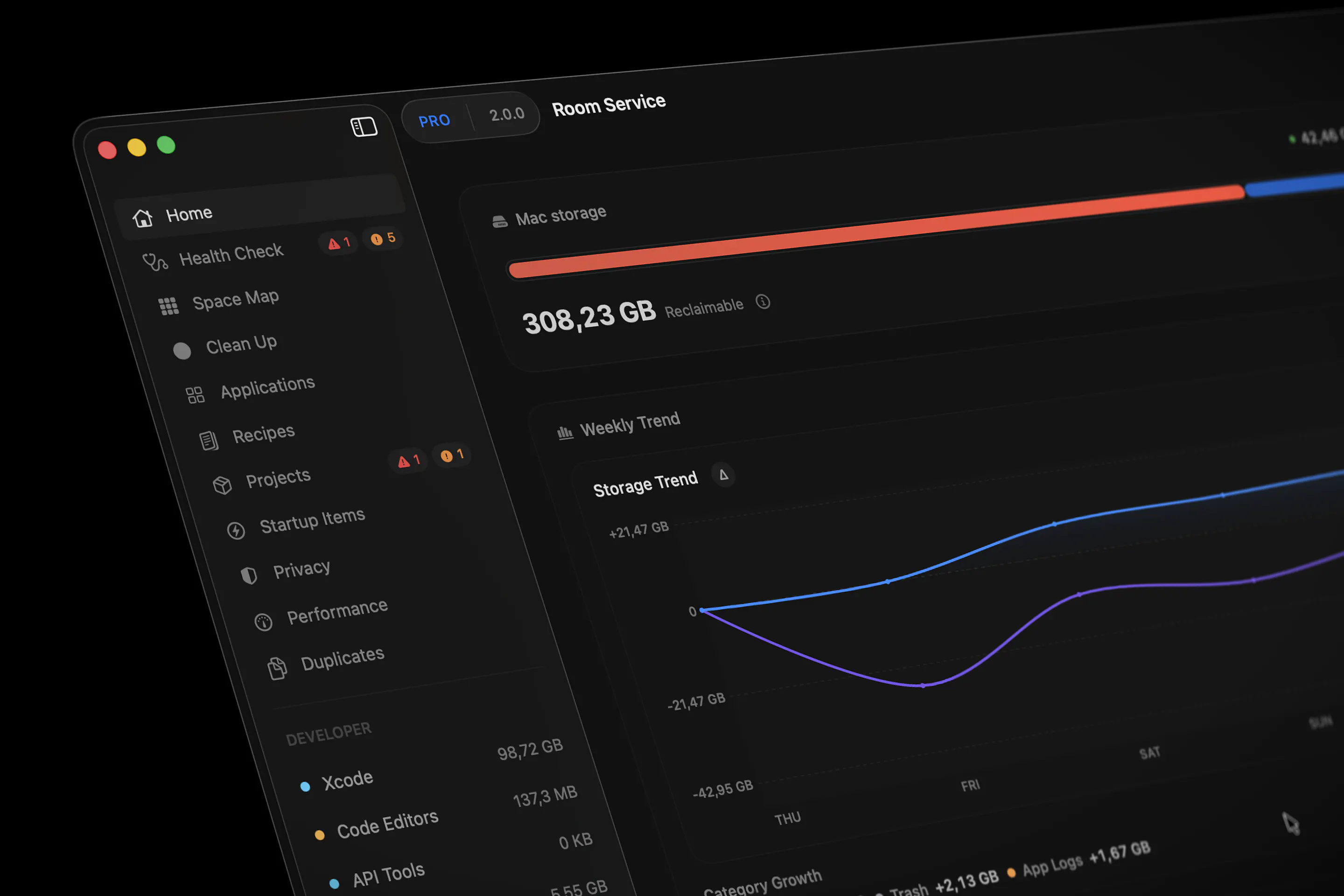
2.0 is about making all of that feel more coherent.
Some highlights:
• A redesigned desktop experience across the app
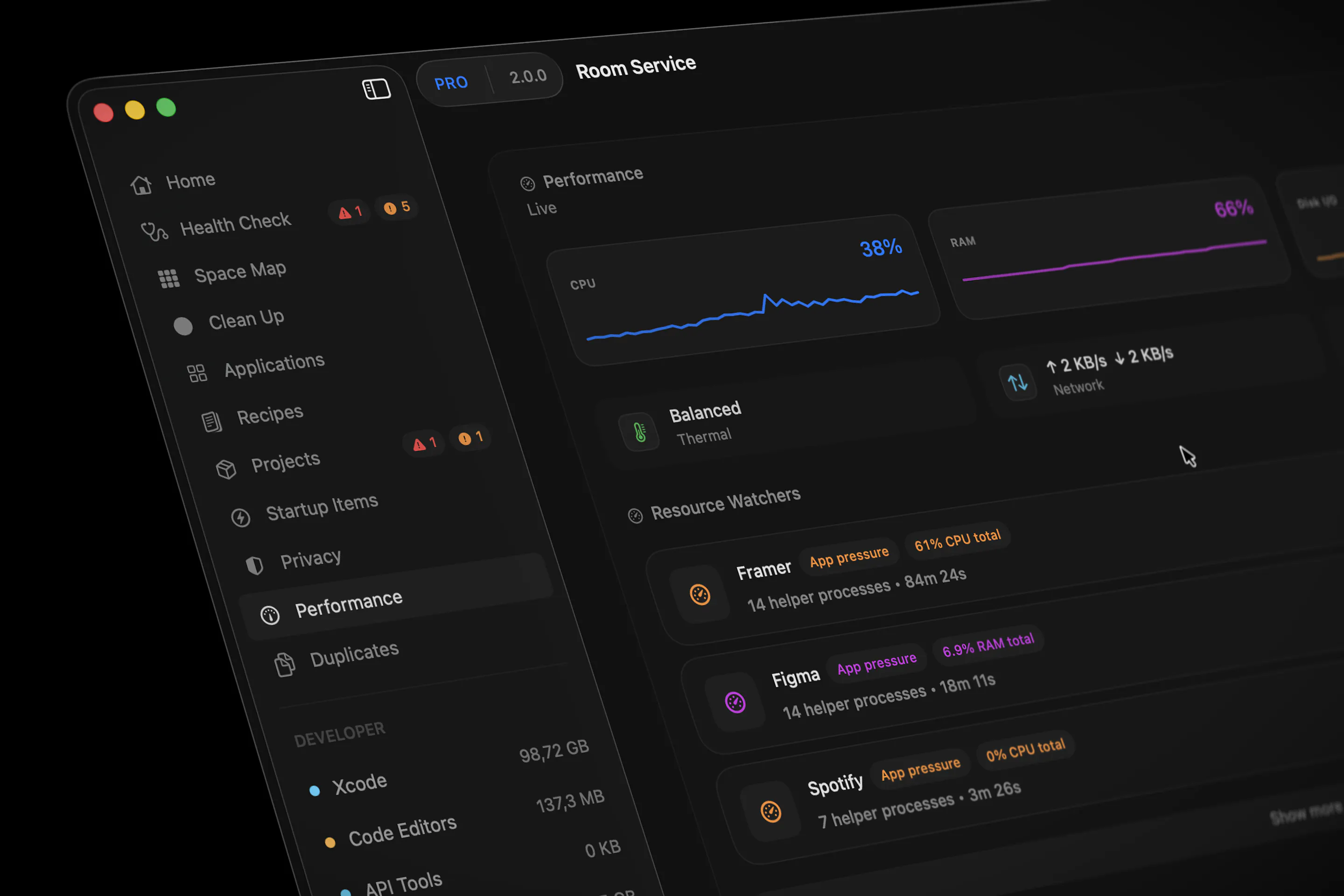
• Cleaner Home, Cleanup, Performance, Privacy, Space Map, Settings, and menu-bar surfaces
• Faster behavior on dense screens with large cleanup or app result sets
• Better launch behavior by avoiding unnecessary Projects scans
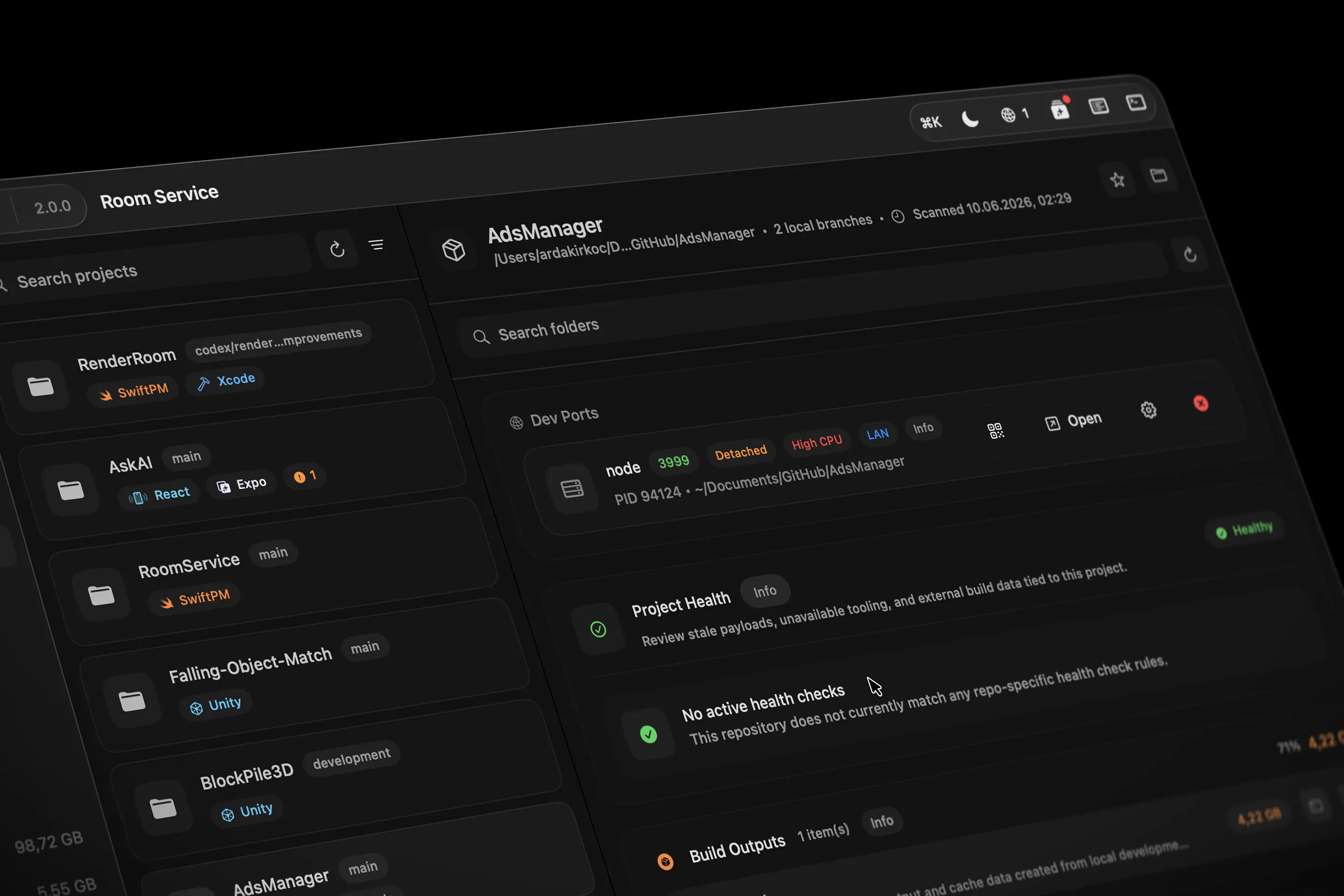
• A new Project Activity timeline for Dev Ports, Build Watchers, Ops Feed events, and Project Health cleanup evidence
• Improved Project Health feedback, so cleanup actions show what changed, what failed, and what still needs review
• Better Resource Watchers grouping for apps with multiple helper processes like Framer or Unity
The goal was not just to make the app look newer.
The goal was to reduce visual noise, keep important signals easier to read, and make Room Service feel more like one connected workspace instead of separate utilities stitched together.
Would love feedback from macOS developers, especially if your machine usually has Xcode, simulators, local servers, build tools, design apps, AI apps, and a lot of background processes running at the same time.
Full changelog:
Replies
Premarket Bell
Hello Arda, the focus on reducing noise is nice because most utility apps add more information instead of helping users find the important parts.
Room Service
Thanks@daniel_henry4 exactly. The goal is to cut through the noise and make the important signals easier to spot.
I like that this is becoming more than just a cleanup tool. Seeing projects services and performane together makes more sense for developers.
Room Service
@ill_robyn Totally agree. we wanted Room Service to feel less like a cleanup utility and more like a clear view of projects, services, and performance together
How does the Project Activity timeline work when there are many projects running at the same time. Does it help prioritize what needs attention first.
Room Service
@christian_onochie Good question 🤝
Project Activity is scoped per project, so if you have many projects at the same time, Room Service does not mix everything into one noisy global feed.
When you open a project, it shows the recent signals tied to that repository: live Dev Ports, Build Watchers, Ops Feed events, and Project Health cleanup results.
For prioritization, the timeline helps by showing what is currently active or recently changed inside that project. The broader “what should I look at first?” view comes from Health Check / Priority Findings, where project health issues can surface alongside other important system signals.
Hedy AI
Nice launch. Making system insights easier to understand is probably more valuable than just adding more technical data.
Room Service
Thanks @kate_sleeman that’s exactly what we’re aiming for: useful system insight without overwhelming people with more raw data.