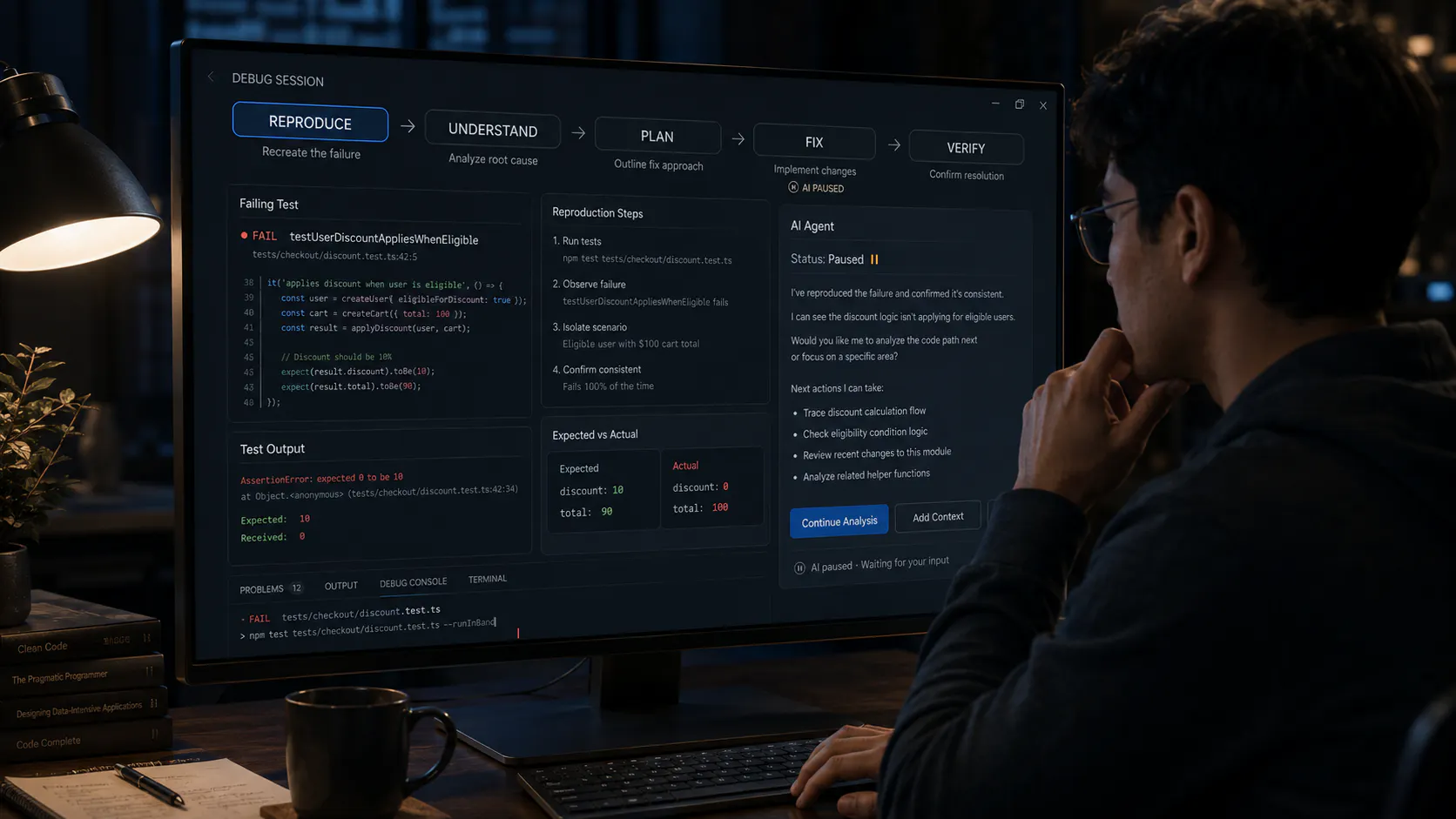
Solo builder here, using Cursor + Claude Code as basically my whole engineering team. Six months in I still don't have a good instinct for this: some days I let it just run with a whole feature and barely glance at the diff, other days I'm rereading every line like it's a junior dev's first PR.
Right now my rough rule is billing/auth code gets the paranoid review, UI and analytics panels get the "looks fine, ship it" treatment. But that's just a gut feeling, not a real system.
Anyone here have an actual framework for this, or is everyone just winging it based on vibes and how burned they've been before?
I ve been spending more time vibe coding recently, and I ve started to question something I initially took for granted. Most of the conversation around vibe coding is about speed. Like how quickly you can go from idea to prototype, or how fast you can iterate. And to be fair, that part is real. The barrier to building has clearly dropped.
But the more I use these tools, the more it feels like speed isn t the limiting factor anymore.
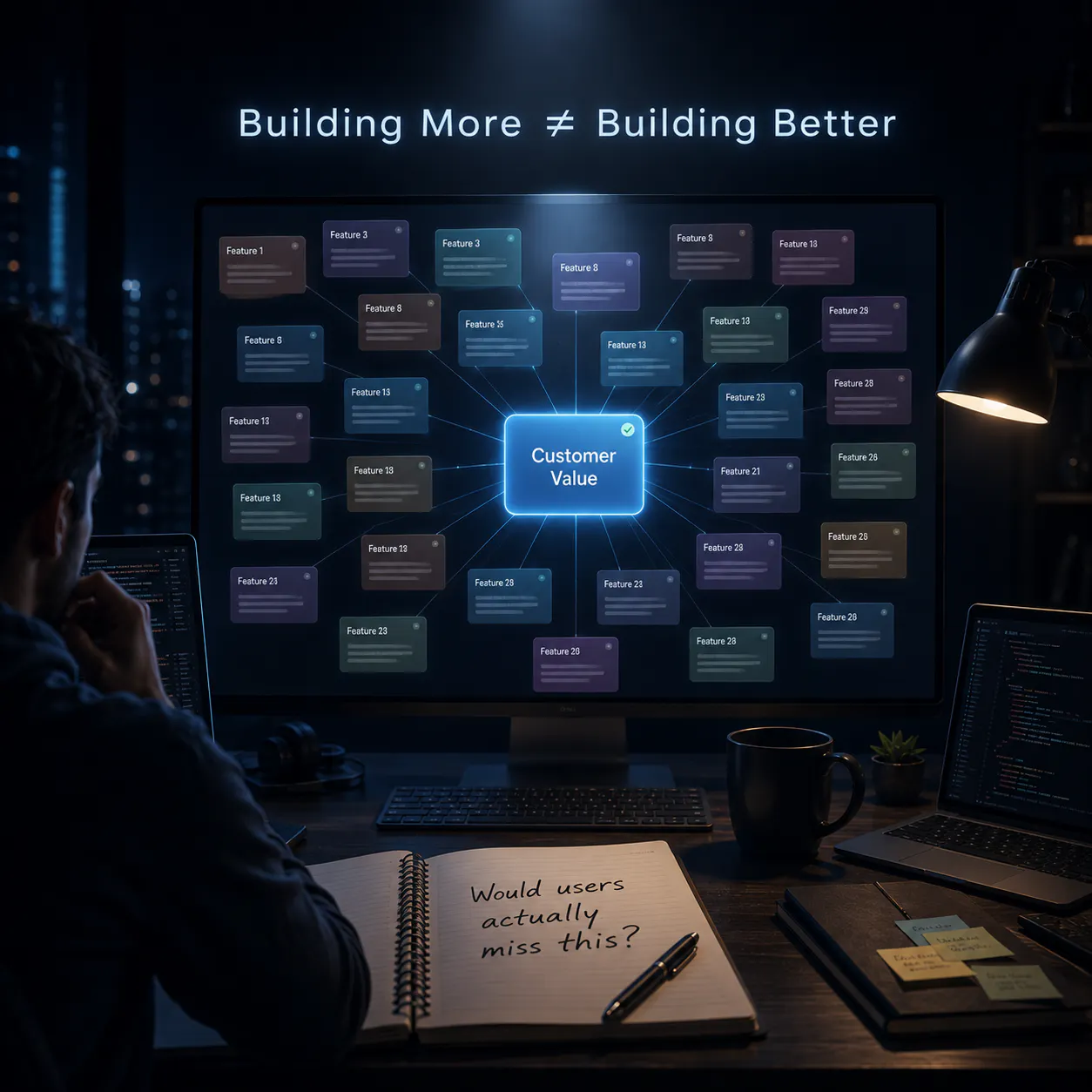
The real constraint seems to be taste.
what do you choose to build?
what do you keep vs discard?
what actually feels right vs just working ?
what is genuinely useful vs just impressive in a demo?
Vibe coding is fantastic for getting something working fast - but there's always a point where it starts to struggle.
For me it was when I tried to add proper auth to a project that didn't have it baked in from the start. The AI kept suggesting patches instead of a real solution, and eventually I was chasing one fix into the next.
I used a few different tools to vibe code my saas. I used lovable, chatgpt, gemini to code my saas. The thing is, there is a huge problem of these AI's of forgetting when you chat for a longer time.
This has happened to me a lot of times. One solution I found is that you can start a new chat to overcome this problem. But, here the problem arises to explain the AI all the context which you had in the previous conversation.
Curious, has anyone else ever ran into this problem? How did you manage to overcome this?
We run an automated pipeline that drafts articles for our product. During our first test attempts we let the model do almost everything, including the mechanical bits: fixing dashes and quotes, tracking which stage each article was in, creating SEO json, naming image files etc. It worked, but the quality was uneven, sometimes the model would miss some things, and, of course, it was rather expensive in terms of tokens. Then we changed our approach and started treating AI like a creative employee and providing it with "software" (python scripts) to help with any mechanical tasks that could be automated by code. The model only does the part that actually needs intelligence and creativity now. And honestly, the result surprised me - quality went up, because we now let it focus on what it's actually good at. As a pleasant bonus - the costs of running the pipeline dropped too. One of the first things we scripted was stripping the em-dashes the model loves to add but my co-founder has an allergy for
How do you improve the quality of your AI results, especially automated pipelines?
Before opening a PR, I started pasting my code into Claude for a quick review first, just to catch anything obvious before it goes to the lead.
A few times it caught things clearly worth fixing: a missed null case, a variable name that didn't match the rest of the file's convention, a catch block that swallowed the error without logging it. Stuff that, if the lead caught it instead, would've meant another round of comment - fix - push.
But there were also times it gave generic "best practice" suggestions that didn't fit our team's actual conventions, so I had to filter through what to actually apply versus ignore.
Not always a time-saver either, for small PRs, the lead's review still came back basically unchanged after I'd already run it through Claude, so that step felt redundant. The benefit was clearer on PRs with more complex logic.