We are two engineers who had no business caring this much about floor plans. Yet here we are.
When we first explored AI for real estate, everyone told us the same thing. Start with photos. Run AI virtual staging. Make the images pop. It sounded reasonable. It also felt wrong.
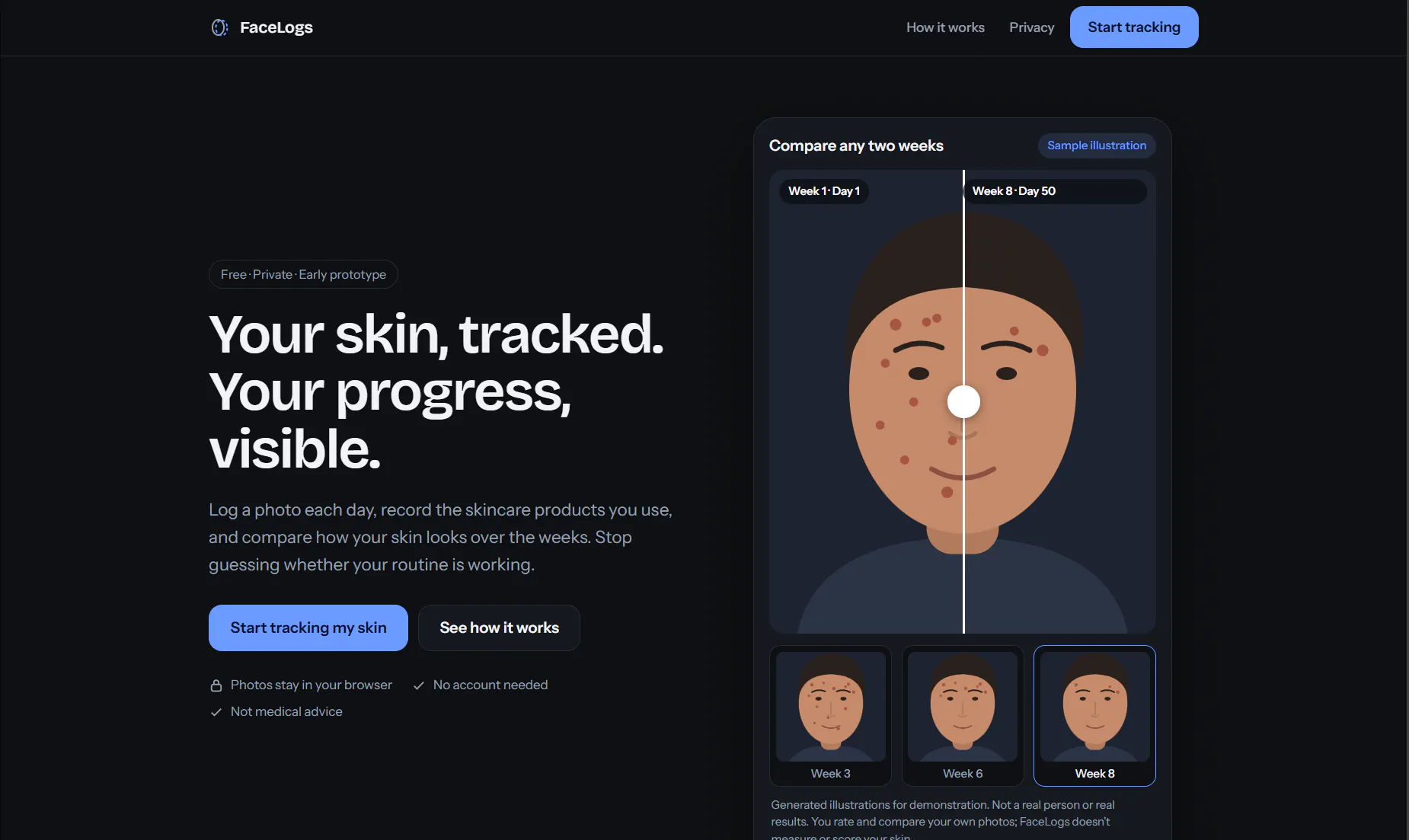
I could never tell whether my acne routine was working, because day to day nothing looks different. So I built FaceLogs, a small free web app for tracking it.
What it does:
- A daily photo with your last photo faintly overlaid, so every shot lines up
I'm the maker of DotDog. I'm a developer, but lately talking to AI has become a big part of my job. I wanted my PC to feel a little warmer, so I made a dog that lives on the desktop.
You can pet it, play fetch, name it, and build a friendship while you work. The basic pet is free on Windows and macOS, with no account or time limit. Optional paid features are currently for Windows, including supported coding-agent notifications, customization, and focus tools.
The demo below shows the dog beside an AI-coding task/usage display; the task and usage values are illustrative demo data.
Try the free pet: https://lnrgame.com/dotdog/en?ut...
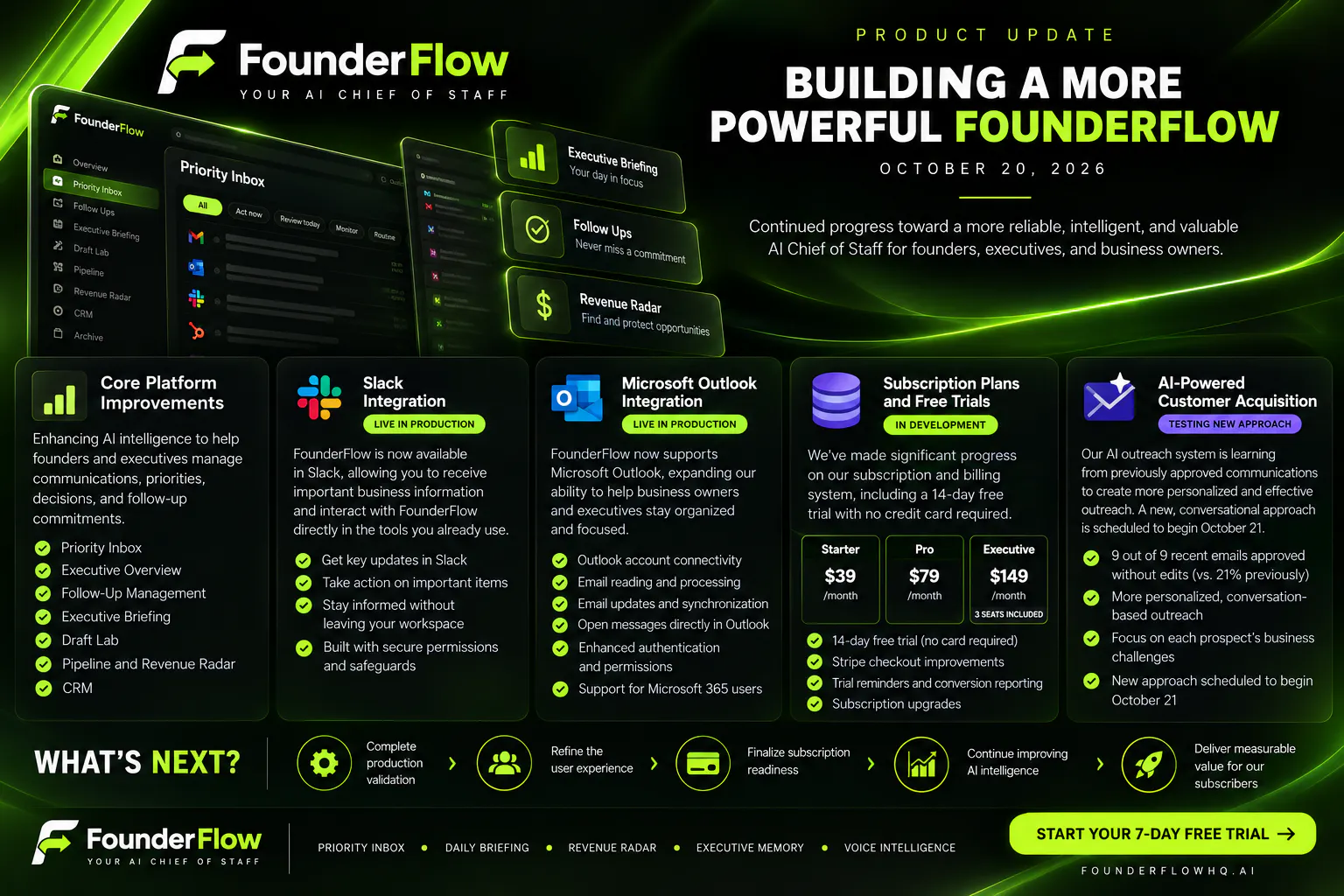
We've been working on FounderFlow, an AI Chief of Staff designed to help founders and small business owners manage their communications, priorities, and follow-ups without constantly switching between tools.
For the past few months I've been building xCinder (xcinder.com), a dark, TweetDeck-style workspace for people who run several X accounts: agencies, community managers, founders with a brand account plus a personal one. It's still under heavy development, so I'd like to share what I've learned and hear how you handle the same problems.
What I learned while building it
1. People want fewer logins before they want more features. The most-used part is seeing several timelines side by side and choosing which account does what. So the deck is made of columns (Timeline, Profile, Bookmarks, Explore, Trending, Grok chat), each running through the account you pick.