

Stop Manually Copy-Pasting Invoices. We Built a Zero-Setup Gmail Tool & Need Your Feedback!

Hey Product Hunt! 👋
We all know the drill: invoices, purchase orders, and receipts pile up in your inbox. Then comes the tedious task of downloading the PDFs, extracting the data, and manually typing it all into a spreadsheet.
We wanted to fix this old productivity headache without adding another complex SaaS tool to your tech stack. So, we built a native Gmail add-on for the Google Workspace Marketplace.
🚀 What makes it different?
Zero Friction: No account creation, no sign-ups, and no onboarding steps. Just install it and start using it immediately.
One-Click Capture: Open any email with an attachment, click the tool in your Gmail side panel, and hit "Save" to your designated folder which is auto matched.
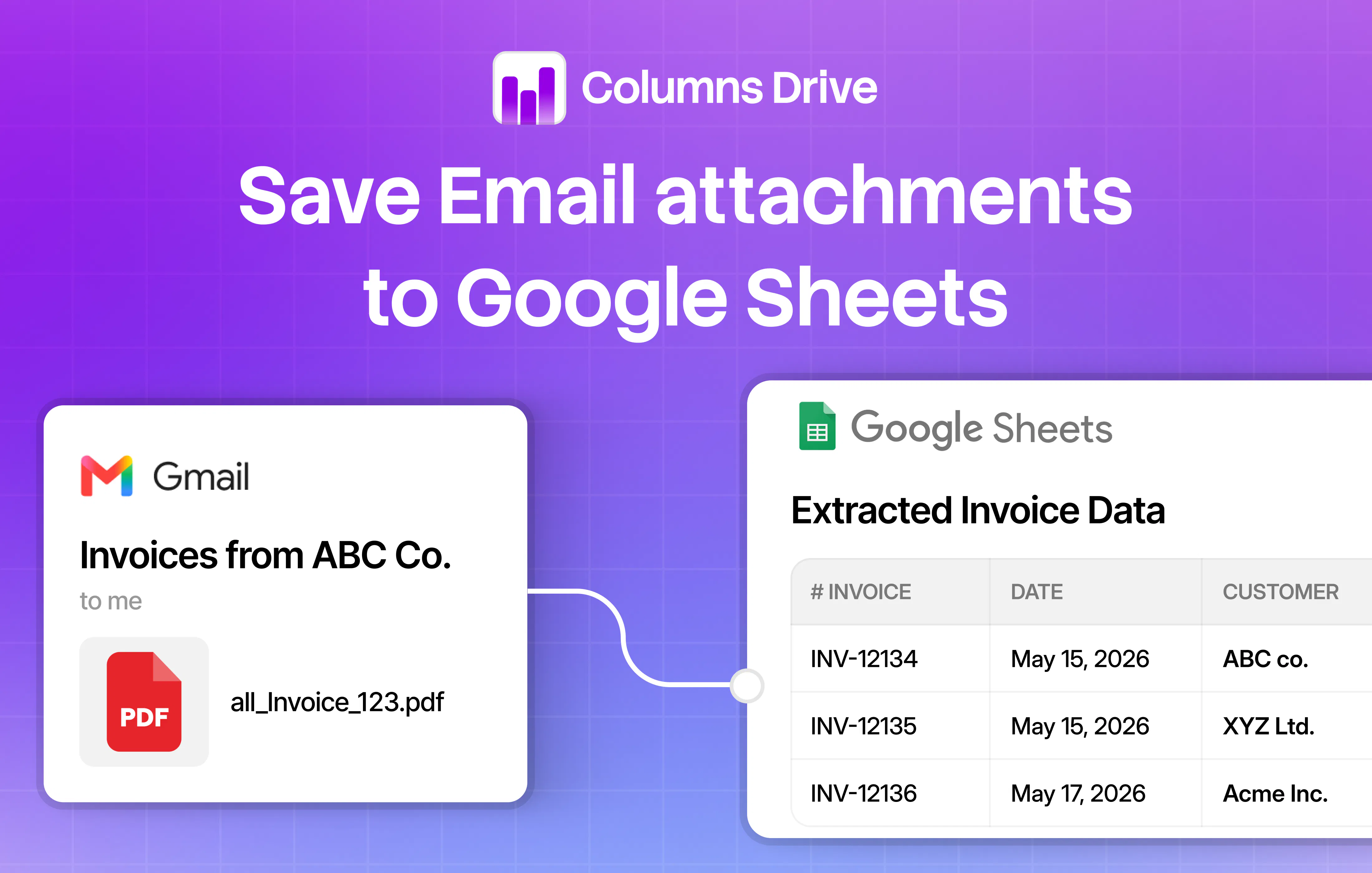
Smart Auto-Merging: The tool automatically extracts the data from your images or PDFs and merges it all into a single, clean CSV spreadsheet per folder. No manual data compilation required.
🛠 How it works in 3 seconds:
Open an email with an invoice/PO.
Click the add-on in your Gmail side panel.
Choose the attachment and click Save.
Your parsed data is automatically updated and ready in your spreadsheet.
We need your brutal honesty!
We are trying to gauge if this is painful enough of a problem to warrant a full, official Product Hunt launch.
Does this sound like something that would save you time, or is your current workflow already handling this?
What feature would make this an absolute "must-have" for you?
Drop your thoughts below—we’d love your feedback! 👇
Replies