

Version 1.3.0 released on October 7, 2026
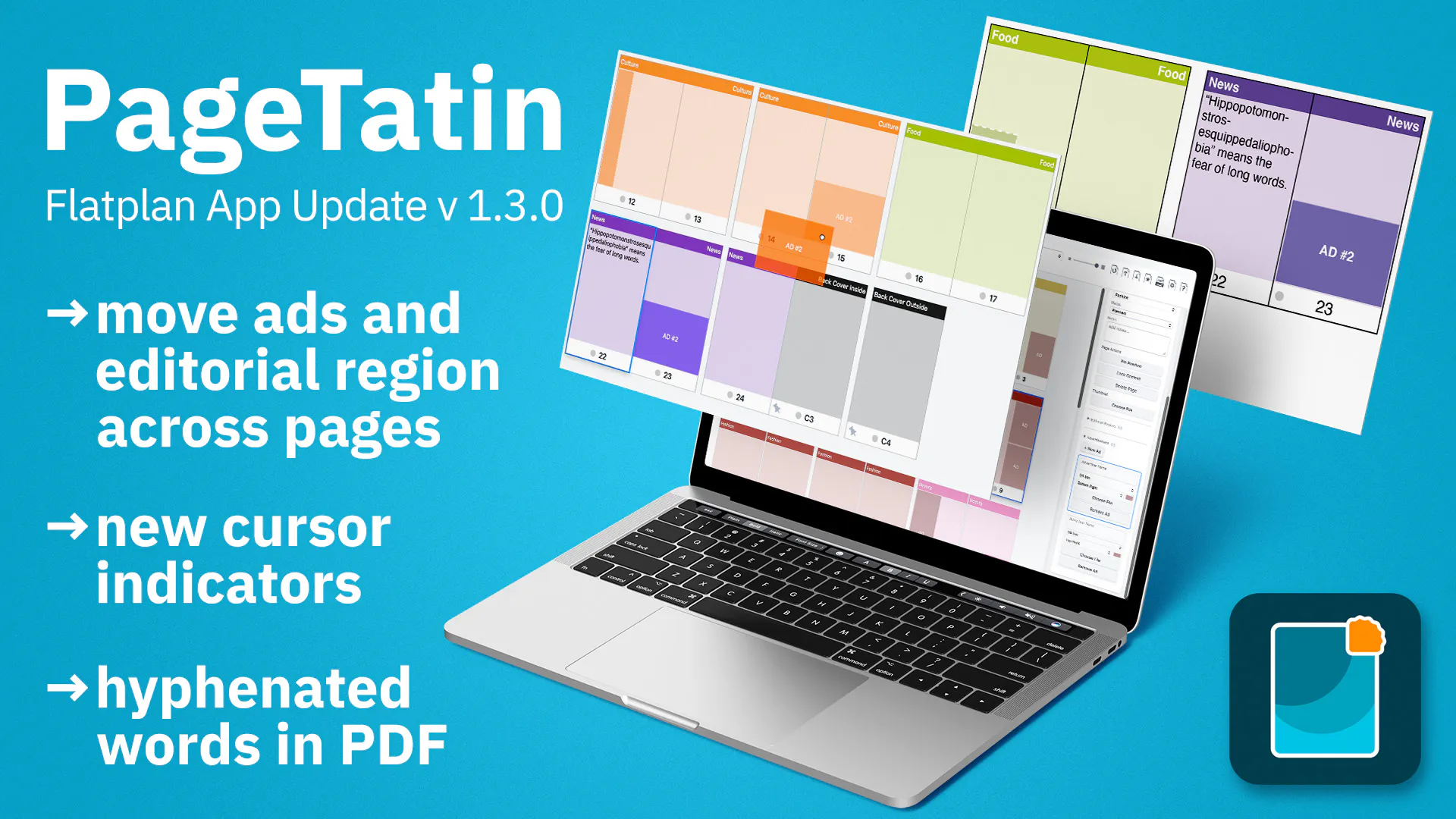
New feature: Move, copy, and swap editorial regions and ads: drag one by its grab handle to where you want it (hold Option/Alt to drop a copy), or right-click it for the same options. You can also rearrange several on the same page, or drag one onto a different page, where it settles into a fitting spot in that page’s region/ad grid.
Enhancement: Rewritten the underlying engine for moving pages, making every drag operation more reliable and responsive.
Enhancement: Copying a page with Option/Alt-drag now works as expected – releasing Option/Alt partway through the drag switches it to a regular move instead.
Enhancement: Proper cursor indicators while dragging pages: a grab cursor for moving, a copy cursor for duplicating, and a not-allowed cursor when the drop target isn’t valid.
Enhancement: Dragging a page beyond the top or bottom of the work area now scrolls automatically.
Enhancement: All dialogs are now movable, so you can reposition them anywhere on screen.
Bug fix Windows only: the page ghost now displays correctly at every zoom level.
Bug fix: Text in the exported .pdf no longer extends over page borders and now hyphenates correctly.
Replies
Be the first to reply
Have a question or a thought to share? Add a comment above to start the conversation.