René Andritsch

About

I’ve been an editorial designer for more than 25 years and still enjoy the process of planning and designing publications. I especially love the wide variety of topics you are confronted with and to be able to learn about new things along the way. Tools and behaviors change over time and I've always been on the lookout for apps that support my daily tasks and make my life a bit easier.

Badges

Gemologist
Gemologist
Tastemaker
Tastemaker
Tastemaker 10
Tastemaker 10
Tastemaker 5
Tastemaker 5
View all badges

Maker History

  • PageTatin
    PageTatinDesktop flatplan app for magazine teams. One-time payment.
    Jun 2026
  • 🎉
    Joined Product HuntMay 8th, 2026

Forums

Version 1.2.0 released

  • New feature Native .tatin file format: save your project as a native PageTatin file with the new Save as button in the top bar. .json remains available as Export as JSON for backwards compatibility.

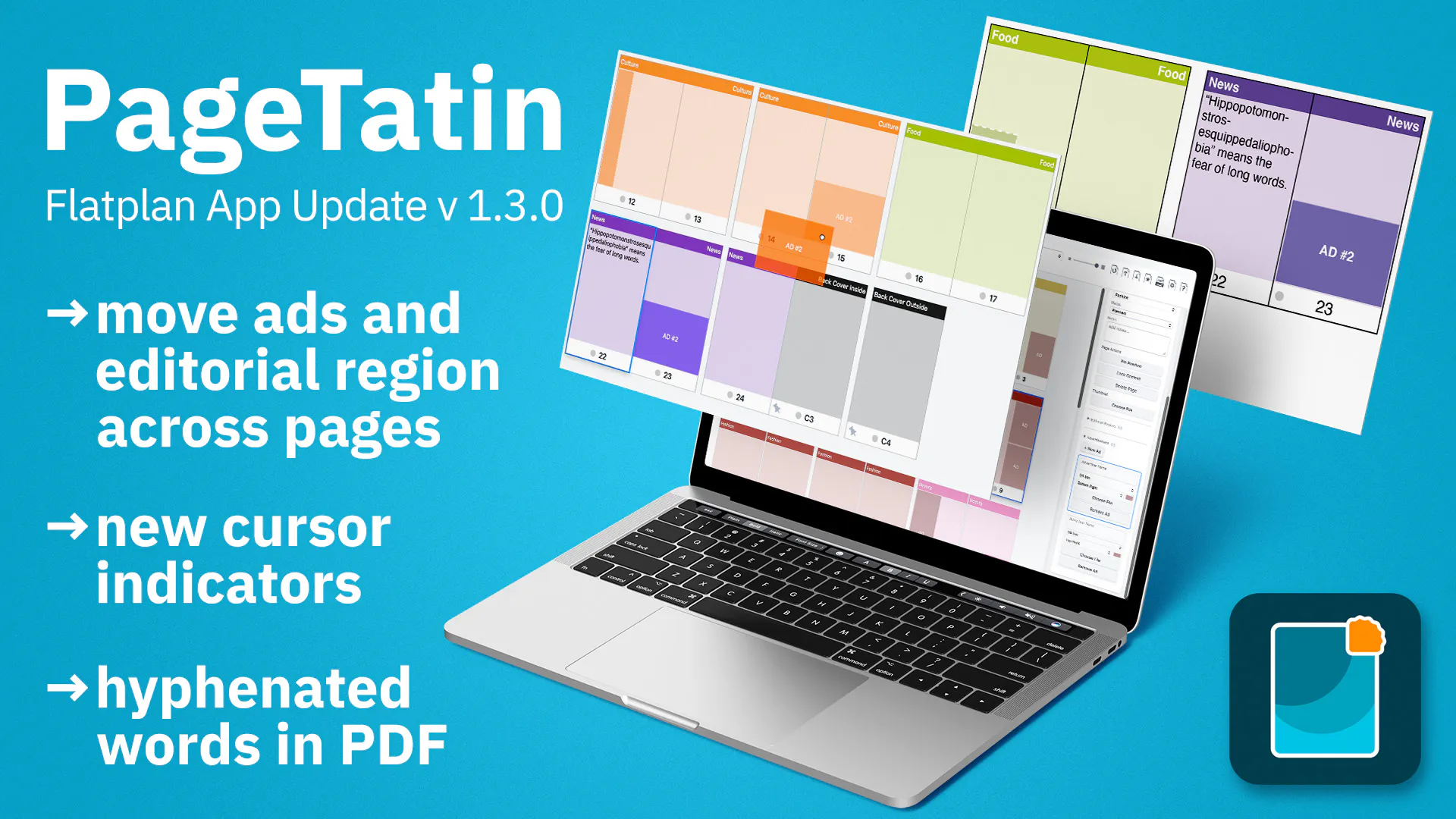
  • New feature Duplicate pages: select one page or several, then duplicate them from the right-click menu or via Edit Duplicate. The copies are inserted directly after your selection. You can also hold Option/Alt while dragging a page to drop a copy where you want it.

  • Enhancement Export wording is now consistent for .pdf: the menu command, dialog, and confirmation button all say Export (previously Save).

  • Bug fix Opening a different flatplan no longer overwrites the active one without warning when it hasn t been saved to a file yet. PageTatin now warns you first and gives you the chance to save.

Verson 1.1.0 released

New feature Groundwork for a native file format: PageTatin now has the code in place to read and write its own native file format. .json remains available as a separate export format for backwards compatibility.

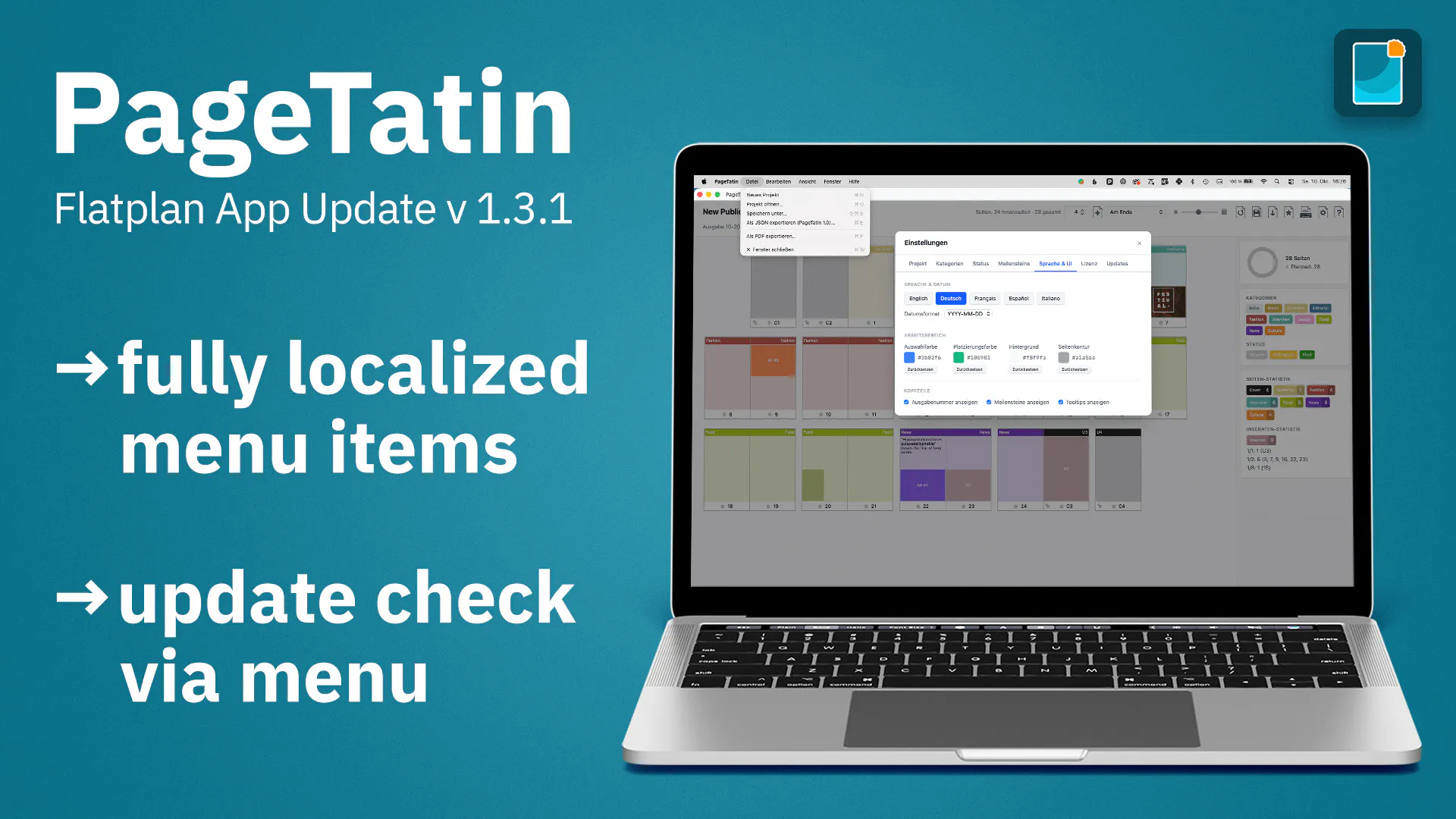
  • Enhancement The app binary is now named PageTatin (previously App), so it shows up clearly in Activity Monitor, Task Manager, and other system reporting tools, and is easier for IT teams to identify and manage.

  • Enhancement License tab: you can now give each activated device a name, making your machines easy to tell apart. This helps when you need support to free up a device slot for a machine you can no longer deactivate yourself one that was damaged, lost, stolen, or sold, or where the operating system was reinstalled after the drive was wiped.

  • Enhancement Better handling when adding thumbnail images from a multi-page .pdf while cover pages are selected.

  • Enhancement Hold Option (Mac) or Alt (Windows) and click a category or status to open Settings for editing it.

  • Enhancement You can now export the page and ad statistics on their own, without the rest of the flatplan.

  • Enhancement .pdf thumbnails that contain crop marks are now shown automatically at the cropped size.

Maintenance update 1.0.4

  • New feature: Page and ad statistics: see a detailed breakdown of your category and advertisement assignments.

  • Enhancement: Bulk-edit page notes: select several pages and edit their notes at once through an overlay leave it empty to clear the notes, or type a note to replace them.

  • Enhancement: Thumbnail import for multi-page PDFs: unlock locked pages during thumbnail placement with an optional checkbox, so they receive thumbnails along with the rest.

  • Enhancement: Bigger type size in the PDF export for pages with many thumbnails, keeping the text legible.

  • Bug fix: Fixed a vertical misalignment of the categories in the first row.

  • Bug fix macOS only: resolved a sidebar UI glitch (pill scaling) when switching from a page selection to the idle UI state.

  • Bug fix Windows only: File Open Project now works as expected.

  • Bug fix Windows only: added the missing code-signing credentials, so Windows now shows a verified publisher (PageTatin) instead of an unknown one.

View more