
PageTatin
Desktop flatplan app for magazine teams. One-time payment.
5 followers
Desktop flatplan app for magazine teams. One-time payment.
5 followers
PageTatin is a desktop flatplan application for magazine and publication teams. It runs locally on your machine – macOS and Windows available now – with a one-time payment and no subscription. Plan your issue page by page: mark editorial vs. advertising, track page counts, export to PDF, share projects with other PageTatin users. Available in five languages (English, French, German, Italian and Spanish).


Payment Required
Launch Team / Built With


AWS Activate CreditsCredits that fuel your startup’s next milestone
Promoted


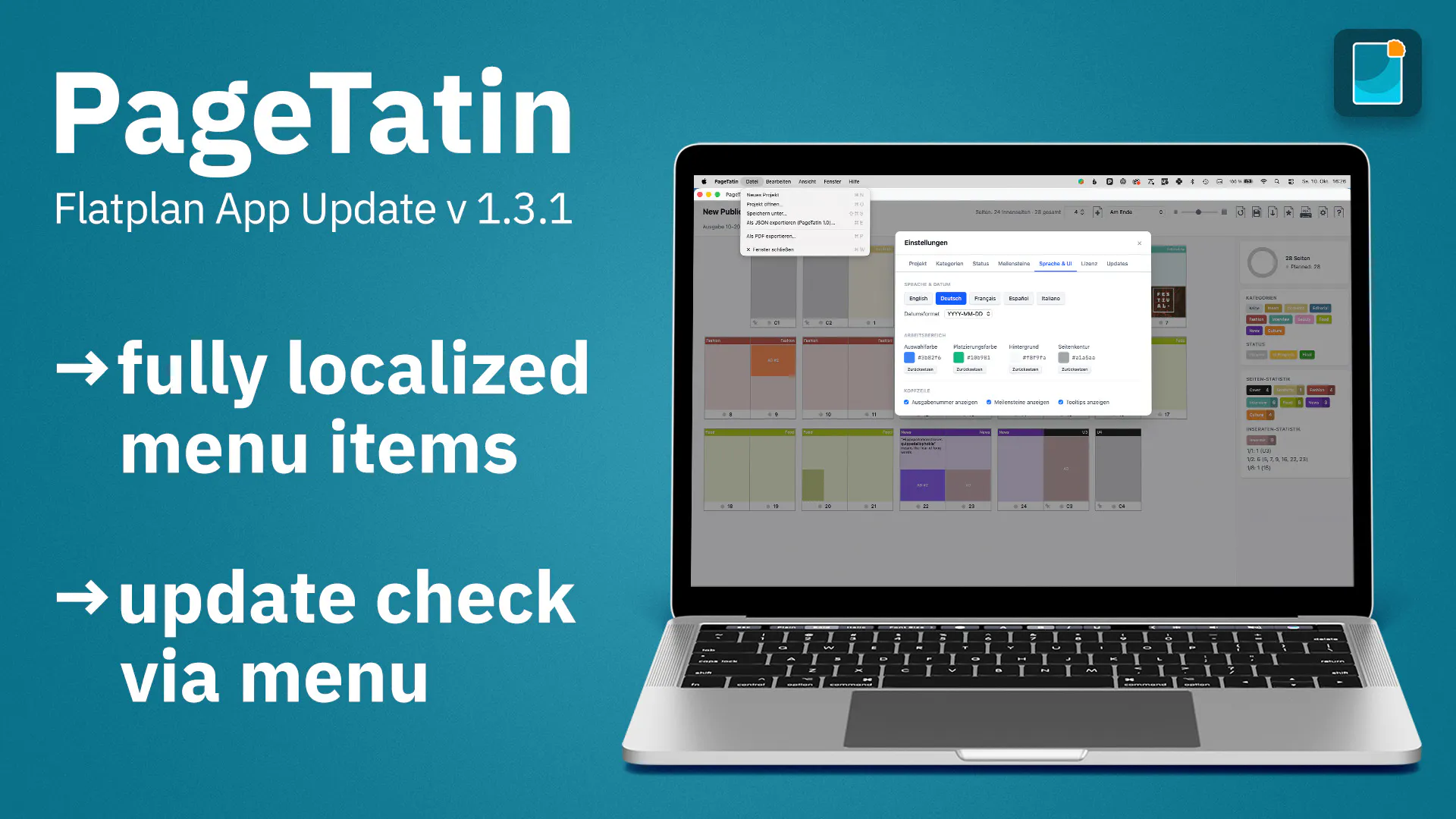
Six years ago I made an InDesign flatplan template and put it on Gumroad with no marketing. 141 people in 27 countries found it anyway. The limiting factors of the InDesign template and the ideas I had to make it better were channeled into a proper desktop application this spring.
I’m René, the creator of PageTatin and this is my first product hunt. The app runs locally on your machine and costs a one-time payment, including 12 months of updates and bug fixes. Built with Tauri + Rust + React, using Claude Code as my development partner. Ed25519-signed license files mean the “runs locally” promise is technically true, not just a tagline.
The name is derived from Tarte Tatin – a French classic – because a flatplan is a structured, layered arrangement of pages. Hopefully, like a good dessert, PageTatin brings a little joy to the process of planning your publications.
Happy to answer anything about the build, the publishing workflow, or the features I always wanted in a tool like this.
PH exclusive: use code PRODUCTHUNT49 for $49 on the Freelancer license (valid for one week).