

Weekly Update: Split view for dual drafts, stronger outline flow
by•

Hey folks, it’s been 8 days since launch and we shipped two big workflow boosters today:
Dual Draft Split View: Drag any draft from the sidebar to the right to open a second editor; chat and AI suggestions stay in sync across both panes.

Story Outline & Acts: Map acts/beats/scenes, assign or unassign scenes to acts, cleaner drag/drop flows, and linked beats/logline/synopsis now feed AI suggestions.

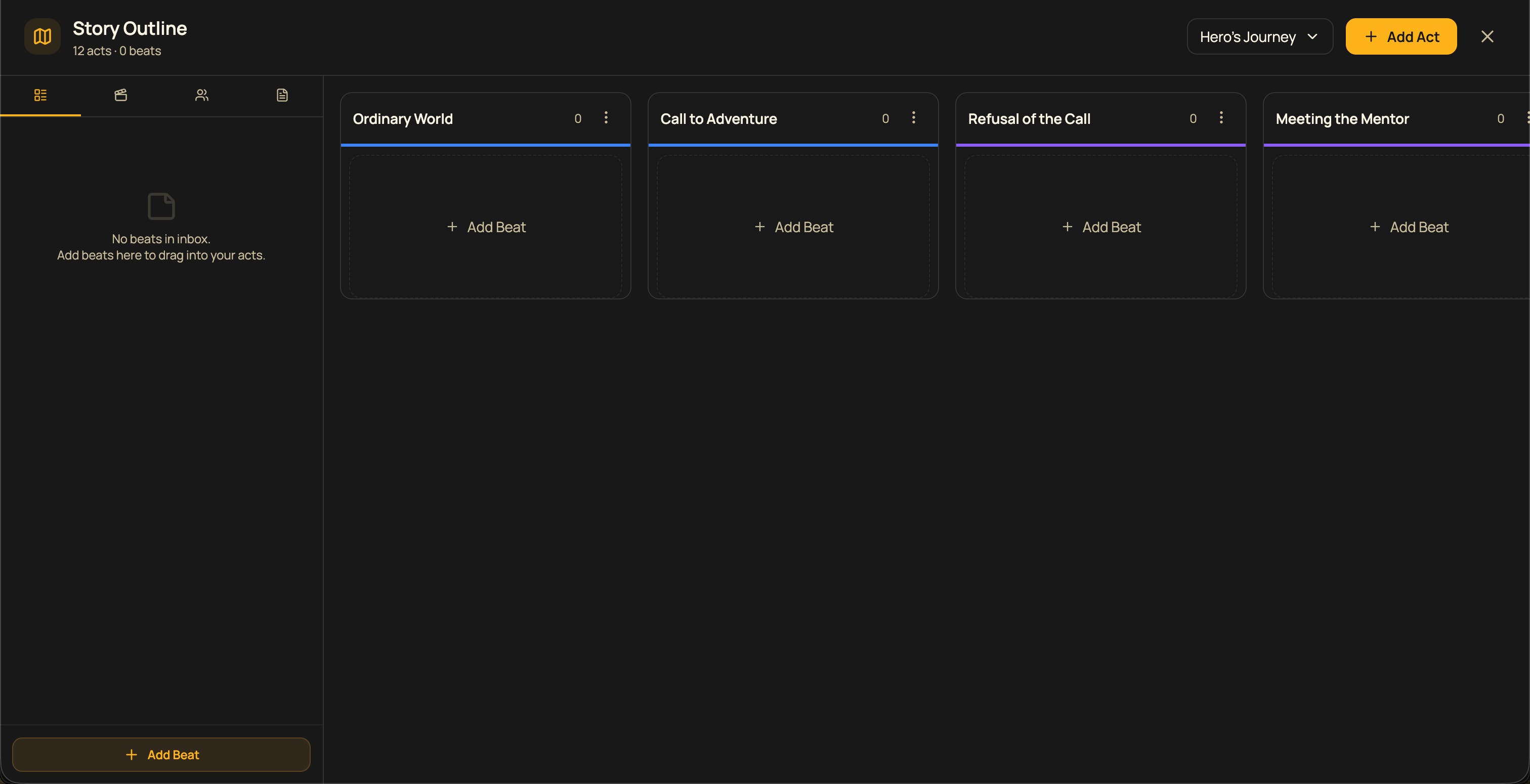

Would love to hear how split view and the act/scene matching feel in longer scripts. All feedback helps—flow, speed, rough edges, gaps. I’m a solo dev, so every note counts. Thanks for trying it out and sharing your thoughts!
110 views
Replies