

Termexo v0.10.5–0.10.9: clearer agent status, persistent tasks, human-confirmed completion

Maker update: five recent Termexo releases focused on a practical question for people running several coding agents: which terminal needs attention, and what can you trust when you come back to it?
Agent status now follows the actual lifecycle. In v0.10.8 I checked Claude Code, Codex, OpenCode, Grok Build, and Antigravity against their installed CLI behavior. A late startup or idle event no longer overwrites a newer running state. OpenCode 2 and Grok Build also received updated integration paths for execution, input requests, failures, and completion.
v0.10.9 puts compact status icons in workspace order: gray for idle, animated green for running or thinking, red for errors or approval requests, and a green check for completion. Hovering shows the terminal's current name, including renames. Completion is a reminder to review the result: open the terminal, check output and code changes, then use “Confirm completion” to clear it.
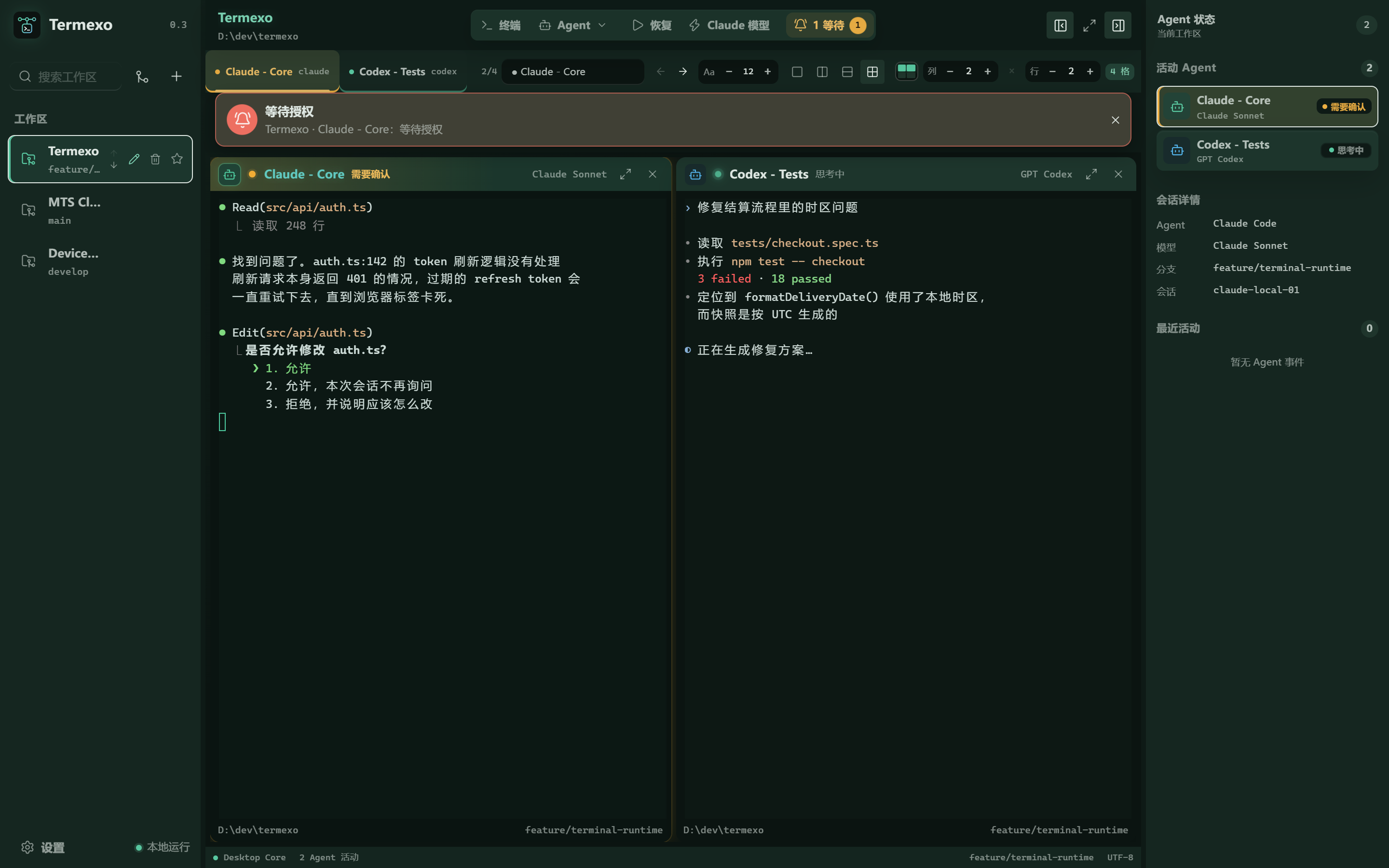
Real product screenshot from an earlier version. The new icons are in v0.10.9.
Tasks survive a restart. v0.10.5 stores task-board state and snapshots in local SQLite, with import and export for backups. v0.10.7 guides the first workspace through project selection, CLI checks, repair and retry. It saves the project before launching an agent, and keeps the entered settings if that save fails.
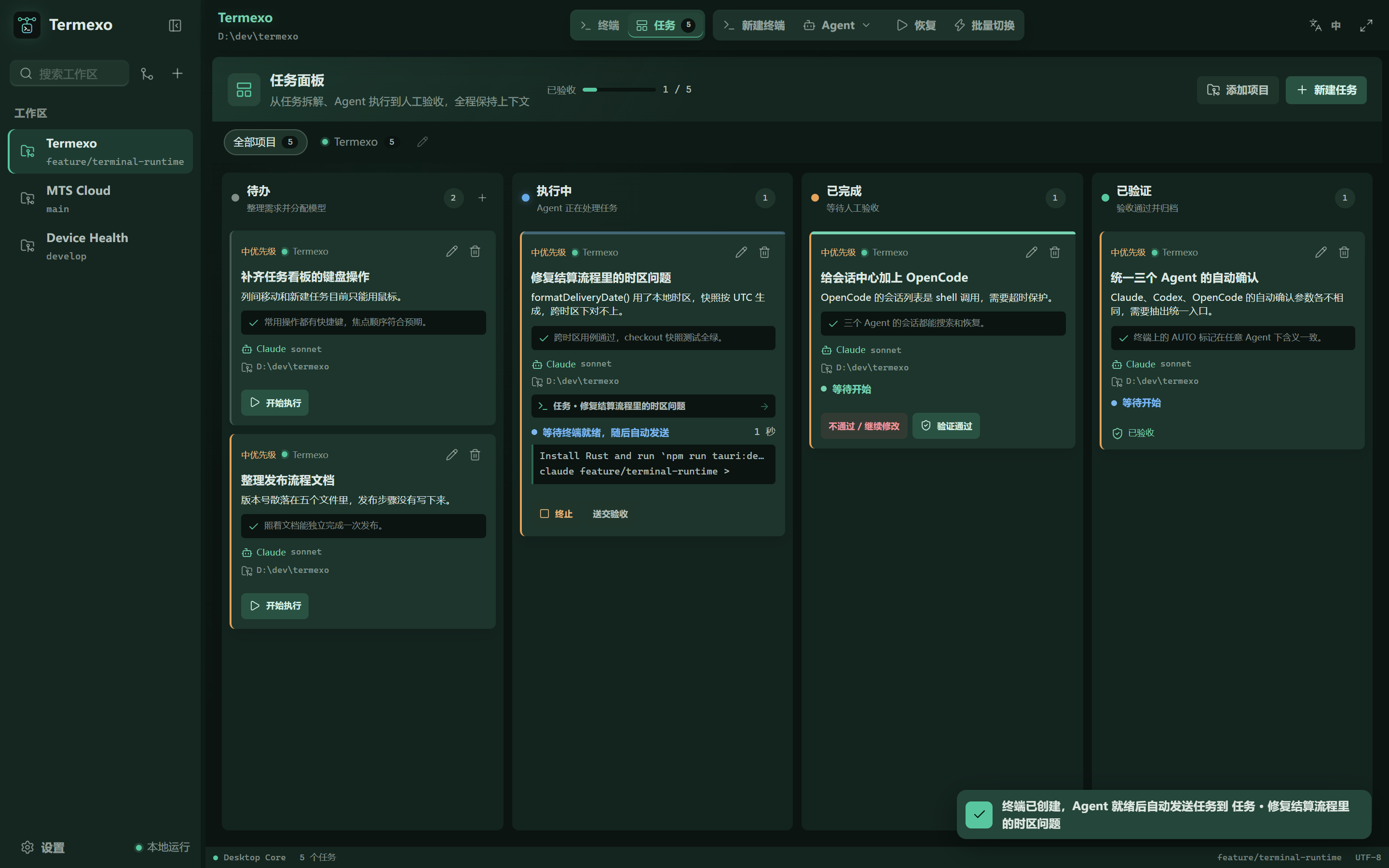
Git information has a defined source. The selected terminal's branch is now read from Git for its launch directory. The previous terminal's result is cleared before a new check; non-Git folders and unknown results stay blank. If you later cd into another repository inside the shell, the corner label does not follow that directory change.
OpenCode v2 sessions also inherit the workspace proxy through their per-session server, and installation uses the current @opencode/cli package.
Termexo is MIT-licensed and currently targets Windows x64. Download v0.10.9, explore the source, or watch the 30-second workbench recording. Agent CLIs, accounts, and model services need their own setup; a human still needs to review generated code.
Written by the project maintainer with AI assistance. Screenshots are from the real UI and marked where captured in earlier versions.
Replies