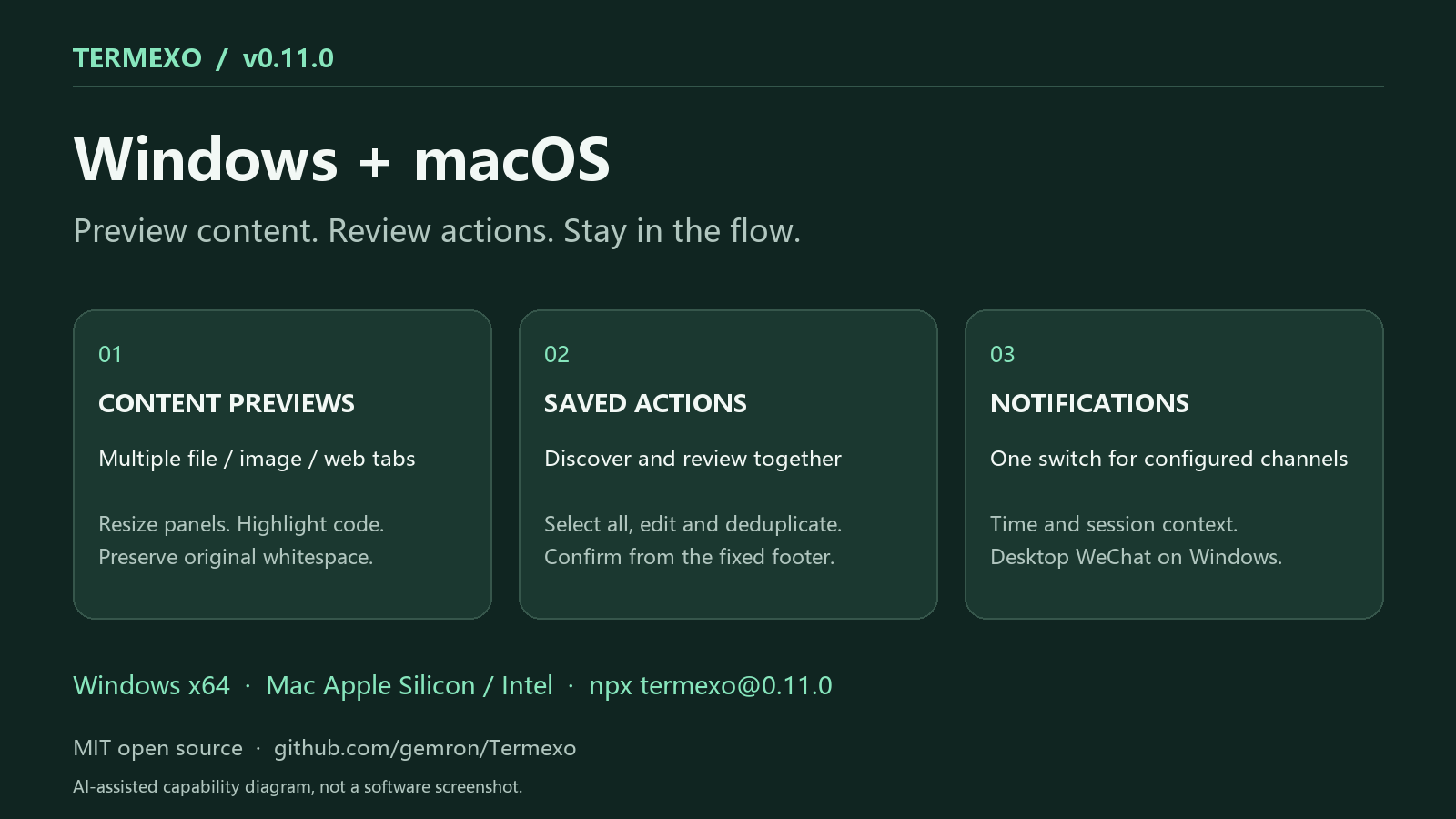
I maintain Termexo, a local-first workbench for coding-agent terminals. v0.11.0 is now available for Windows x64 and both Apple Silicon and Intel Macs.
AI-assisted capability diagram, not an application screenshot. This post was written with AI assistance and checked against the release notes.
I maintain Termexo. This AI-assisted update was checked against the 0.10.15 release notes.
This release is about finding the right project and making the next action clearer:
- Organize workspaces in nested folders, drag to reorder, and add tags and icons. Search the sidebar or open a project's directory from its menu. - Choose Claude browser, Console or SSO sign-in, or Codex browser or device-code sign-in. The official CLI still handles authorization; its login terminal has a separate status. - Discover models from a public directory and visible local Codex cache entries. Supported default profiles can show upgrade suggestions, which you review before applying. A catalog entry does not guarantee access through every account or gateway. - Confirm before closing an active Agent terminal, so ending a process is an explicit choice.
I maintain Termexo, a local-first Windows workbench for coding agents. This is an AI-assisted update, checked against the release notes.
One design choice in 0.10.14 is to stop treating the user opened the window as the user handled the message. Approval requests, input requests and completed tasks now keep the Windows taskbar reminder active until the corresponding message is acknowledged or cleared.
The same principle applies to setup: an install or update result remains available after closing and reopening Settings. Version, command and log details are available under advanced options. If the available version cannot be queried, the UI offers retry and network settings instead of claiming an update is available.
The setup panel covers Claude Code, Codex CLI, OpenCode, Pi Agent, Grok Build and Antigravity. Pi is new in this release, including native session restore, task execution, status events and local MCP integration. Thanks to wuyh410 for PR #33.


 TermexoAI coding agents on your PC. Continue from your phone.