

Termexo 0.10.15: project folders, native sign-in choices and model suggestions

I maintain Termexo. This AI-assisted update was checked against the 0.10.15 release notes.
This release is about finding the right project and making the next action clearer:
- Organize workspaces in nested folders, drag to reorder, and add tags and icons. Search the sidebar or open a project's directory from its menu.
- Choose Claude browser, Console or SSO sign-in, or Codex browser or device-code sign-in. The official CLI still handles authorization; its login terminal has a separate status.
- Discover models from a public directory and visible local Codex cache entries. Supported default profiles can show upgrade suggestions, which you review before applying. A catalog entry does not guarantee access through every account or gateway.
- Confirm before closing an active Agent terminal, so ending a process is an explicit choice.
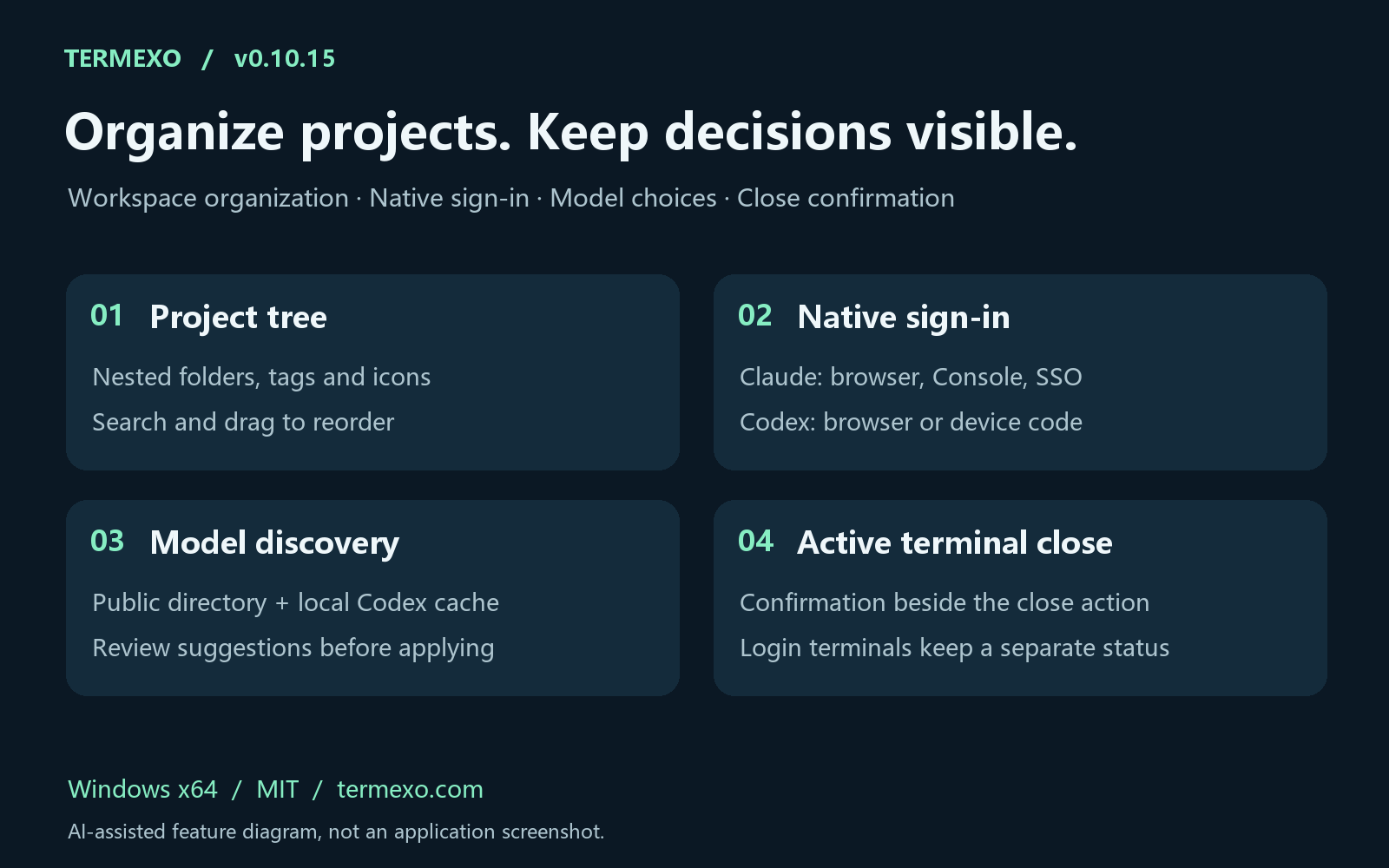
AI-assisted feature diagram, not a screenshot.
Termexo is MIT-licensed and runs on Windows x64. Release and EXE/MSI downloads; npm: npx termexo@0.10.15.
When you switch between projects, is folder structure, tags or search the most useful starting point?
Replies
Be the first to reply
Have a question or a thought to share? Add a comment above to start the conversation.