

Termexo 0.10.11: let one coding agent operate another through MCP

I maintain Termexo. This update is about a small interaction with a useful consequence: ask one coding agent to send work to another terminal, then read back the result.
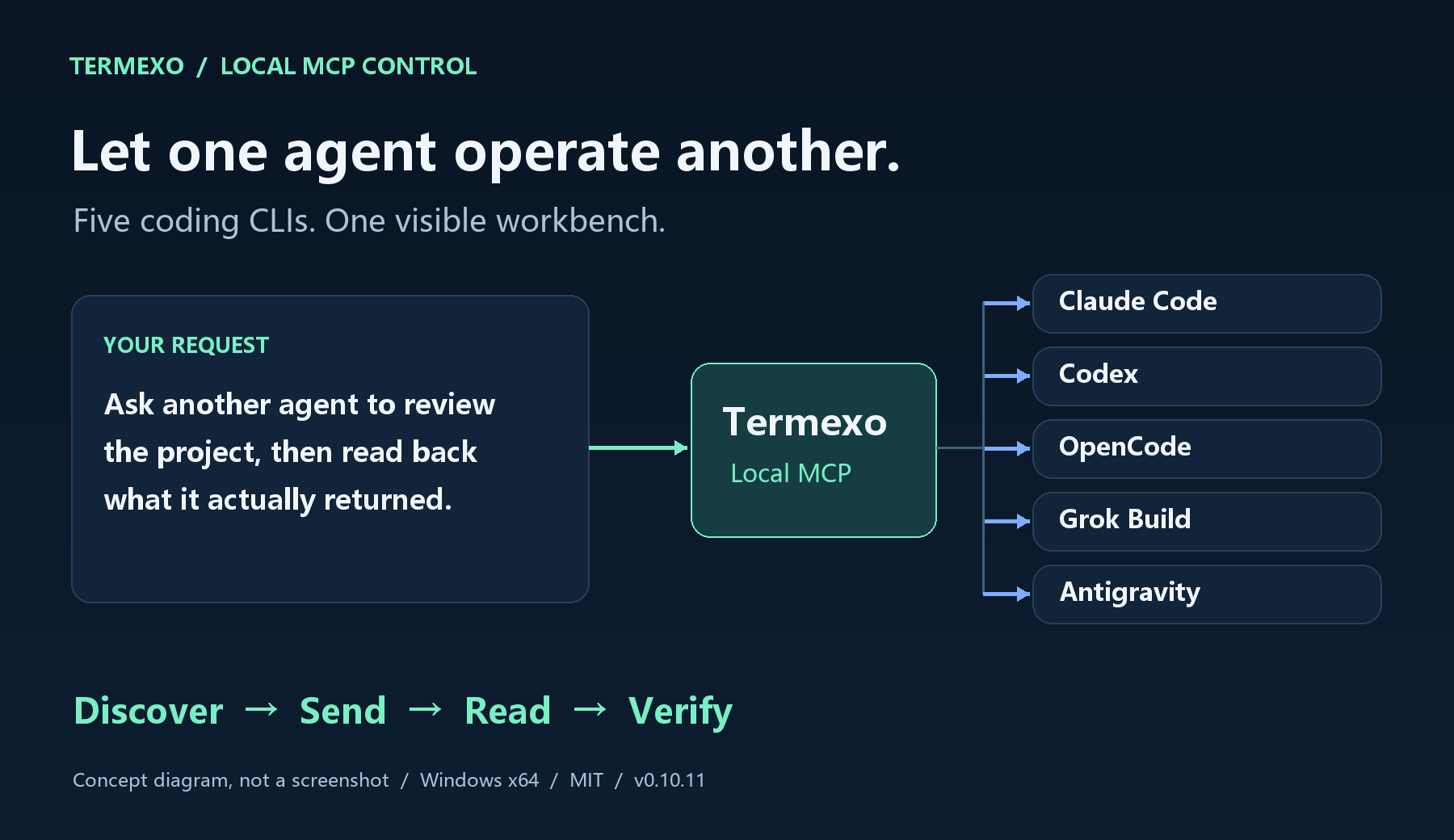
AI-assisted capability diagram, not a screenshot.
With local MCP enabled, new Claude Code, Codex, OpenCode, Grok Build and Antigravity terminals launched by Termexo can connect automatically. A connected agent can find an existing terminal, send a prompt, submit it and read its output. The task board can also launch configured Claude Code, Codex, OpenCode and Grok Build tasks; Antigravity currently uses terminal interaction.
Try this first: “Use Termexo MCP to list my workspaces and terminals.” Then open an OpenCode terminal and ask the connected agent to send hi and read the reply. A real tool response is the useful success signal.
Version 0.10.11 fixes Codex status after session restore and missing completion callbacks, Grok hook quoting, and empty Antigravity MCP configuration. It also adds agent-specific mobile shortcut panels and clearer setup instructions.
Windows x64, MIT licensed. Each CLI still needs its own account and model service. Input delivery does not prove task completion; inspect the actual output before accepting the result.
Which part of handing work between agents would you most want to automate: sending the request, watching progress, or collecting the answer? AI-assisted post, checked against the project documentation.
Replies
Be the first to reply
Have a question or a thought to share? Add a comment above to start the conversation.