

How we got our ChatGPT plugin approved in 6 hours

Hey makers 👋
Last week we submitted mailX to OpenAI as a ChatGPT plugin. It got approved about 6 hours later.
A few people asked me how we did it, so here is everything.
What OpenAI asks for
Verify your business on your OpenAI organization. You need a payment method on file before you can even start.
Upload a ZIP with your plugin manifest, your MCP server config and an icon.
Verify your domain. You put a token at /.well-known/openai-apps-challenge on your site.
Give test prompts: some that should use your tools (we gave 5) and some that should not (we gave 3). Plus a demo video.
Tick 6 boxes when you submit.
Once it's approved, it's not live yet. You still need to click "Publish". Easy to miss.
What we changed before submitting
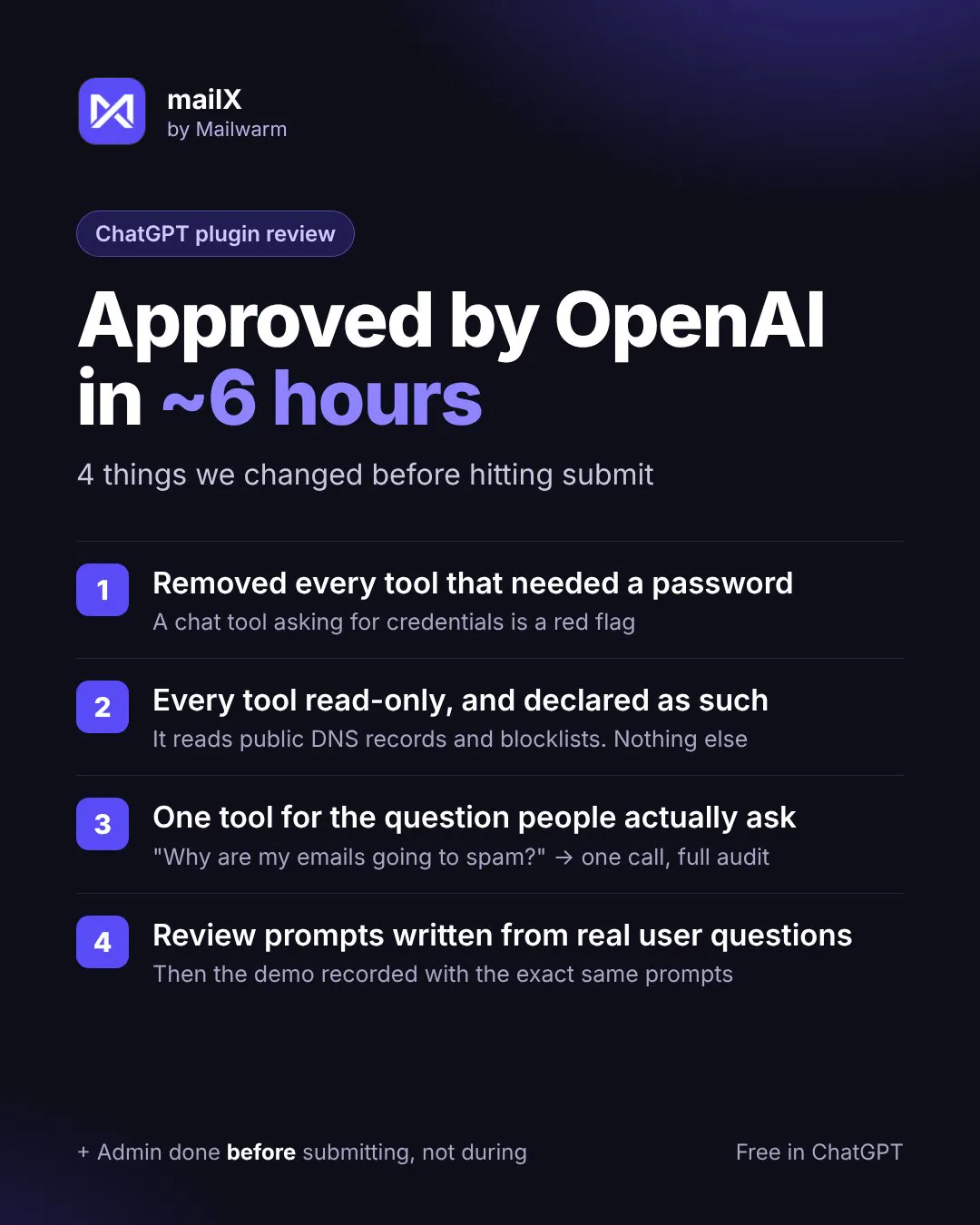
We removed every tool that needed a password. Our SMTP and IMAP tests are useful, but asking for a password inside a chat is a red flag.
Every tool is read-only, and we said it clearly.
One tool for the real question. Nobody types "run spf_check". People ask "why are my emails going to spam?", so one tool runs the full check.
We wrote the test prompts from real questions our users ask. Then we recorded the demo with the same prompts.
You can try the result here: mailX in ChatGPT
If you're building a ChatGPT plugin or an MCP server, ask me anything below. And if you already went through the review, what did they flag for you?
Thami
Replies
Here's the demo we gave the reviewers, recorded with the same test prompts: https://youtu.be/M_oS2RGvCv8
One more thing I learned: most people don't know their DKIM selector. So a DKIM check that asks for it fails before it even starts. mailX tests 25 common selectors on its own. Same idea as for the review: start from what the user knows.