

How to Use World Cup Fan Cam Tool to Create AI Photos and Videos
World Cup fan cam content is simple: you want to look like you were part of the matchday moment.
On Image 2, I built two tools for this: one for AI photos and one for AI videos.
The workflow is designed to be fast. You do not need to start from a blank prompt. You can pick a ready-made fan cam scene, generate from the example, or use Face Swap to put yourself into the scene.
Create a World Cup fan cam photo
Use the World Cup Fan Cam Photo Generator if you want a still image.
It can create stadium-style fan photos with team colors, jerseys, flags, crowd lights, celebration poses, and matchday atmosphere.
How to use it:
Open the photo generator.
Browse the example cards.
Choose a scene you like.
Click the prompt generation button.
Adjust the prompt if needed.
Generate a few versions and compare the results.
You can change details such as country, jersey color, stadium mood, camera angle, lighting, and facial expression.
This path is best when you want more control over the final image.
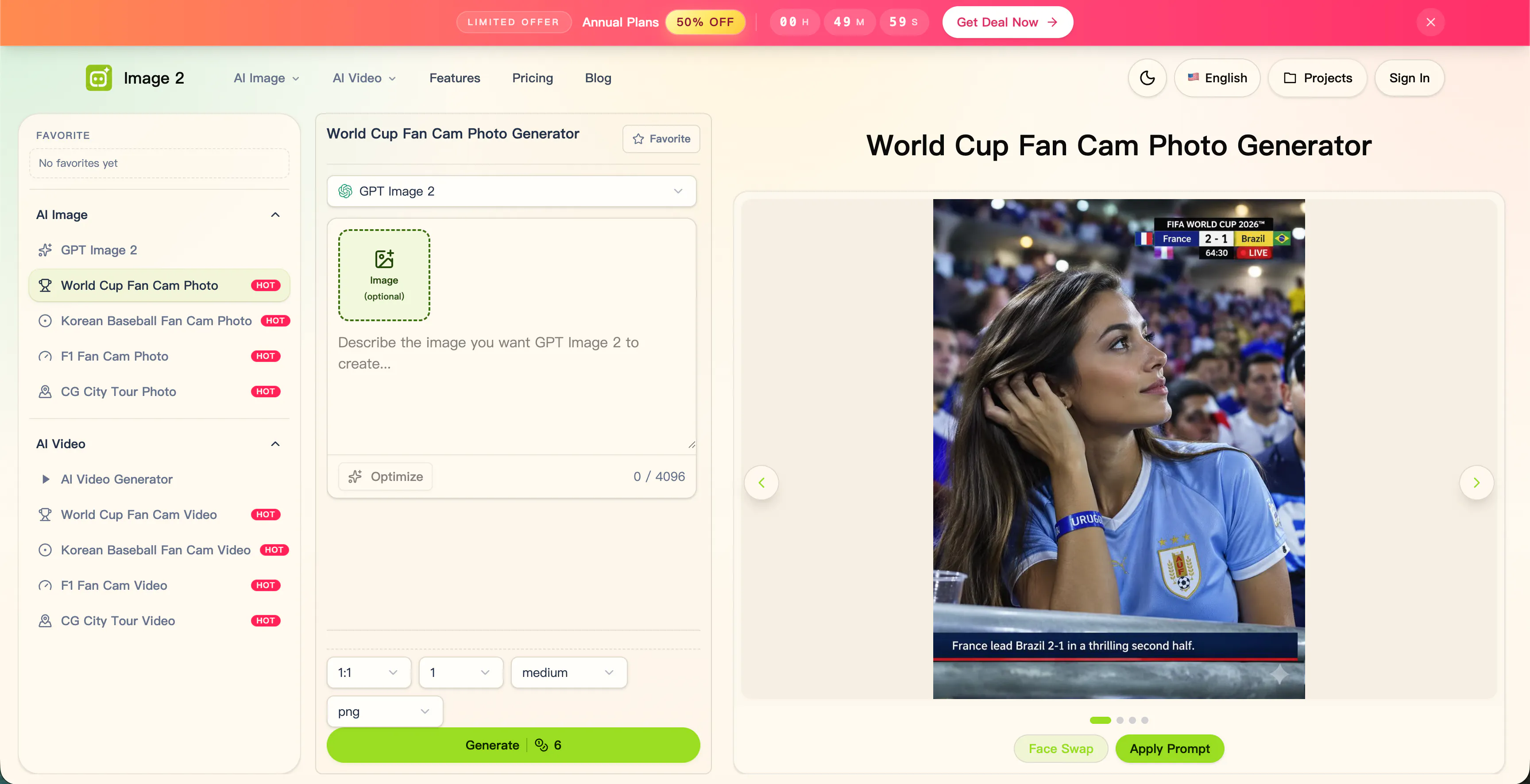
Use Face Swap for a personal photo
Each strong example card also has a Face Swap path.
This is the faster option.
Instead of rewriting the prompt, you upload your face photo and place yourself into the selected World Cup scene.
This works well when you already like the example card and simply want to see yourself inside it.
A few tips:
Use a clear face photo.
Avoid heavy shadows.
Try to match the face angle if possible.
If one result looks strange, try another selfie or another card.
Face Swap will not be perfect every time, but many results are good enough to be fun and shareable.
Create a World Cup fan cam video
Use the World Cup Fan Cam Video Generator if you want motion.
The video tool is for short clips with stadium energy, crowd movement, lights, camera motion, and celebration.
How to use it:
Open the video generator.
Pick a video-style example card.
Generate from the example prompt.
Adjust the scene if needed.
Try different cards for different matchday moods.
Use Face Swap if you want the clip to feel more personal.
Photos are good for posts, avatars, and profile images. Videos are better for TikTok, Reels, Shorts, X, and fan edits.
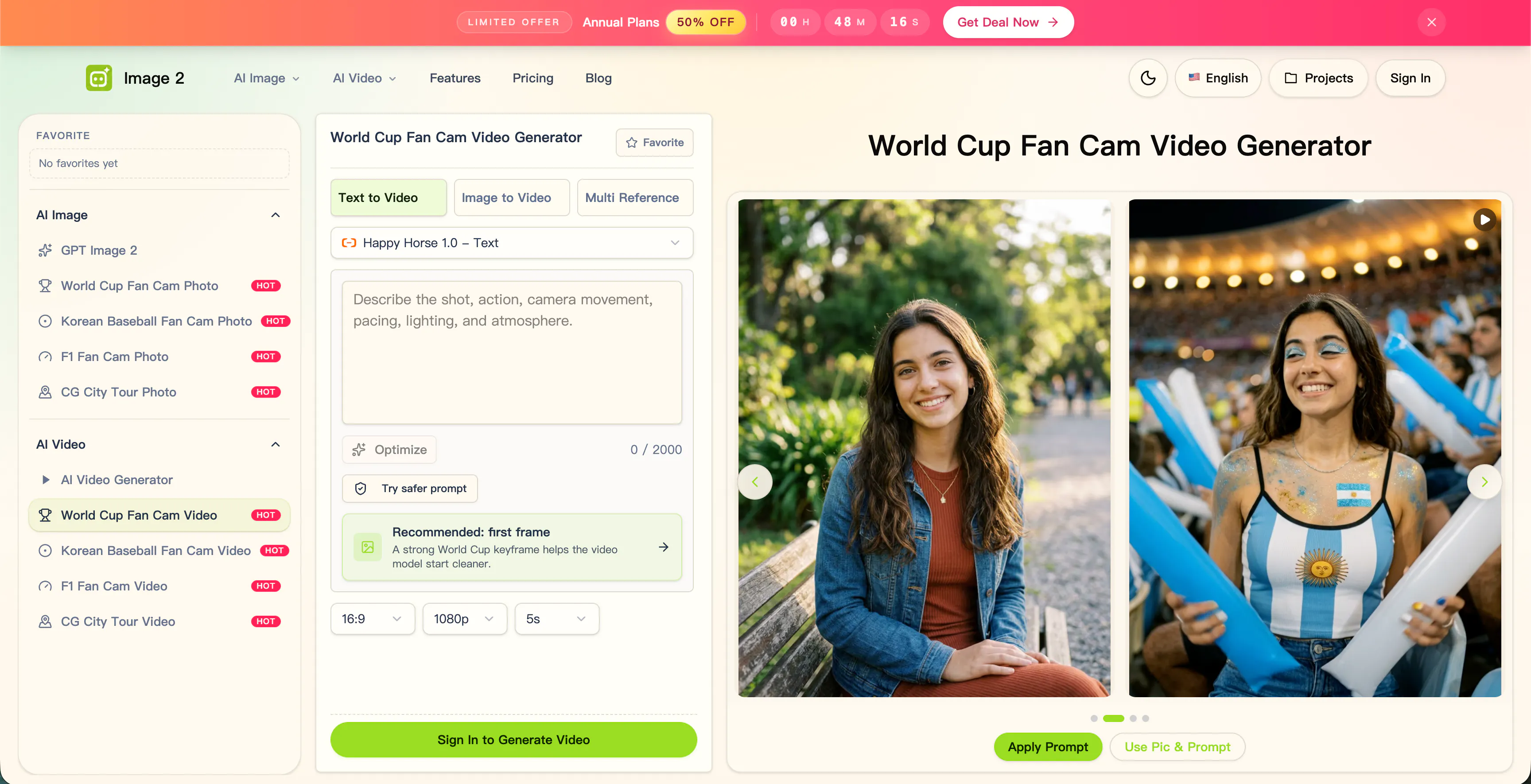
Which path should you choose?
Use prompt generation if you want to design the scene.
Use Face Swap if you want to enter the scene quickly.
That is the core idea behind the World Cup Fan Cam tools on Image 2. Some users want control. Some users want speed. Many users want both.
My suggestion: try the prompt path first, then try Face Swap on the same card.
You may get two very different results, and that is part of the fun.
Replies
Be the first to reply
Have a question or a thought to share? Add a comment above to start the conversation.