

AI can generate an app in 10 minutes. Managing its secrets is another story

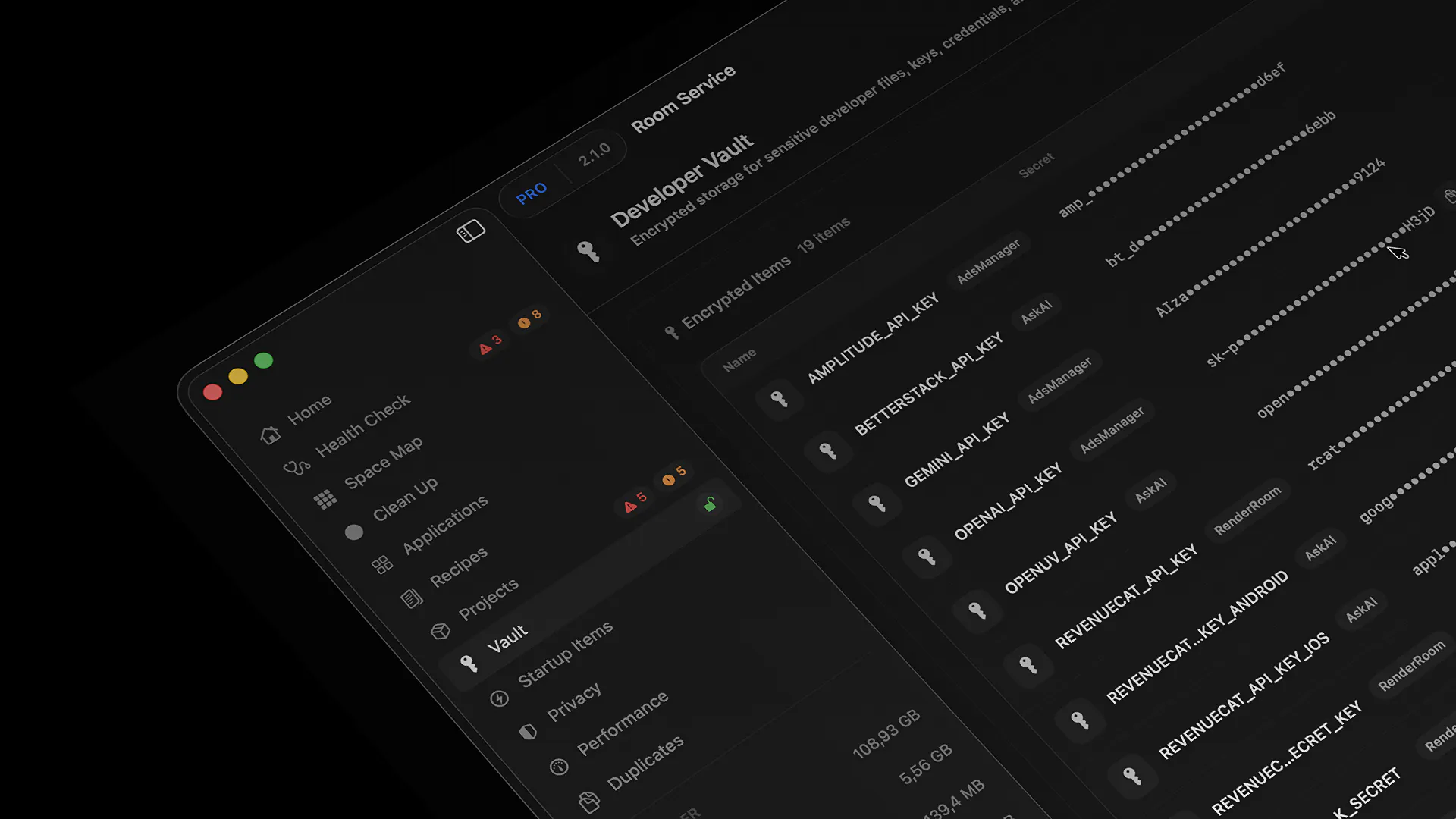
Developers have secrets everywhere.
Over the years, my Mac turned into a graveyard of:
• .env files
• API keys
• App Store keys
• Firebase configs
• random tokens copied into notes
• credentials I forgot existed
The problem isn't generating API keys anymore.
It's remembering where they all ended up.
While building Room Service, I realized many developers have the same issue. Especially now that AI tools can generate entire projects in minutes.
So in Room Service 2.1, I built Developer Vault.
A local encrypted workspace for:
🔐 API keys
🔐 Tokens
🔐 Credentials
🔐 Private developer notes
Everything stays on your Mac and is encrypted at rest.
You can also import existing .env, .env.*, *.env, and .p8 files directly into Vault.
One small feature I'm particularly happy with:
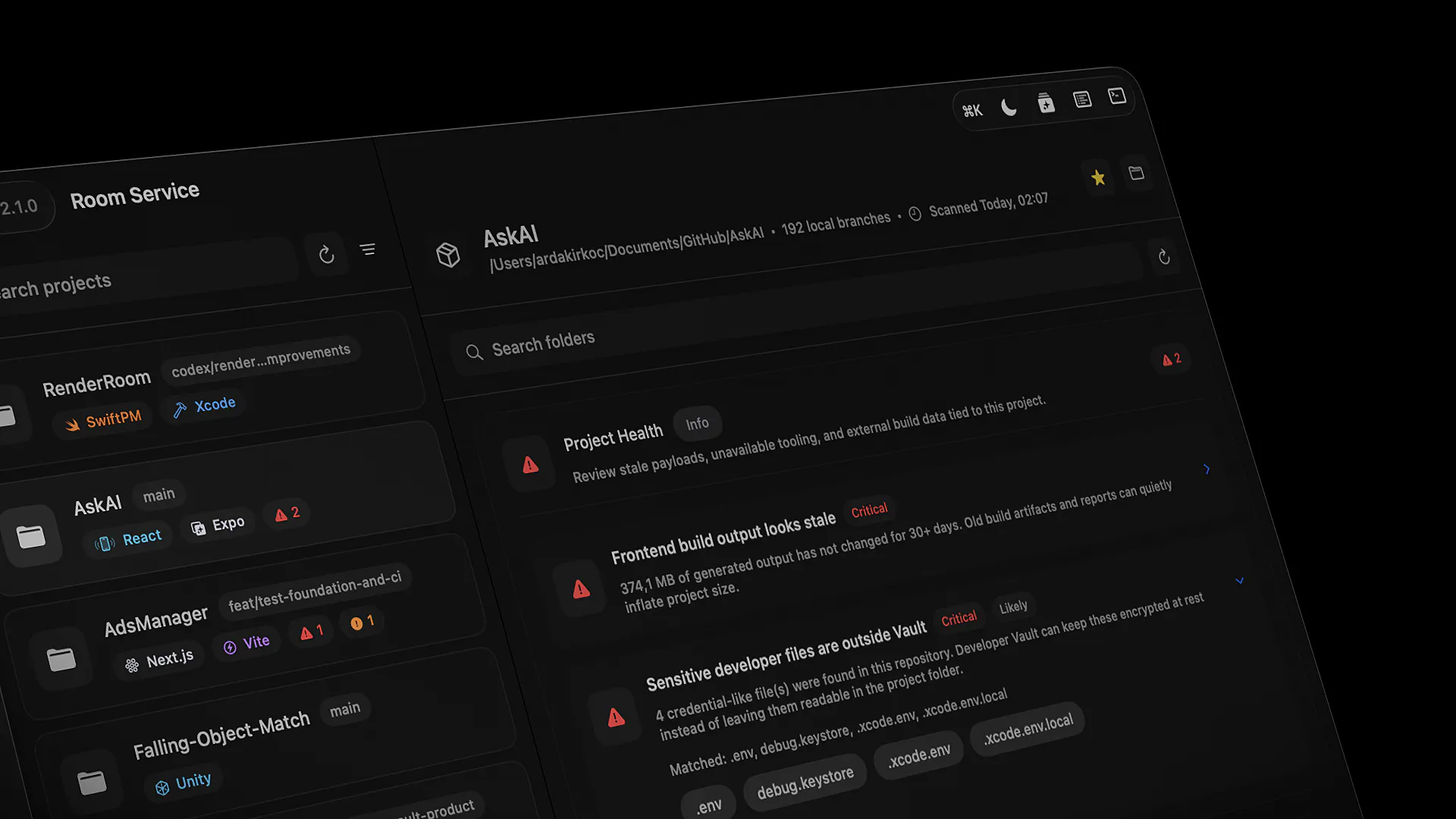
Project Health can now detect credential-like files sitting inside repositories and project folders.
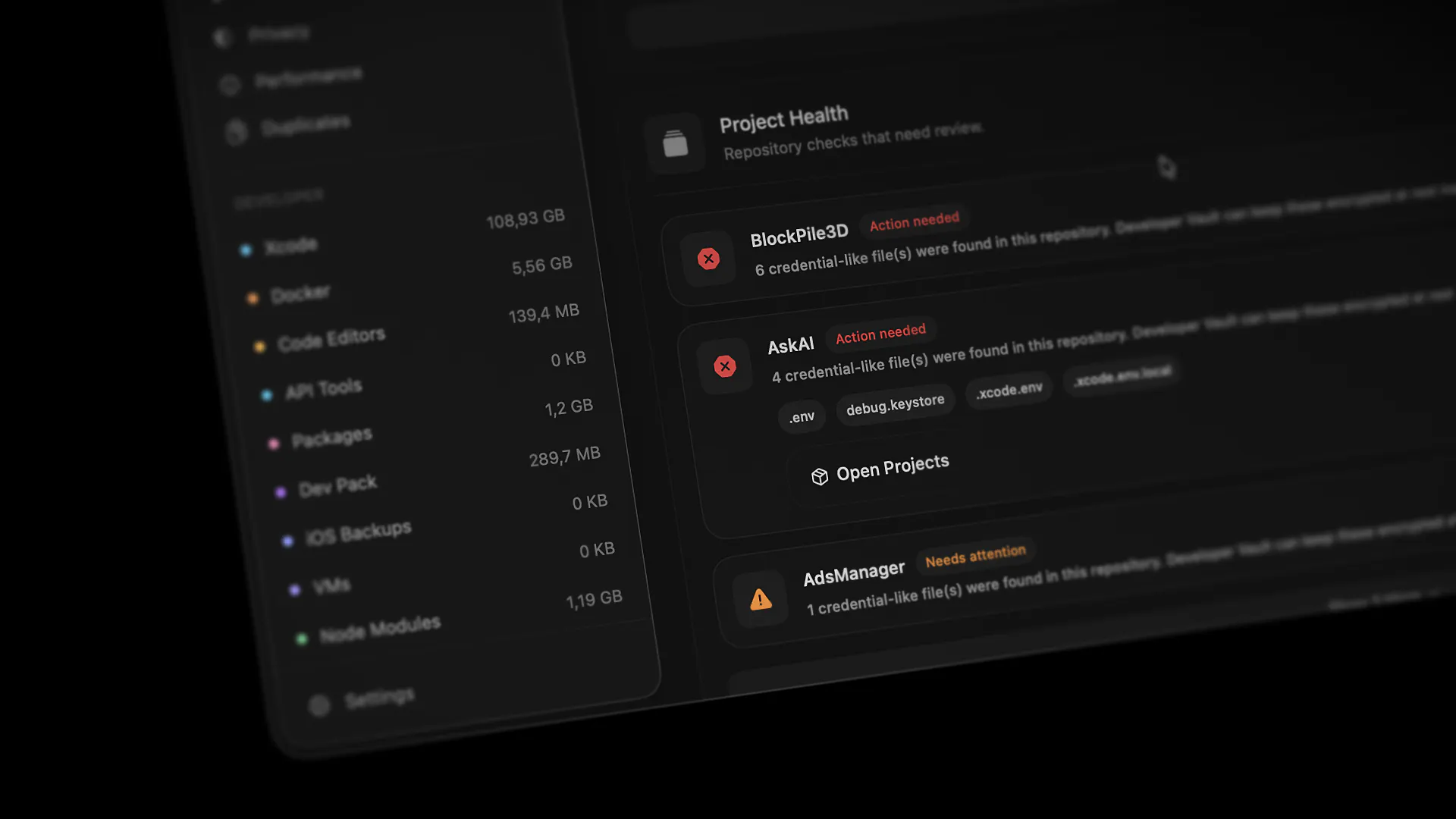
It doesn't read the contents.
It doesn't upload anything.
It simply says:
"Hey, this looks like a sensitive file. You may want to review it."
A surprisingly large number of developers are shipping AI-generated projects with credentials sitting in plain sight.
Hopefully this helps prevent a few future disasters.
How are you currently managing API keys and secrets across projects?
Replies