

How much time do you spend exporting videos just to see if the settings look right?

Hey Product Hunt,
While building Render Room, I noticed something weird about video conversion workflows.
A lot of exporting isn’t actually exporting.
It’s testing.
Export.
Wait.
Open the file.
Check quality.
Go back.
Change settings.
Export again.
Sometimes you’re repeating this cycle just to answer a simple question:
“Will this bitrate look good?”
“Is this crop correct?”
“How much quality am I losing?”
So in Render Room 0.6.0, I added a new preview system.
Instead of converting the entire file, you can render a short sample using your current export settings before committing to a full export.
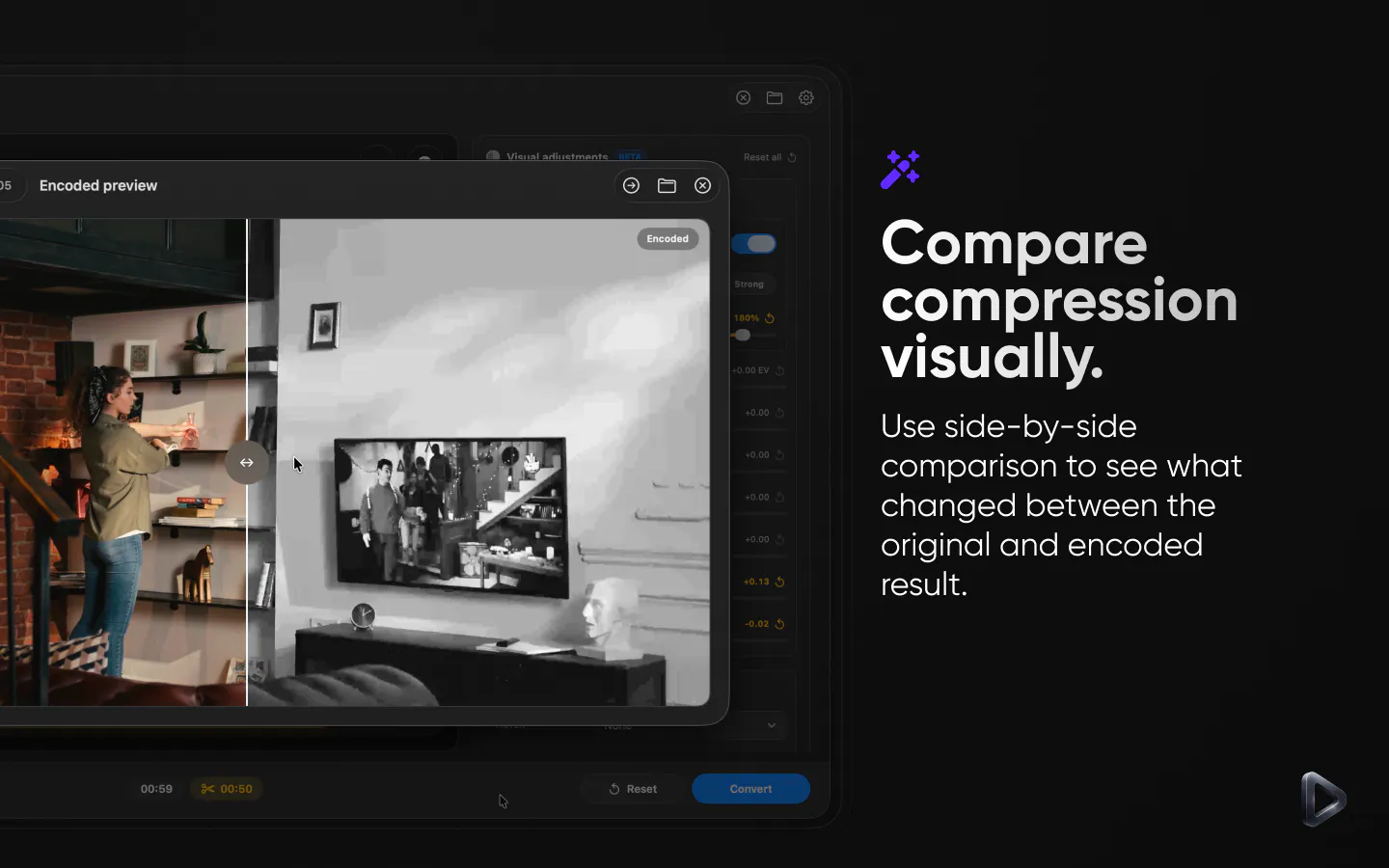
The part I’m most excited about is the new side-by-side comparison view.
You can compare the original source against the encoded sample with a draggable split view, similar to the before/after comparison tools commonly found in photo editing apps.
It makes it much easier to spot compression artifacts, quality loss, HDR issues, cropping mistakes, and other changes before spending time on a full export.
Instead of:
Export → Wait → Check → Export Again 🤔
you get:
Preview → Compare → Export Once 🎉
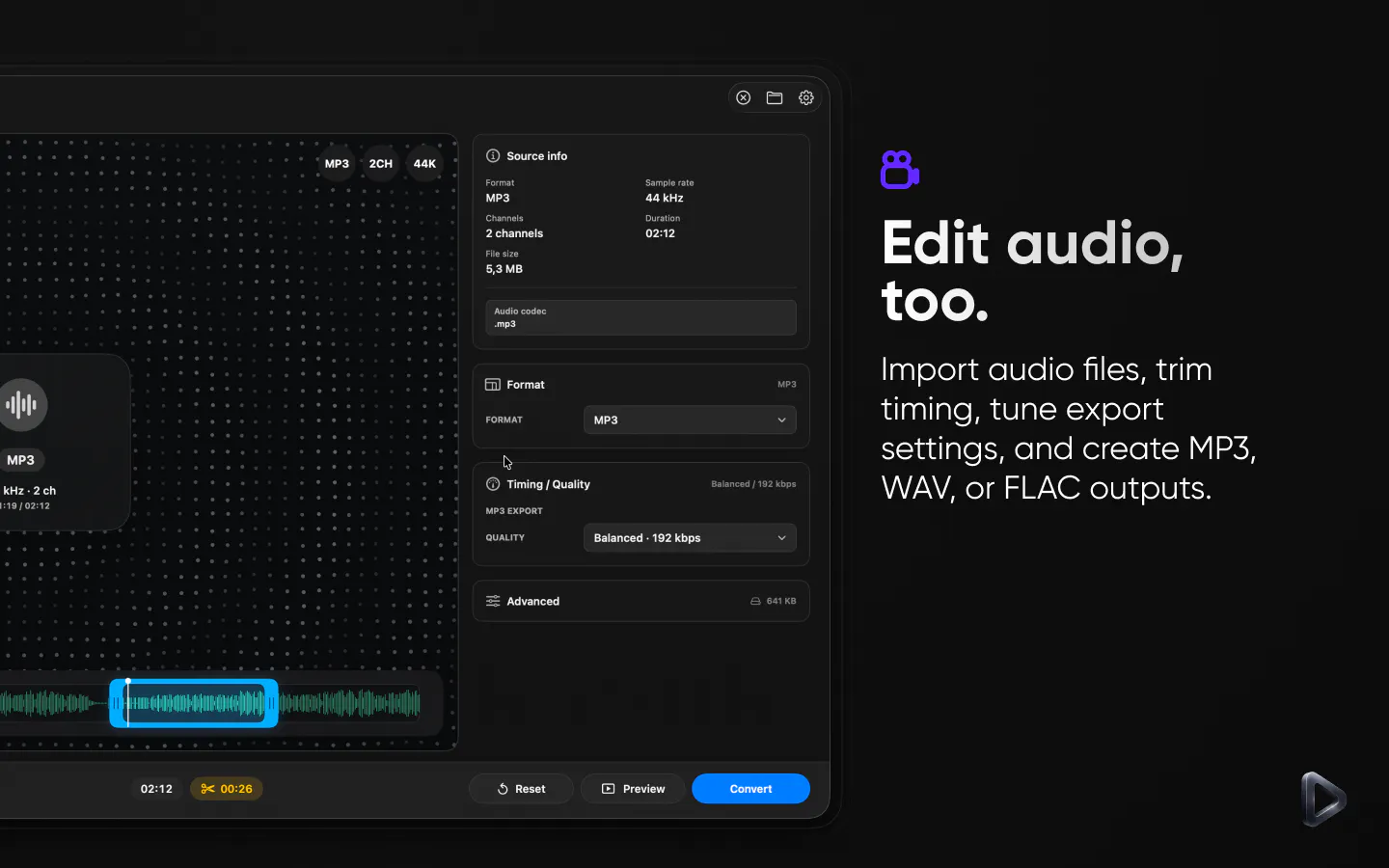
The same update also adds:
• MP3, WAV, and FLAC workflows
• MKV and WebM support
• Better export size estimation
• Improved HDR handling
Curious how others handle this.
How many times do you typically re-export a video before you’re happy with the result?
Replies
Be the first to reply
Have a question or a thought to share? Add a comment above to start the conversation.