
Render Room
Convert, trim, crop, and export videos and GIFs on Mac
9 followers
Convert, trim, crop, and export videos and GIFs on Mac
9 followers
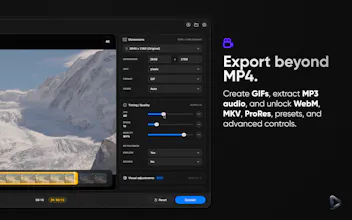
Render Room is a native Mac workspace for video and GIF conversion, built for speed and everyday usability on Apple Silicon Macs. Drop in a file, preview it, trim or crop, tune quality, and export clean results without a crowded encoder interface. Create MP4, MOV, GIF, and MP3 audio exports, with Pro workflows for batch conversion, WebM, MKV, ProRes, presets, visual adjustments, LUT support, HDR-aware exports, and advanced controls.


Free
Launch Team

Viktor.comAn AI coworker that actually does the work
Promoted


Hey Product Hunt,
We built Render Room after getting tired of how heavy video conversion still feels on Mac.
A simple export should not require opening a full encoder suite, digging through old panels, guessing output size, and hoping the result looks right. GIF workflows are often even worse, usually treated as an afterthought inside much larger media apps.
Render Room brings video conversion and GIF workflows into one native Mac workspace designed to feel fast, clear, and approachable, while still giving you deeper controls when you need them.
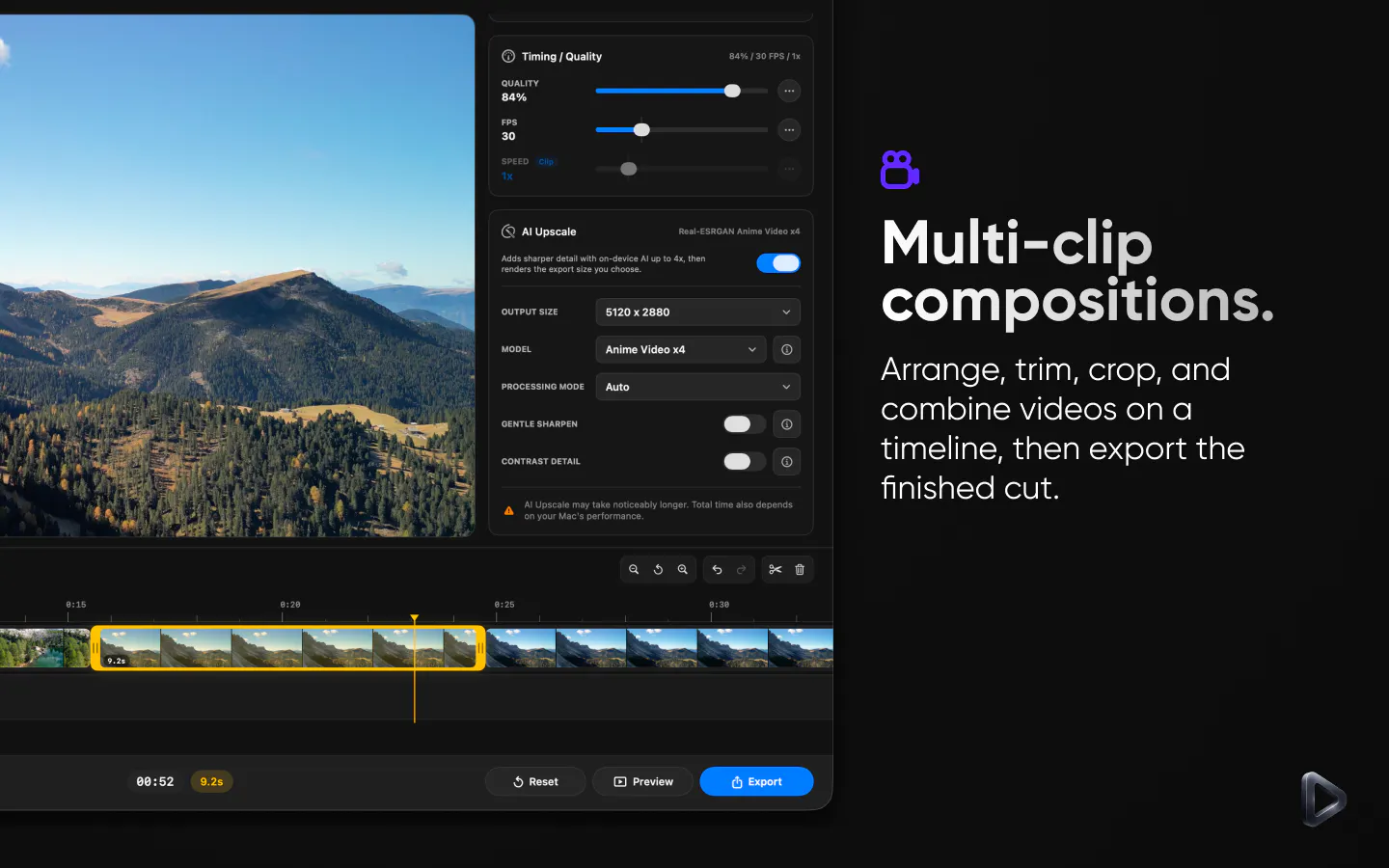
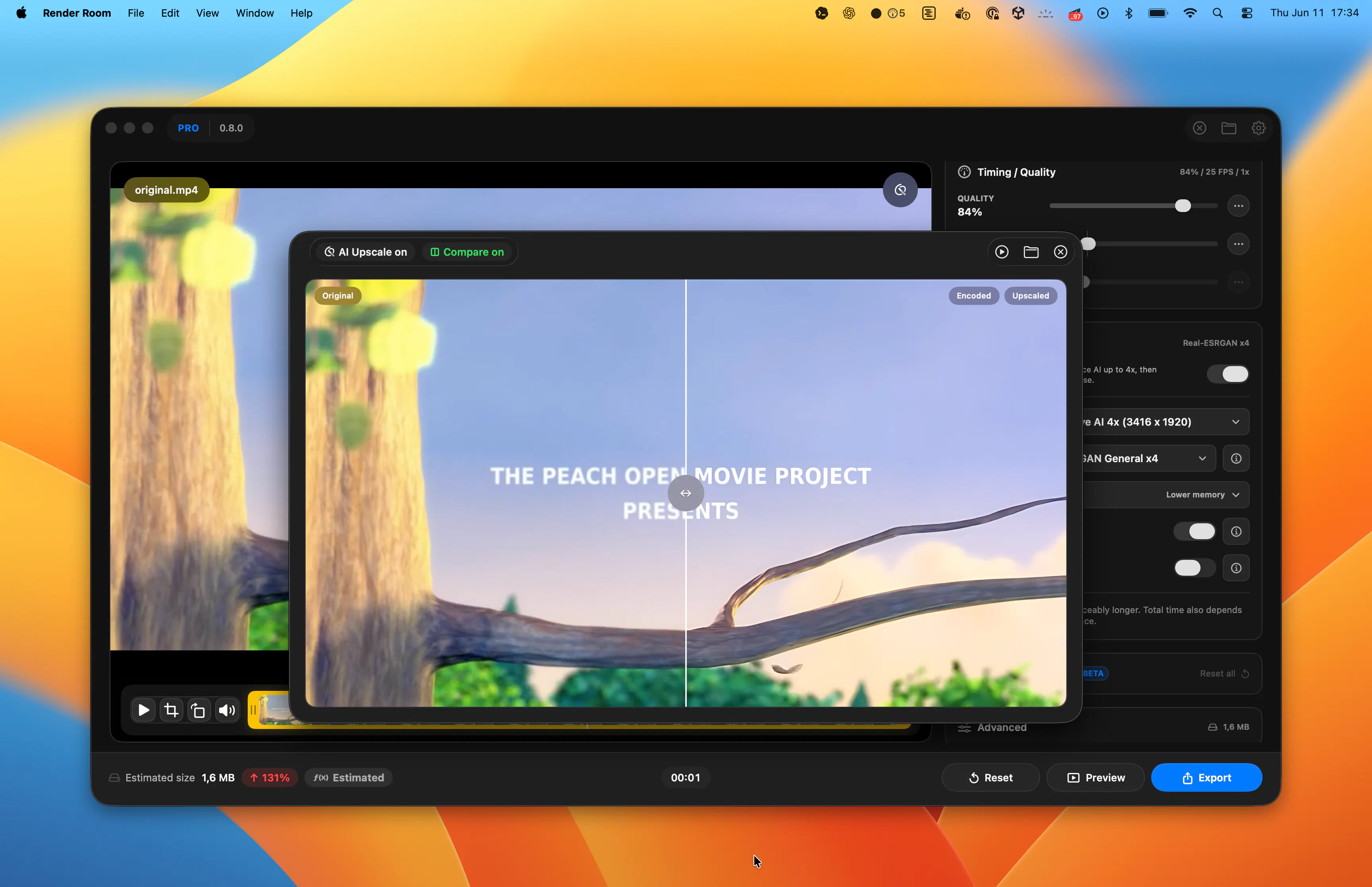
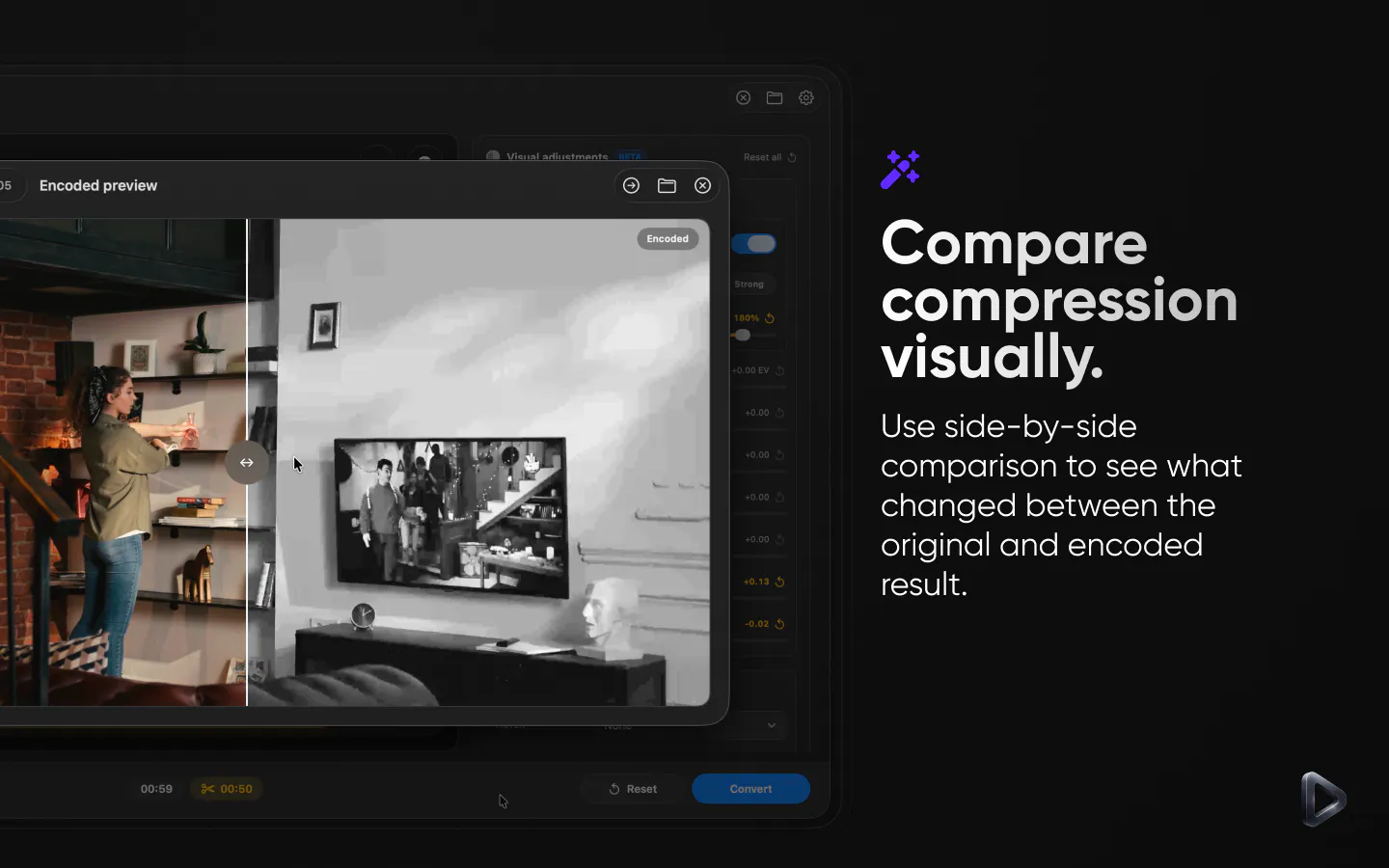
Drop in a file, preview it, trim or crop, tune quality, see real-time size estimates, and export clean results without fighting the interface. Render Room works directly with both videos and GIFs, so GIF is not just a final export checkbox bolted onto the side.
Built with native macOS technologies for Apple Silicon Macs, the goal was always to keep the experience calm, lightweight, and familiar from the first launch.
For more advanced workflows, Pro adds batch conversion, WebM, MKV, ProRes, MP3 audio export, presets, playback speed controls, visual adjustments, LUT support, HDR-aware exports, and deeper encoding controls.
Render Room is built for creators, developers, support teams, and anyone working with screen recordings, demos, social clips, GIF-heavy workflows, or HDR footage on Mac.
We’d love to hear what you think.
This is cool. Will be trying it out