

How do you snap windows on your Mac?

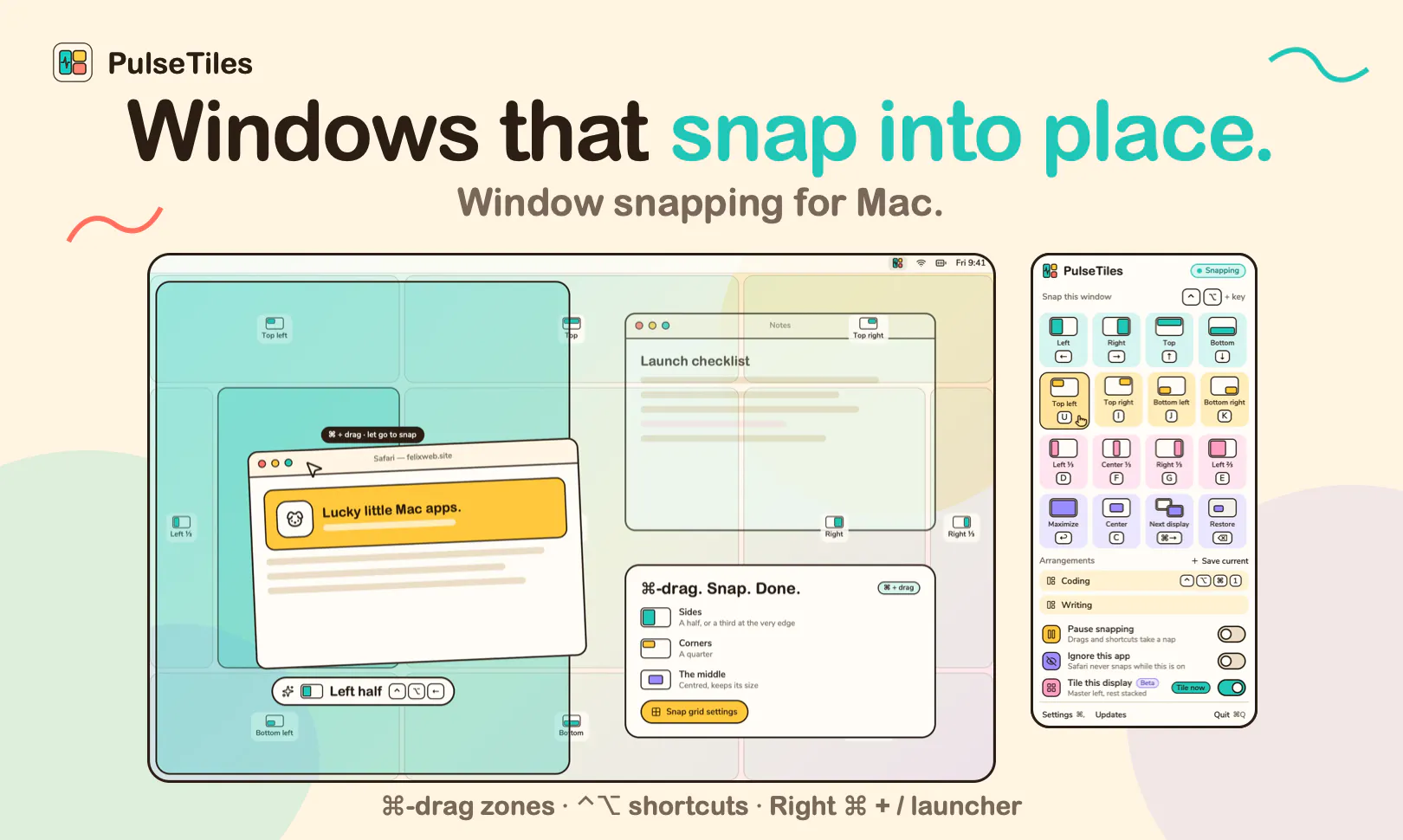
Hey all, I'm Perlat. Tomorrow I'm launching PulseTiles, a small window snapper for macOS that lives in the menu bar.
I built it because I kept dragging windows around by hand and I wanted snapping to feel quick but not get in the way. What it does:
- Hold ⌘ while dragging and the screen turns into a grid of 11 zones, with a preview of where the window will land. Plain drags stay free.
- 19 snap actions (halves, thirds, quarters, center, next display), each on a ⌃⌥ shortcut you can remap.
- A keyboard launcher, saved window arrangements, and an opt-in tiling beta.
It's a one-time $4.99 after a 7-day trial. No subscription, no account, no tracking.
I'm curious how you handle windows today: keyboard, mouse, or do you just live with the mess? And what would make you switch from what you use now?
Replies
Be the first to reply
Have a question or a thought to share? Add a comment above to start the conversation.