

Finish AI-generated HTML pages visually.

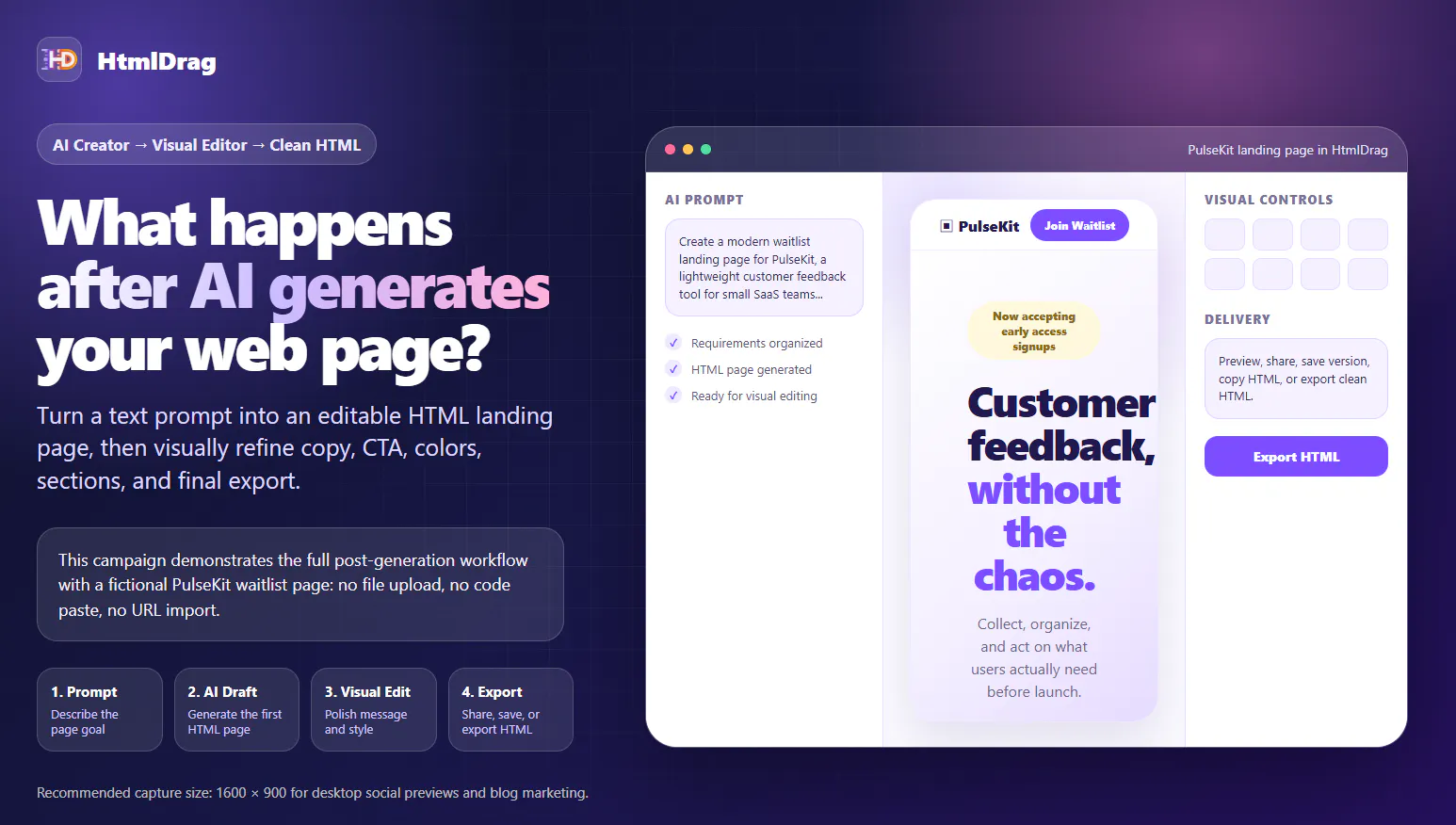
AI can generate a web page quickly, but in real work the first draft is not the end of the process.
After generation, teams still need to review the structure, rewrite copy, improve CTA wording, adjust colors, inspect sections, and prepare the page for sharing or delivery.
That is the workflow HtmlDrag focuses on.
With AI Creator, users can start from a text prompt and generate an editable HTML landing page. Then, inside HtmlDrag, they can continue visually: select text directly on the page, adjust styling, review the full layout, save versions, share previews, copy HTML, or export clean HTML.
This is especially useful for founders, marketers, product teams, freelancers, and non-developers who want to finish AI-generated page drafts without manually editing source code.
Replies
I like the focus on the post-generation workflow. Most AI website builders stop after creating the first draft, but that's usually when the real work begins. The visual editing and clean HTML export are definitely useful features. I recently came across Truth or Dares Question as another example of a well-structured website with engaging content, and it's interesting to see how good design and usability make a difference.
the after-generation workflow is the right thing to focus on, that's where most of these tools stop short. one question about the loop back to AI though - once someone's made a round of visual edits (rewritten copy, moved sections around), and then wants the AI to regenerate or extend a different part of the page, does it preserve the manual edits already made, or does a regeneration risk clobbering the visual work that's already been done on top of the original draft?
@galdayan Good question, but HtmlDrag focuses on the final editing and modification after AI generation.
@htmldrag fair, but that's kind of the crux of my question - if it's purely post-generation editing with no loop back to AI regeneration, then there's no clobbering risk at all, which is actually a reassuring answer in its own way. just want to make sure i'm reading that right: once someone opens a page in HtmlDrag, is AI Creator done for that page entirely, or can you still ask it to regenerate a section later on? if it's the former, that's a simpler and safer model than what i was picturing.
@galdayan You’re reading the current workflow correctly: today, AI Creator generates the initial HTML. Once the page is opened in HtmlDrag, the current workflow focuses on visual editing and refinement rather than an AI regeneration loop. So in the current version, opening and editing a page does not trigger another AI generation that could overwrite your manual changes.
As a small preview, we’re already planning an iterative HTML editing workflow for v2.2. Users will be able to submit new requests based on the latest version, with each successful generation creating a new version while keeping the previous one intact. This is directly related to the issue you raised in your first comment: preserving manual edits and avoiding overwriting existing work.
@htmldrag that's the simpler and safer model, good to hear you're keeping it that way rather than adding an implicit regen trigger. the v2.2 versioning approach sounds like the right way to add the iterative loop back without reintroducing the clobbering risk - keeping old versions intact instead of overwriting in place. will keep an eye out for that release.
It can create a starting point but tools like this help turns that draft ito something people can actually ship.