Launching today
HtmlDrag

HtmlDrag

A freeform canvas for any HTML (no grids, no wireframes)

70 followers

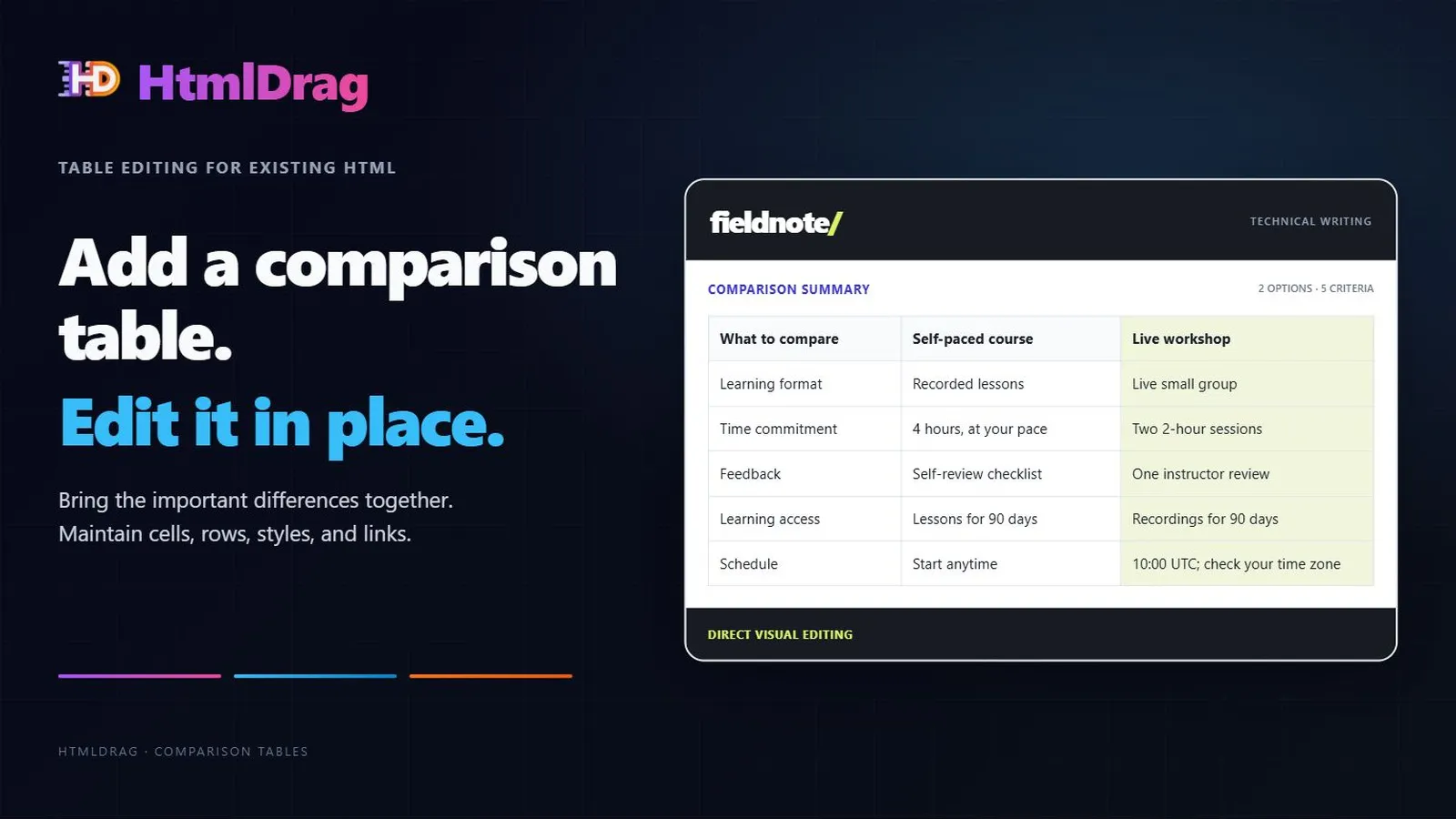
A freeform canvas to edit any HTML without grid constraints. Import a URL, upload any HTML file, or paste code — then drag elements anywhere and double‑click to edit text. No rigid structures, just pure creative freedom for all your web content. Share your work via a public link or download your edits instantly.
HtmlDrag gallery image
Free Options
Launch Team / Built With
Migma AI
Migma AI
Lovable for Email
Promoted

What do you think? …

Bowen Tu
Hey Product Hunt! 👋 I’m Bowen — the solo maker of HtmlDrag. Over the past year, I’ve spent ~1,800 hours on this project. It wasn't a quick weekend experiment; it was a journey to solve a frustration I’ve faced a thousand times: visual editors that are too rigid and restrictive. I noticed that most tools force you into "boxes" and "grids." If you want to move an element just a few pixels or swap a headline in any existing HTML file, you usually end up fighting the tool's layout rules. For those who don't know how to code, these tiny changes are impossible without help. And for those who DO know how to code, it's often a chore to set up a dev environment just to fix a single typo or nudge an image. I built HtmlDrag because I wanted a true freeform canvas for any web content. I spent months making sure you could just: Drag anything anywhere on any page without grid constraints. Import any source: Pull in a live URL, upload any local HTML, or paste code snippets. Double-click to edit text as easily as a Word doc. The result is a tool that handles the "last 10%" of the work for any HTML you already have, giving you the freedom that traditional site builders simply don't allow. You can quickly share a preview link with others or download your modified version. I’m here all day and would love to hear your honest thoughts. What’s the most annoying "tiny HTML change" that keeps stealing your time?
Jay Dev

Wow, HtmlDrag looks amazing! Love the freeform canvas approach. Does it handle complex CSS layouts well, like those using Flexbox or Grid? Super curious!

Bowen Tu

@jaydev13 Hi Jay! Thank you so much for the kind words!

Regarding your question: Yes, HtmlDrag handles Flexbox and Grid layouts quite well. Our core logic is specifically designed to bridge the gap between "freeform" dragging and structured CSS.

When you move elements, we preserve the underlying structural integrity as much as possible while neutralizing rigid constraints. It’s built to export production-ready HTML that maintains modern CSS standards (we even have specific logic for Outlook/EDM compatibility!).

I'd love for you to give it a try at htmldrag.com and let me know your thoughts!