

Vitals now keeps a year of history and exports it as CSV 🔥

Vitals 1.6 is out. 🎉
It is about the past: how far back Vitals remembers and how you get the numbers out.
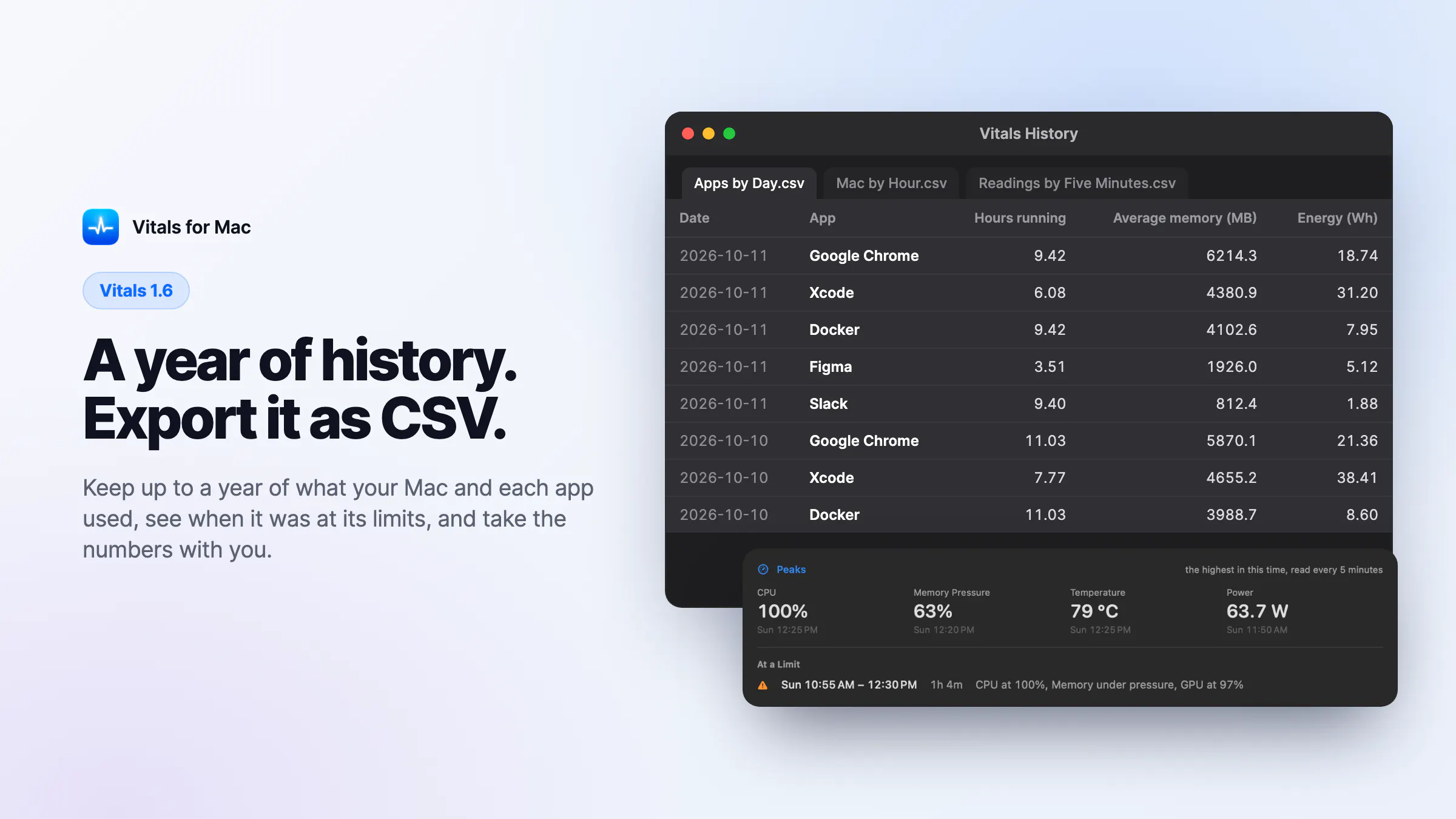
A year of history
Vitals kept 30 days. Now you choose 30 days, 90 days, 6 months, or a year. A year takes about 30 MB on your Mac.
Export CSV
One click saves three files: your apps by day, your Mac by hour, and the readings every five minutes. They open in Numbers, Excel, or any spreadsheet.
Peaks
An average hides the ten minutes your Mac ran flat out. The new Peaks card shows the highest CPU, memory pressure, temperature, and power in the time you chose, and when each was. Under it are the stretches your Mac spent at a limit, and for how long.
A limit for one app
Vitals tells you when a browser passes 8 GB or an editor stays above 200% CPU, at the limit and for the minutes you set. An app that is meant to be busy can be muted until tomorrow or for good.
Also new:
- When a reading in the menu bar turns red, the dropdown says which one, the limit it crossed, and for how long
- Claude, Codex and Cursor can ask Vitals about the past, like when your Mac was at a limit this week
Free for everyone who owns Vitals. Pictures and the full list: https://vitalsmac.com/changelog/1.6
What should Vitals remember or export that it does not yet?
Replies
Be the first to reply
Have a question or a thought to share? Add a comment above to start the conversation.