

MIDI Controllers Are Now Fully Integrated into Live Studio!

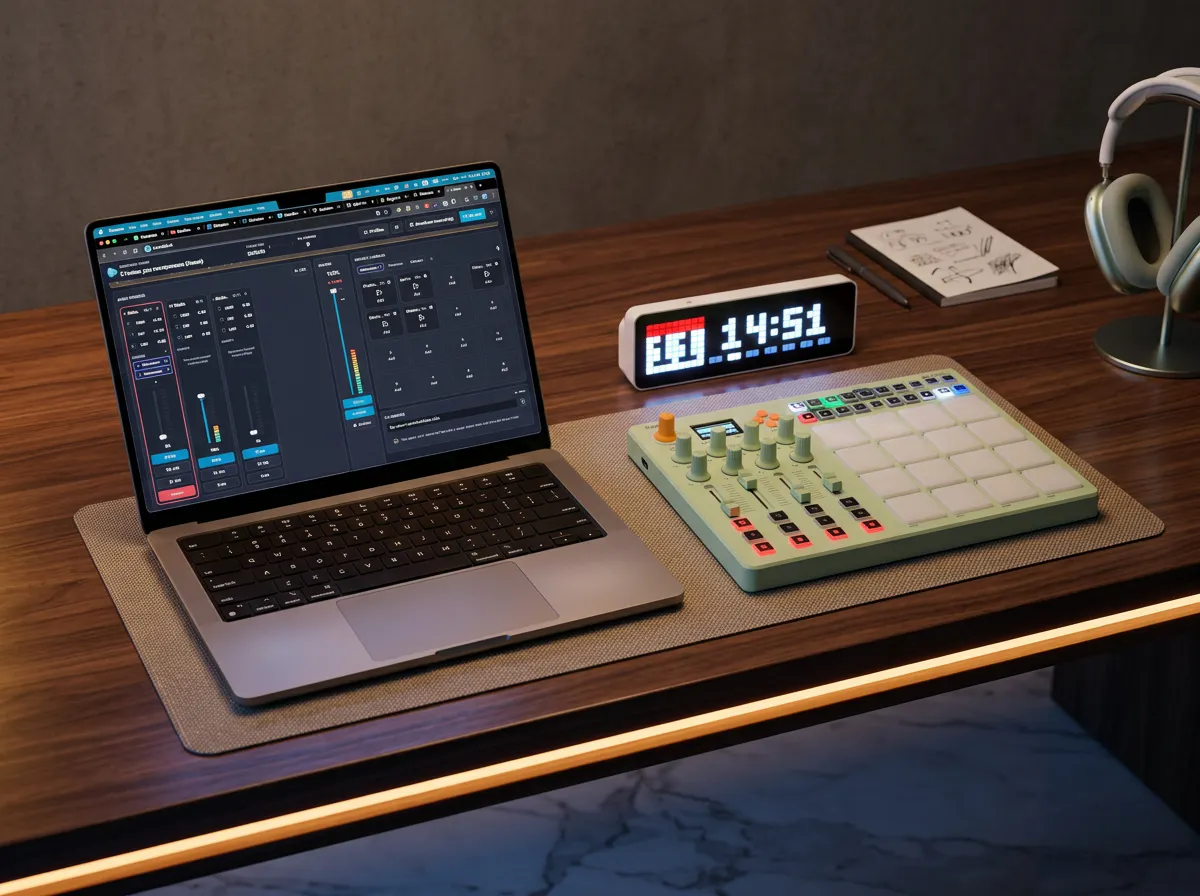
We’re excited to introduce full MIDI controller support in Tunio Live Studio.
You can now run your entire live broadcast directly from your browser while using a MIDI controller for hands-on control. Assign buttons, pads, faders, and knobs to perform actions such as:
Control channel volume and mute/unmute (mic channel, music, background and guests)
Trigger jingles, advertisements, and sound effects
Start and stop music playback
Start and stop recording
Execute custom Live Studio actions with a single press
Everything is fully customizable. You can map any supported MIDI control to the actions that best fit your workflow.
Even better, all MIDI mappings are stored within your Live Studio profiles. Each profile contains not only your studio layout and broadcast settings, but also the complete MIDI controller configuration. Simply switch profiles, and your entire setup - including controller mappings - is instantly restored.
This makes it easy to maintain different configurations for different shows, presenters, or production workflows-all without any additional setup.
Replies