trending

3mo ago

SFM progress (v2.2.0): New setting: Show full-size image in info panel preview

Changes:

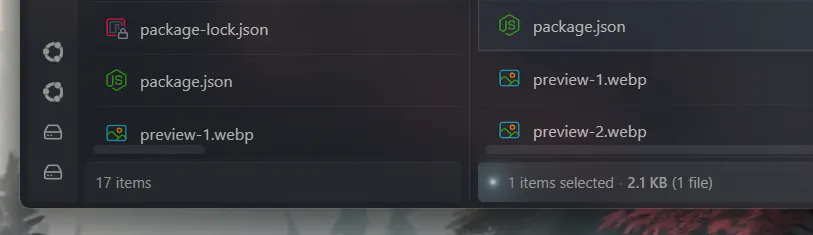
- Added option to display full-res images in info panel, instead of blurry low res thumbnails, at the cost of increased memory usage

3mo ago

SFM progress (v2.2.0): Add sorting in grid layout

Changes:

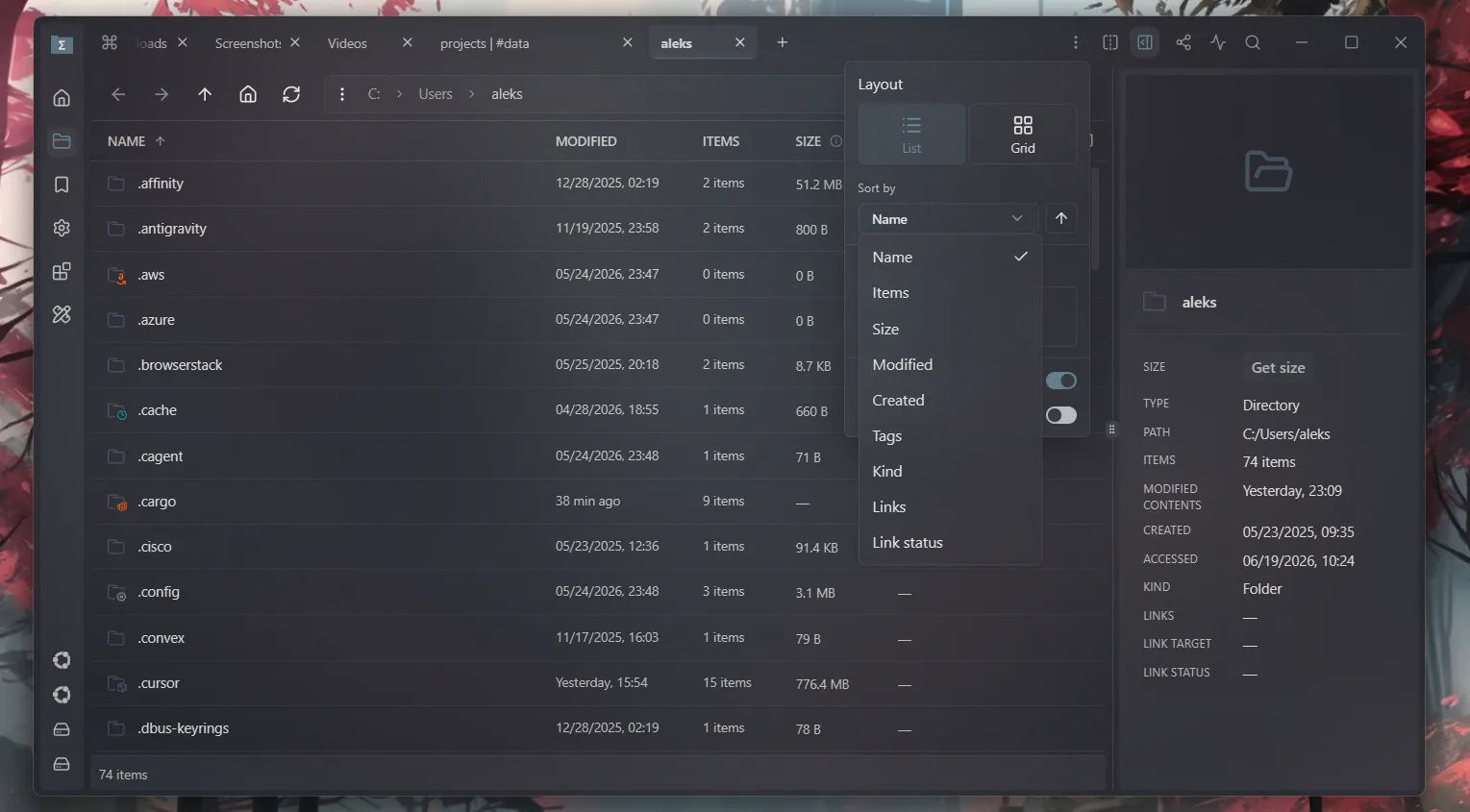
- Added new sorting option in "Navigator options". Now grid layout can be sorted (sorting is saved separately for list and grid layouts).

- Increased shadow visibility on dropdown menus

3mo ago

SFM progress (v2.2.0): Added linked split view mode

Changes:

- Added "linked split" view mode which allows you to navigate in the simplified "Column" style way (clicking a folder in the first pane shows the folder's content in the second pane).

- Changed "info panel" icon to make it easier to distinguish it from the "split view" icon

2mo ago

SFM progress (v2.2.0): New settings for Window memory / performance control

Changes

- New setting: Keep Quick View window in memory.

- New setting: Keep Print window in memory.

These settings allow you to control whether you want better performance or less memory usage. Both Quick View and printing will still work if you disable those settings, but those windows will open in 1-2s instead of 0s.

2mo ago

SFM progress (v2.2.0): Support password-protected ZIP archives and non-UTF-8 zip archives

Changes:

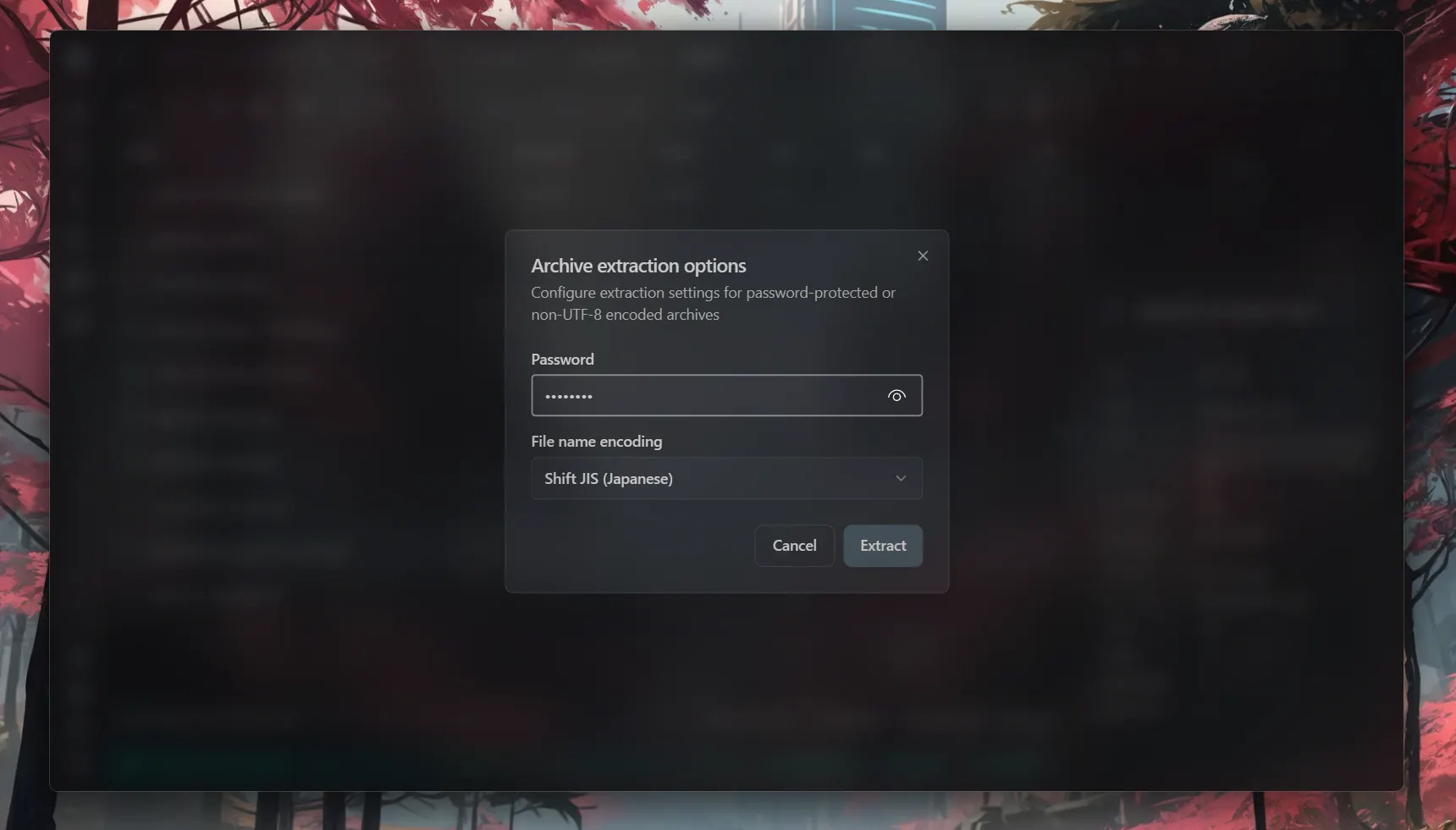
- If an archive is encrypted, the app will prompt you to enter the password when extracting it.

- If archive contains files with non-UTF-8 characters in their names, the app will prompt you to select proper encoding to avoid garbled names (it will try to get the correct encoding for you and pre-select it in the encodings selector).
Thanks to https://github.com/oxygen-dioxide for contribution

2mo ago

SFM progress (v2.2.0): new settings for Info Panel video preview

Changes:

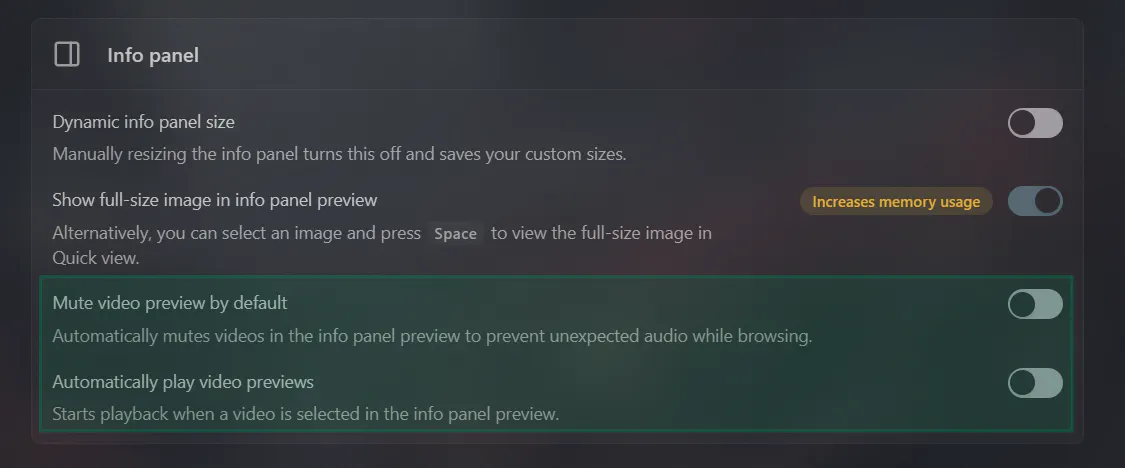
- Added new setting: Mute video preview by default

- Added new setting: Automatically play video previews

2mo ago

SFM progress (v2.2.0): Added new clipboard extension API and new list-detail extension view

Changes

- Added clipboard API for extensions;

- Added new list-detail extension view with the list on the left and the preview / info on the right;

- Improved extension view design and functionality (added "other actions" menu that allows extensions to define multiple secondary actions)

3mo ago

SFM progress (v2.2.0): copy/pasting files and folders with other apps via system clipboard

Changes

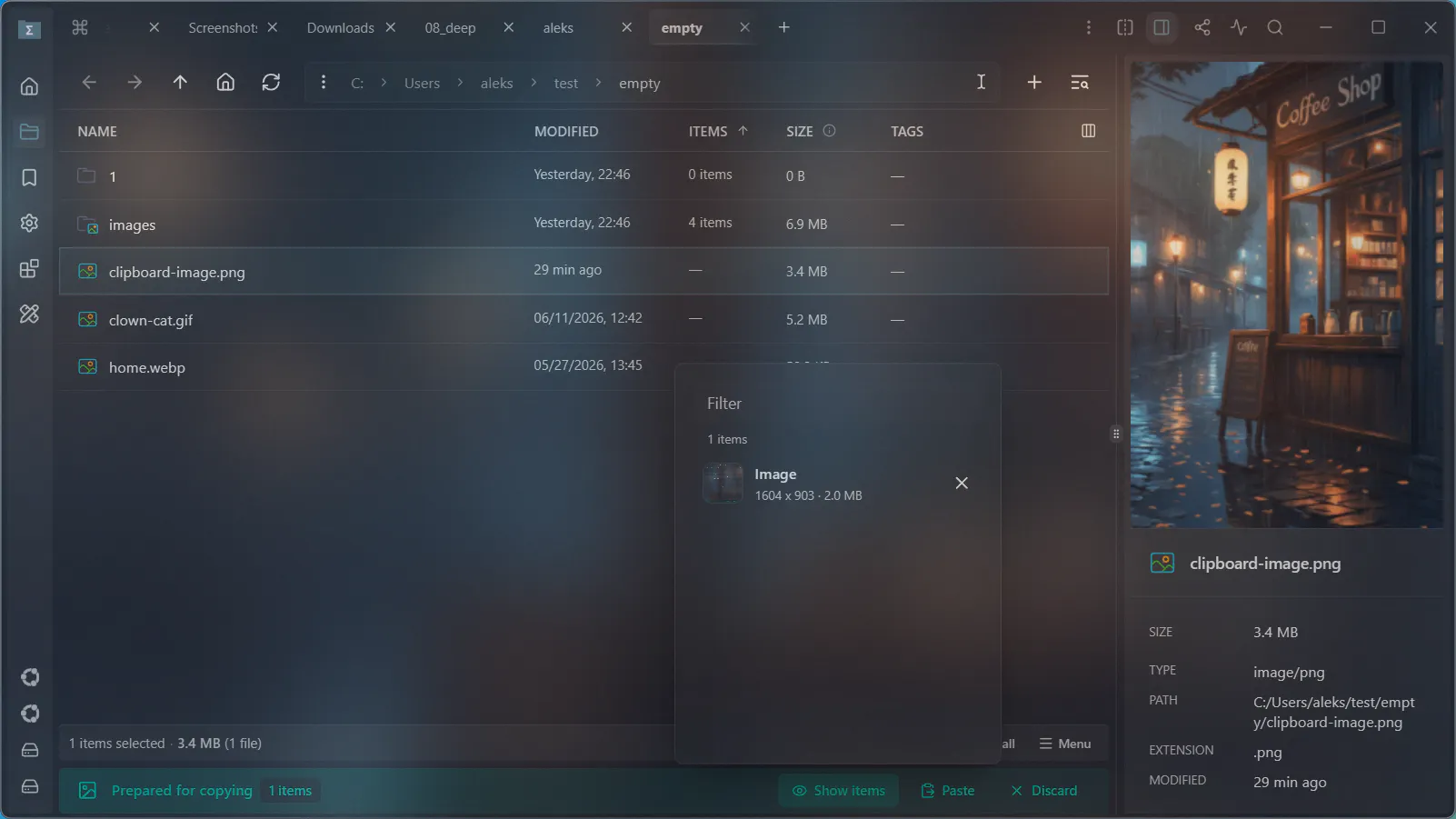
  • Support copy/pasting images from web to drive via system clipboard.

  • Support copy/pasting files and folders to and from other apps via system clipboard (if they support it). Apps like "File Explorer".