Today my first ever app finally went live on the App Store.
What I thought would be a simple submission turned into 3 rejections, countless guideline checks, multiple fixes, and 13 days of waiting. Every time I thought I had fixed everything, another issue popped up.
There were moments when I felt like giving up because I wasn't even fighting bugs anymore, I was fighting the review process.
But this afternoon I finally saw the approval mail.
Over the last few weeks, I ve been refining facial tracking, improving stability, and preparing the app for launch. Seeing body and facial motion capture running smoothly on a mobile device has been a rewarding experience.
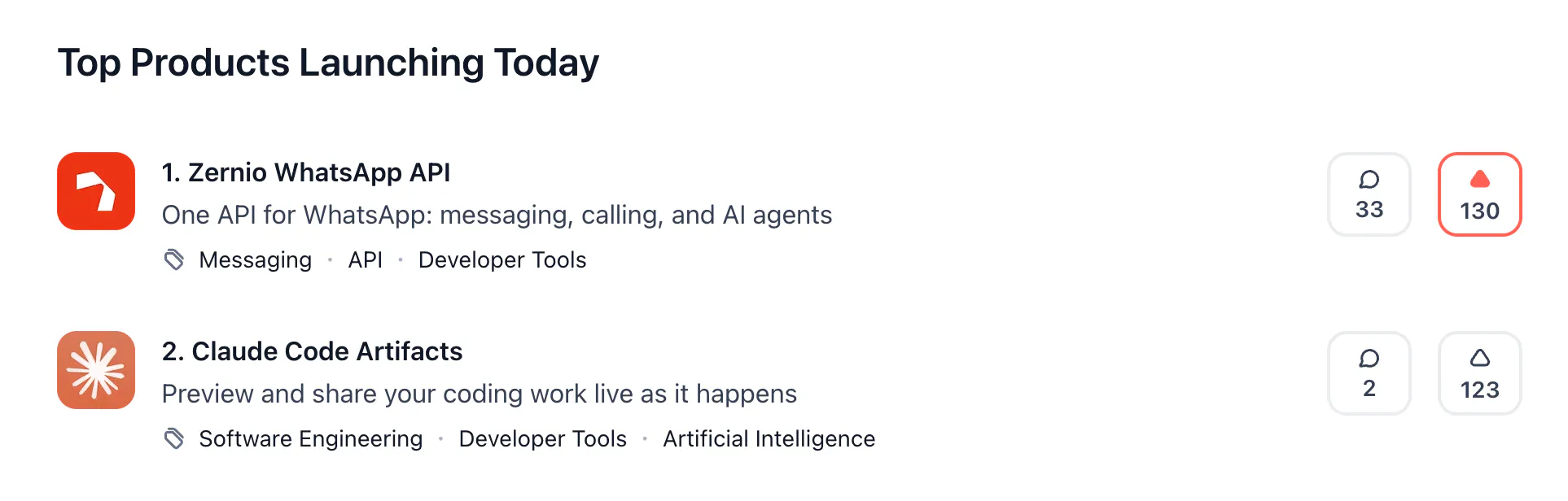
We're currently #1 on Product Hunt today, and the product sitting right below us is Claude Code Artifacts
A bit surreal, because roughly half of our users connect Zernio to Claude via our MCP server to build social media automations. And now with the WhatsApp API, those same agents can handle the full conversation layer too. Consider messaging, calling, broadcasts, in-chat forms managed with your AI agent!
I collect comics digitally. Over the years I've tried a lot of readers - most of them feel like "open a folder and swipe." Fine, but not how I think about a collection.
I've been building Apex Comics for a long time, and it just went live on Google Play. I'm an indie dev and a comic reader myself - I got tired of file browsers pretending to be libraries, and apps that either lock basics behind subscriptions or treat your collection like an afterthought.
After months of building and refining, we're excited to finally share @TaskFord with the world.
It started from a simple frustration we kept seeing: work is often scattered across spreadsheets, chat threads, and multiple tools, making it hard to stay aligned and keep projects moving.
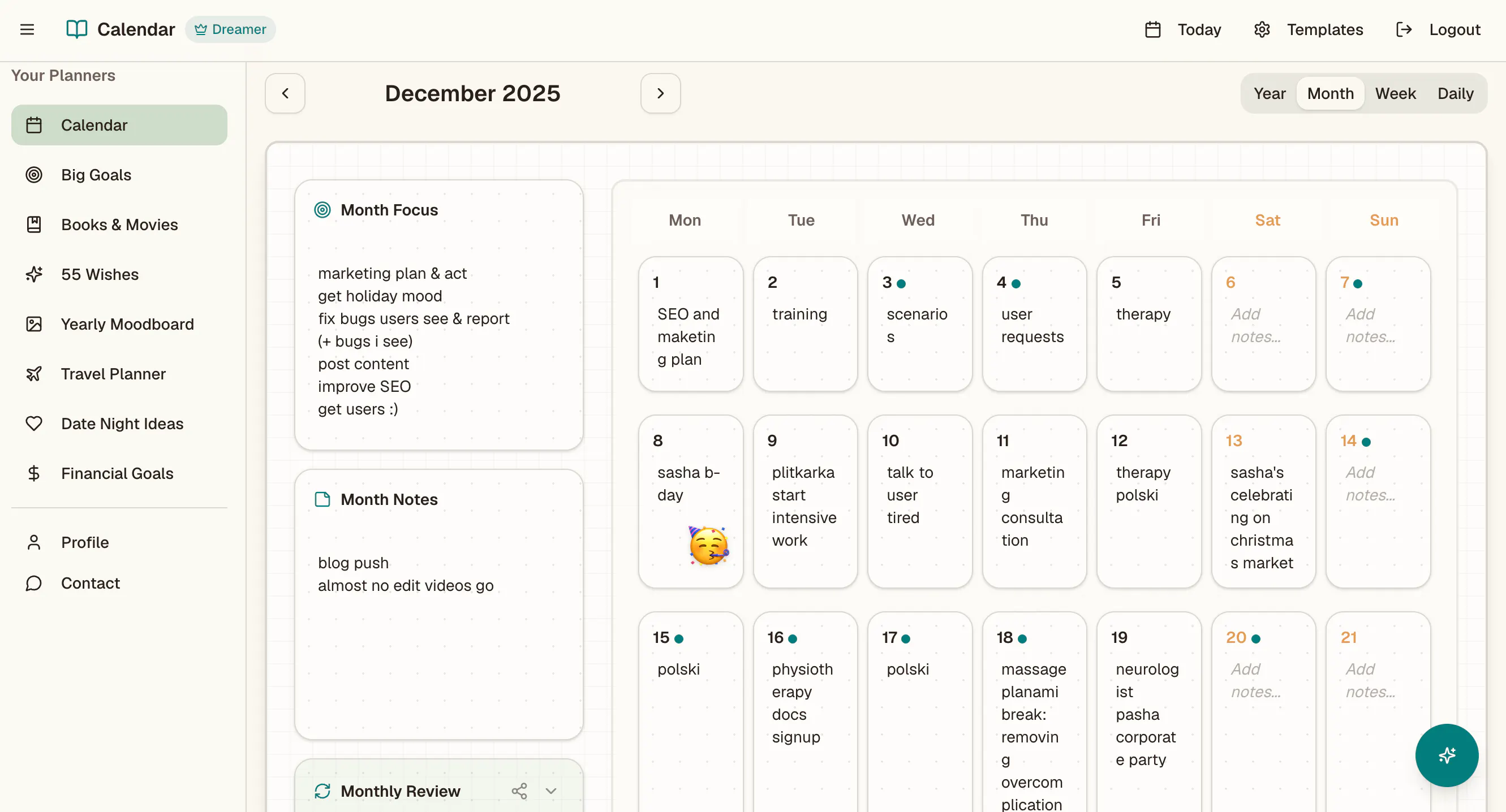
Hey, PH community, I'm very tired of an AI race, so I am focusing on something that helps me stick to what matters to me in life and see my small wins every week & every month: my online paper-like planner.
It's an all-in-one planner app combining daily planning, long-term goals, reflection, journaling, and life organization in one calm space. Start from defining big goals, split them into what is achievable in a year, month, week and what to focus on daily. Or just find your own way.
Limelight started as a live overlay for Mac a cursor spotlight, on-screen keystrokes, and freehand drawing so your audience can actually follow your pointer and the shortcuts you press.
This relaunch adds full recording. Now you hit record and Limelight auto-zooms toward your clicks, smooths your cursor, drops it on a clean background, and exports a sharp mp4 or a vertical 9:16 clip all on your Mac, nothing uploaded.
What I'm trying to do differently from the screen recorders already out there:
It shows your keystrokes and clicks right on screen perfect for coding tutorials, no separate KeyCastr window.
Pay once ($34), not a $20/month subscription. Free to try, no account.
100% offline and notarized your recordings never leave your machine.
After spending years building web scraping and automation systems for clients, I noticed many businesses have no idea how easily their public data can be collected through scraping, APIs, and automation tools.