

I'm back with a big update to Limelight.

Limelight started as a live overlay for Mac — a cursor spotlight, on-screen keystrokes, and freehand drawing so your audience can actually follow your pointer and the shortcuts you press.
This relaunch adds full recording. Now you hit record and Limelight auto-zooms toward your clicks, smooths your cursor, drops it on a clean background, and exports a sharp mp4 or a vertical 9:16 clip — all on your Mac, nothing uploaded.
What I'm trying to do differently from the screen recorders already out there:
It shows your keystrokes and clicks right on screen — perfect for coding tutorials, no separate KeyCastr window.
Pay once ($34), not a $20/month subscription. Free to try, no account.
100% offline and notarized — your recordings never leave your machine.
I'm a solo maker and I genuinely want to give more value than what's already on the market — not just match it. Would love your honest feedback on what to build next 🙏
- Limelight free download link
https://limelightmac.com/
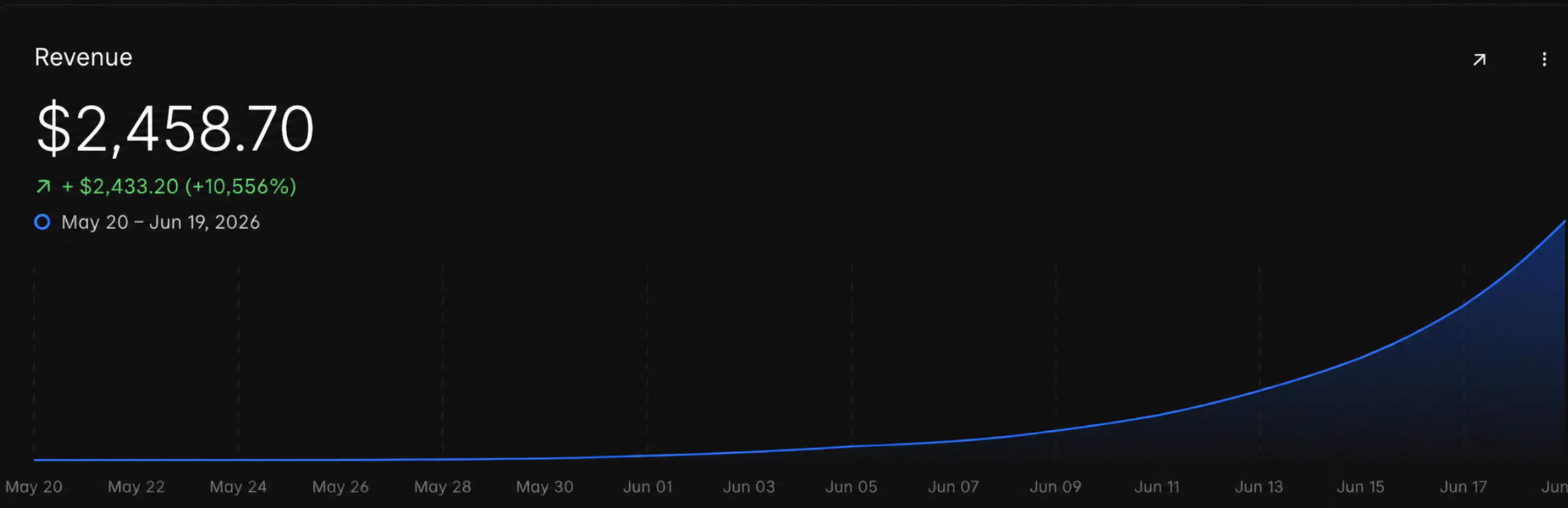
that revenue graph though... that's the dream 😅
Replies
Be the first to reply
Have a question or a thought to share? Add a comment above to start the conversation.