

TrackpadGesture: One-handed copy & paste for macOS 🚀
Hey Product Hunt community! 👋
Here’s a situation I kept running into every winter:
I’m curled up on the couch or in bed with my Mac. My right hand is comfortably using the trackpad, and my left hand is either tucked under a warm blanket or holding a hot cup of coffee ☕️.
Then comes the annoying part: I need to copy & paste a piece of text.
Suddenly, I’m forced to pull my left hand out into the cold room just to hit Cmd + C and Cmd + V. If a task can be done with one hand, why demand two?
So I built TrackpadGesture—a lightweight macOS utility that brings true one-handed freedom to your trackpad.
⚡️ How it works:
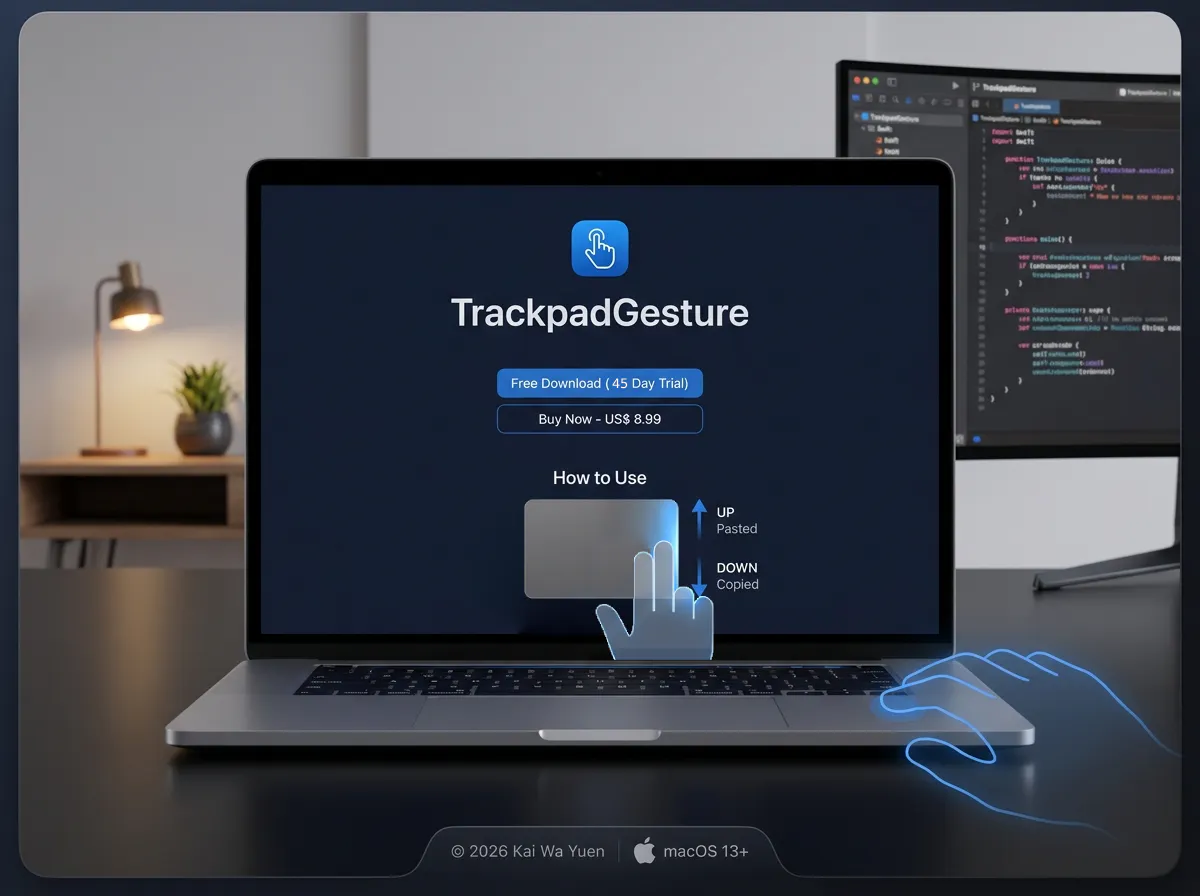
• 👆 Swipe UP on the far-right edge: Instant Paste (⌘V)
• 👇 Swipe DOWN on the far-right edge: Instant Copy (⌘C)
🛡️ Key Features:
• Smart Scroll Suppression: Prevents accidental webpage scrolling when using edge gestures.
• Native HUD & Haptics: Clean visual feedback near your cursor + crisp Taptic Engine feedback.
• Privacy-First & Lightweight: 100% local processing. No network tracking or keylogging.
• Apple Notarized: Native support for Apple Silicon & Intel (macOS 13.0+ Ventura or later).
I’d love to get your thoughts, feedback, or feature suggestions!
🌐 Website & Download: https://ykw1987-sudo.github.io/TrackpadGesture/
🚀 Direct DMG Download: https://github.com/ykw1987-sudo/TrackpadGesture/releases/download/v1.0.0/TrackpadGesture.dmg
(Includes a 45-Day Free Trial with all features enabled!)
Replies
Be the first to reply
Have a question or a thought to share? Add a comment above to start the conversation.