

2 years of manually compressing images in Framer. I finally built a plugin to do it for me.
Hey everyone,
I've been building Framer sites for about two years, and the same boring task slowed me down on basically every project: image optimization.
Right before launch I'd go through the whole site checking file sizes, compressing the heavy ones, converting to WebP, and adding alt text for SEO and accessibility. Nothing hard — just tedious, and way too easy to miss an image or two.
So a few months ago I built a little tool for myself to handle it without leaving Framer. I used it on a bunch of client projects, cleaned it up, and put it on the Marketplace as Image Manager.
What it does:
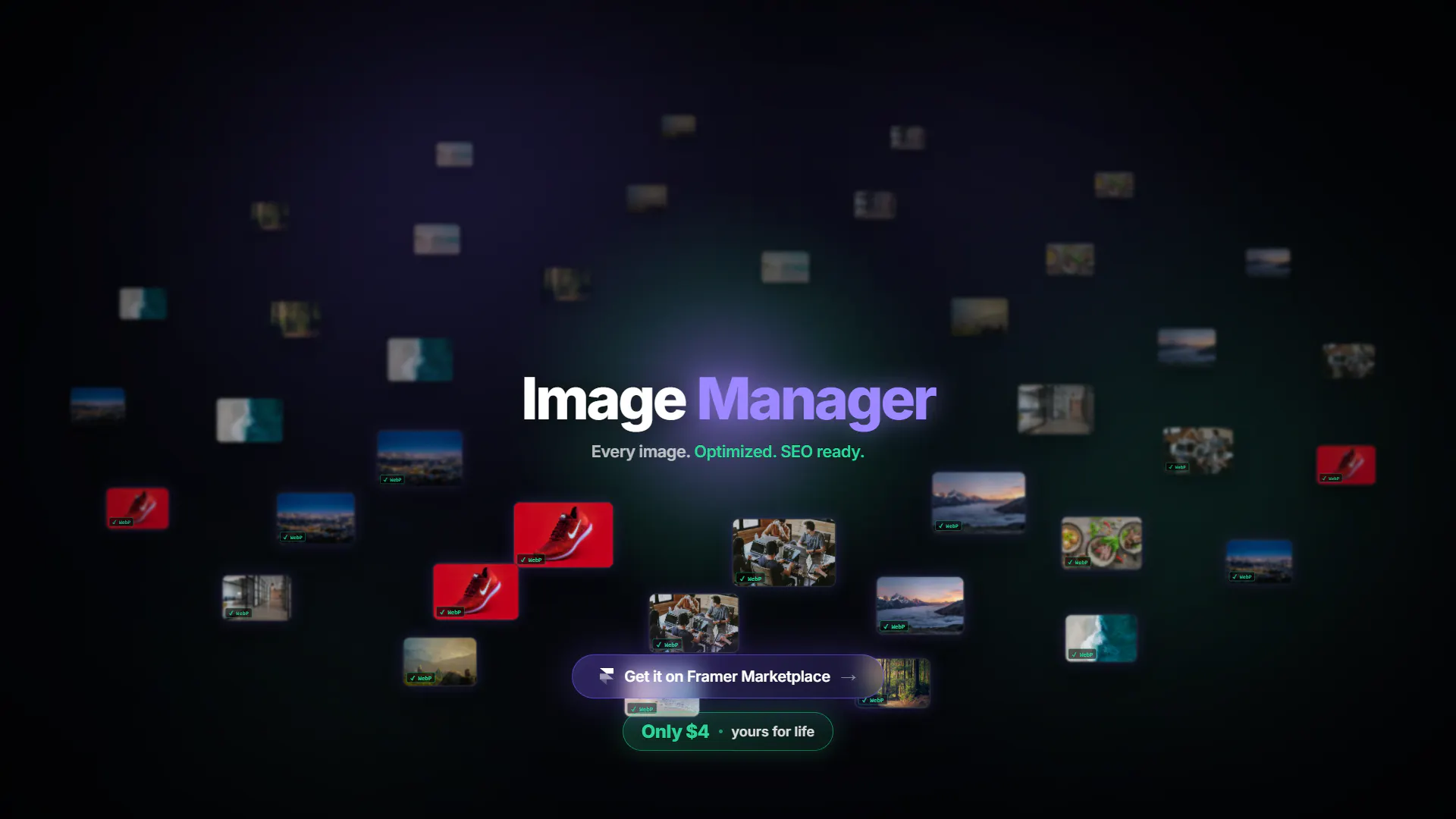
Scans every background image across all your pages in a single panel
Flags issues at a glance — oversized files, missing alt text, PNGs that should be WebP
Compresses + converts to WebP in one click, applied right on the canvas
Bulk actions, so you can fix dozens of images at once instead of one by one
Edit alt text inline to clean up SEO and accessibility
It started as a personal productivity thing, but heavy images wreck Core Web Vitals and missing alt text quietly hurts your SEO, so I figured other Framer folks hit the same wall.
Genuinely curious how you all handle image optimization in Framer today — by hand, with external tools like Squoosh/TinyPNG, or honestly just skipping it? And if there's a feature that would actually save you time, I'm taking notes.
Plugin's here if you want a look (Only 4$ - Lifetime) : https://www.framer.com/marketplace/plugins/image-manager/
Happy to answer anything 👋
Replies