

Render Room 2.0: From a media converter to an edit-and-convert workspace

Hi everyone,
Render Room 2.0 is finally out, and this release feels especially personal.
I build Render Room independently, and this update took much longer than I expected. My regular work was especially busy, so I rarely had the long, uninterrupted blocks of time it needed. Still, I kept returning to it whenever I could, and after many small iterations, it has finally reached the point I wanted to share.
Render Room began as a focused, native Mac app for converting, compressing, and resizing video, GIFs, and audio.
But I kept running into a simple problem: many “conversion” jobs actually begin with a bit of editing. You have several clips to combine, sections to remove, or background audio to add, but opening a traditional video editor can feel like too much for that job.
That became the central idea behind 2.0.
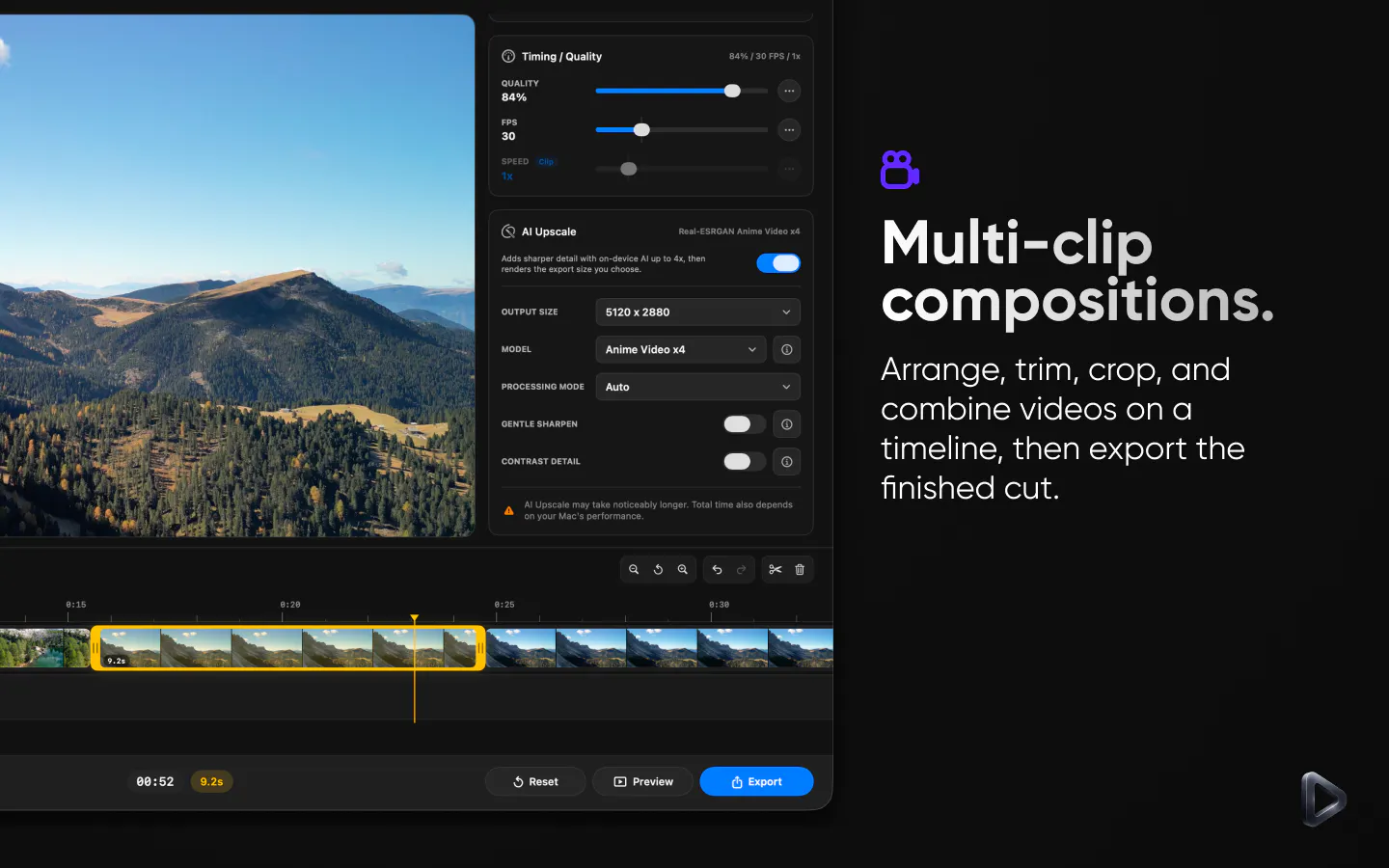
The new Edit mode adds a multi-clip timeline where you can arrange, trim, split, reorder, and adjust the speed of clips, add background audio, save projects, relink missing media, and export the finished composition using the same controls available in Convert mode.
Beyond Edit mode, Render Room helps you understand the result before committing to a full export:
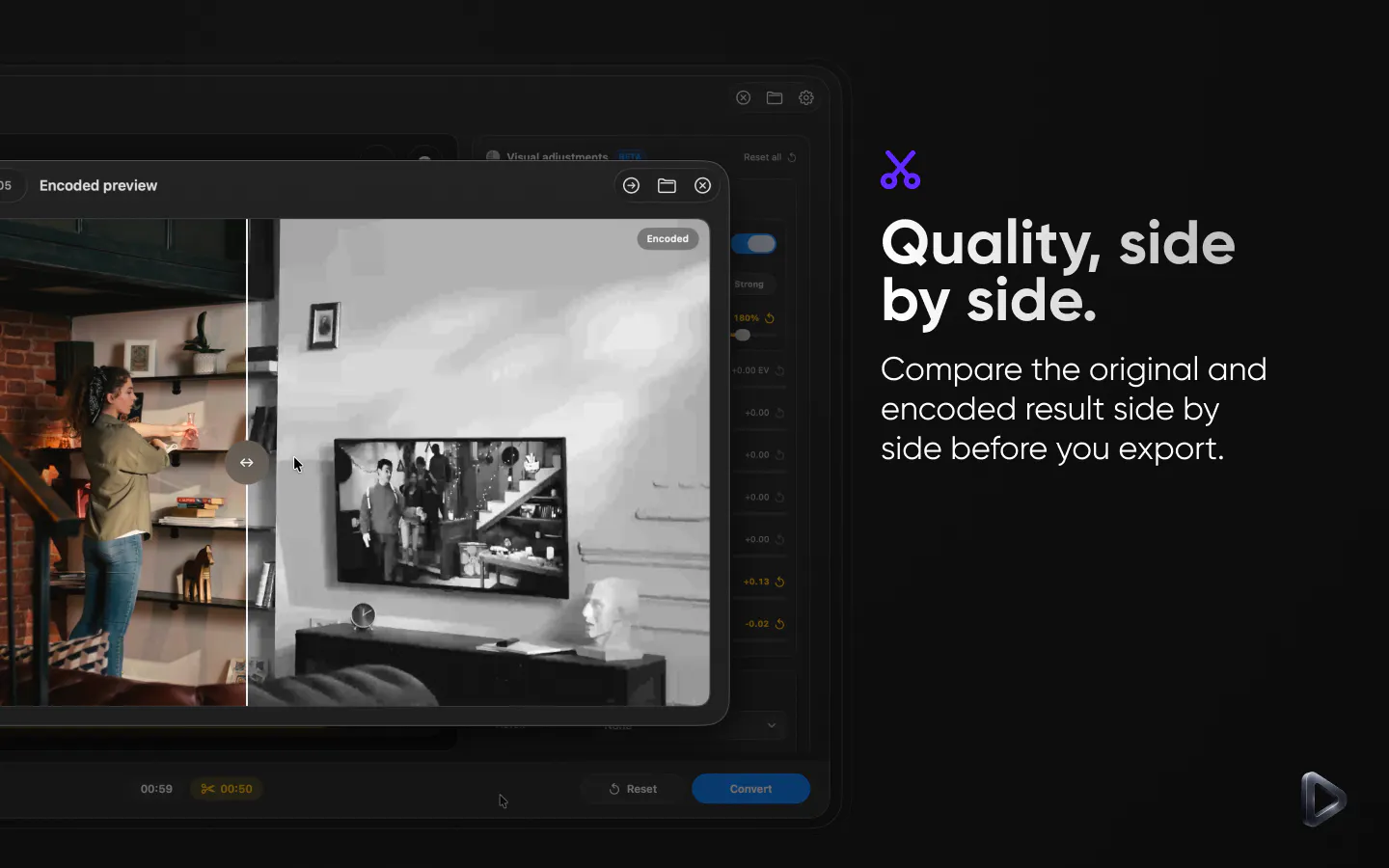
• Compare the original and encoded output side by side
• Generate short encoded samples
• See estimated output size as settings change
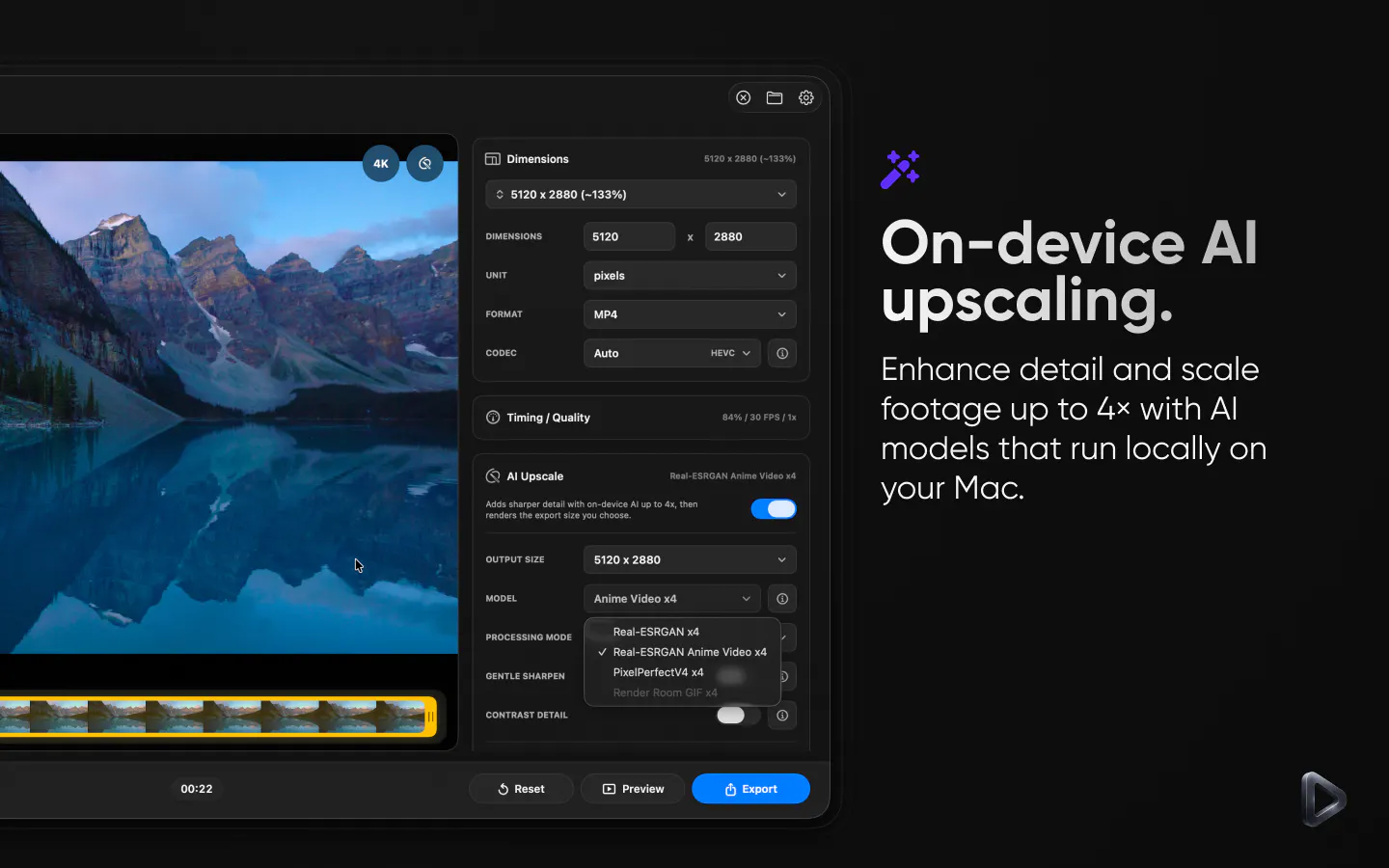
• Upscale supported video and GIFs on-device by up to 4×
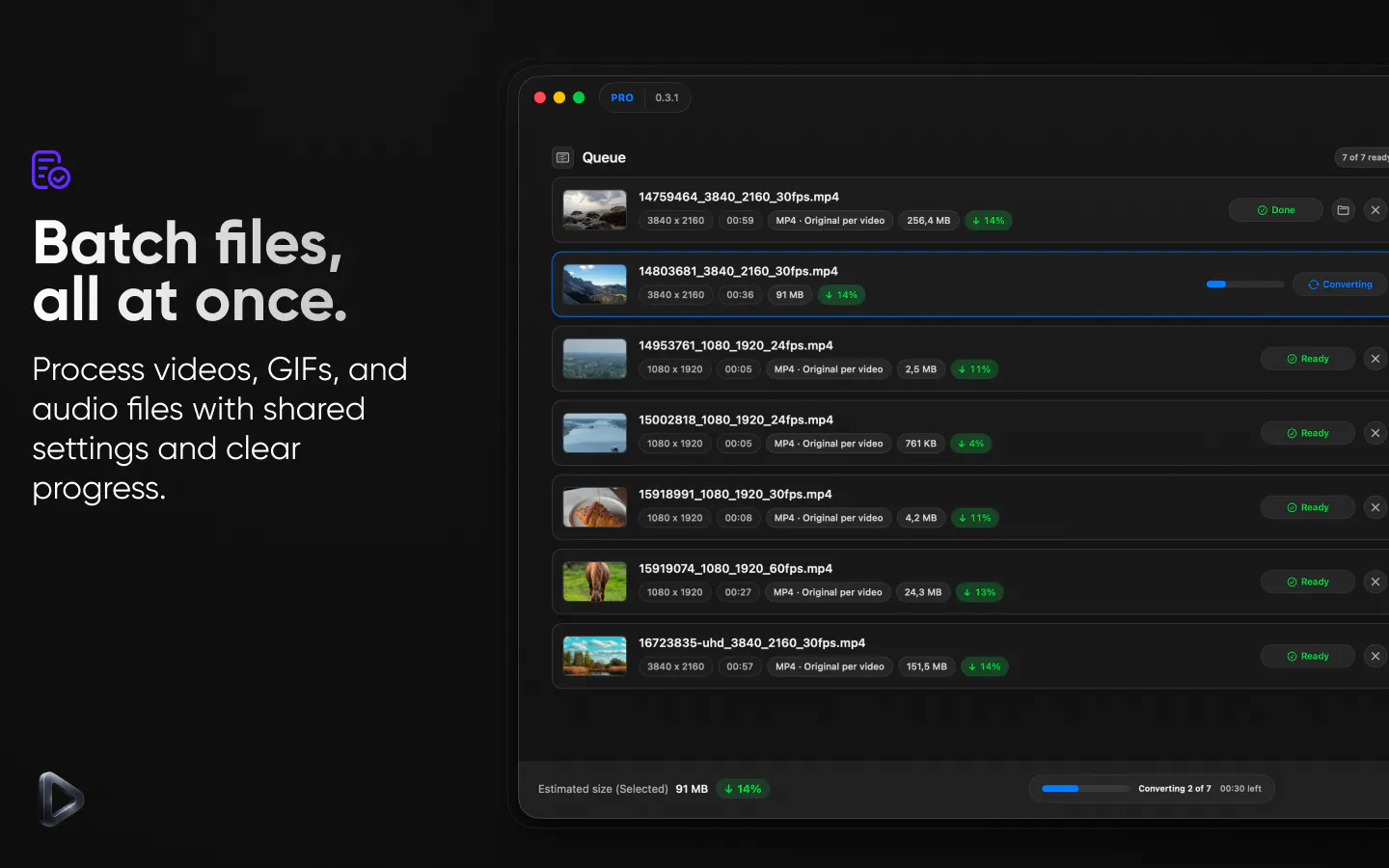
• Convert multiple files in a batch
• Work with LUTs, color adjustments, and HDR footage
• Export MP4, MOV, GIF, WebM, MKV, ProRes, MP3, WAV, and FLAC
The hardest part wasn’t adding a timeline. It was deciding where to stop.
I don’t want Render Room to become another complex professional video editor. The goal is to cover the space between “I only need to convert this file” and “I need to assemble a few clips into a finished video.”
Most essential workflows are still free to use. Render Room Pro is there for more advanced workflows, but the free version is meant to stand on its own.
I’d love feedback on that boundary:
When you need to combine a few clips, would you prefer a lightweight timeline inside your conversion app, or do you immediately reach for a full video editor?
What would make a tool like this feel complete without making it overwhelming?
https://apps.apple.com/us/app/render-room/id6768327964?mt=12
Replies
Be the first to reply
Have a question or a thought to share? Add a comment above to start the conversation.