

I taught the MacBook notch to watch your AI tools!

Hey folks,
I made Pulse Island, a macOS app that turns the notch into a Dynamic Island. Yesterday I shipped 1.1.1 and it grew the feature I have wanted since day one, so I thought I would share how it turned out.
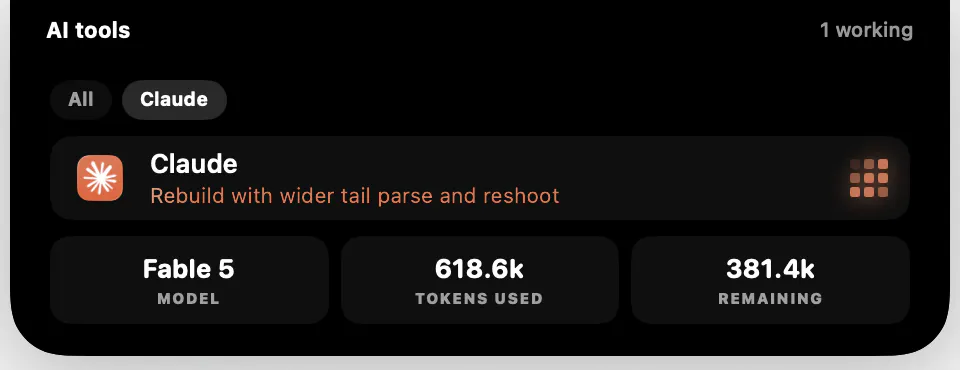
An AI tools card that actually knows when your agent is working
If you run Claude Code, ChatGPT, Cursor, Codex or Grok, you know the tab-switch dance: kick off a task, go do something else, come back every two minutes to check if it is done.
The part I am most proud of: detection happens entirely on your Mac by watching running apps, processes and the tools' own local session logs. Nothing is contacted. Nothing leaves your machine.
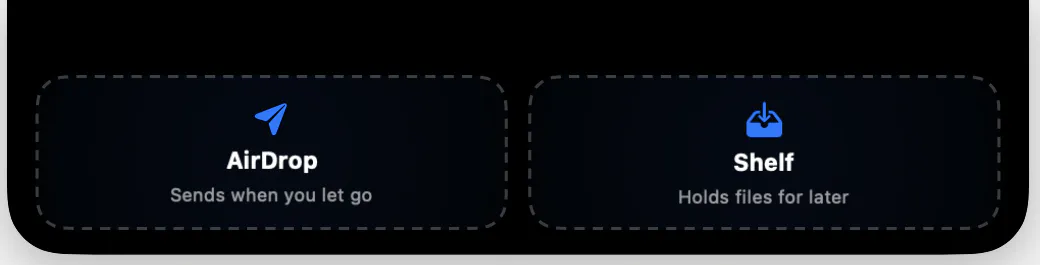
Drop zones, plural 📂
Drag files onto the notch and the island now opens into two containers side by side.
Drop on AirDrop and the picker opens the moment you let go.
Drop on Shelf and the files wait there until you send or save them.
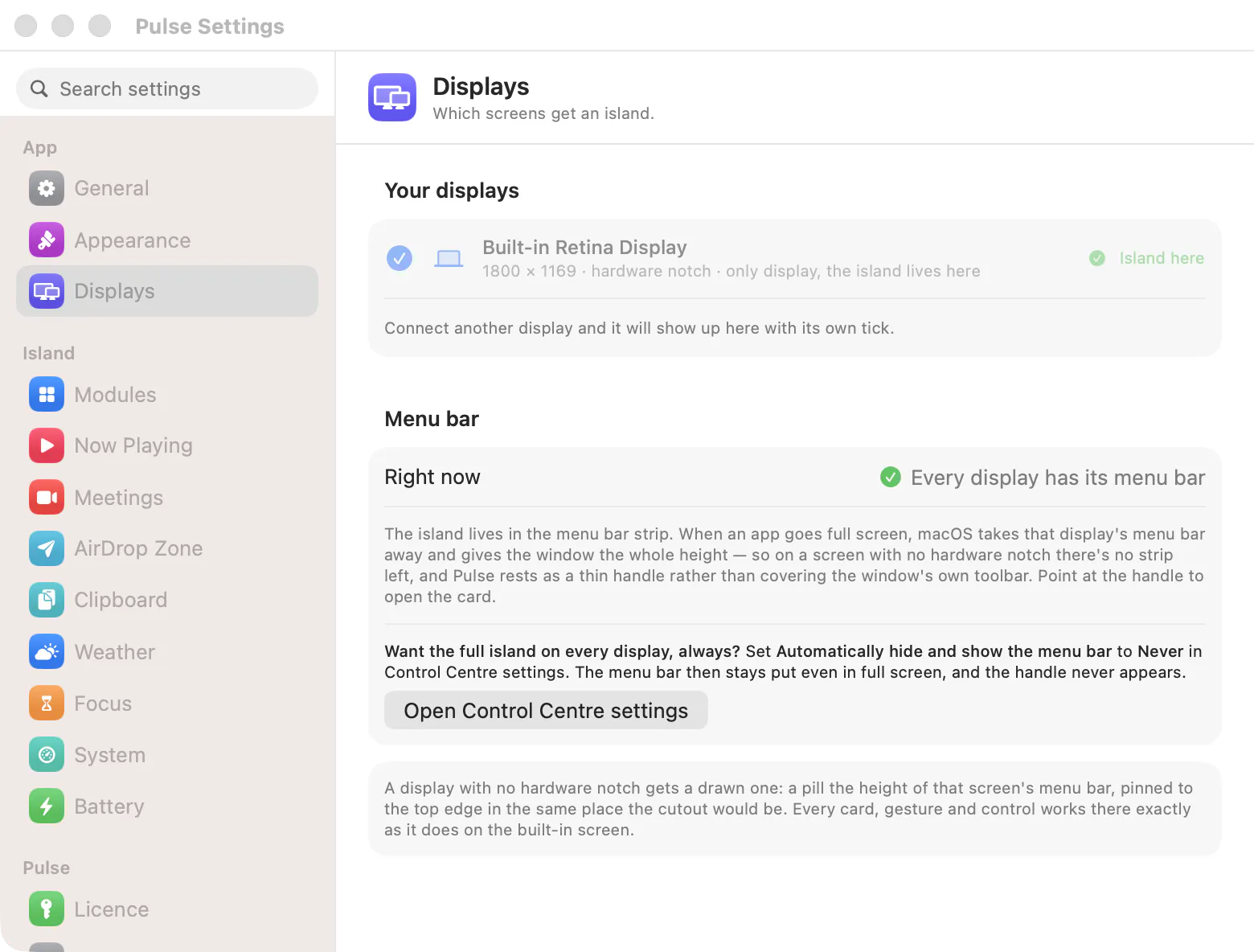
Displays became a straight multi-select 🖥️
The three placement presets are gone. The Displays pane now lists every connected screen and you tick the ones that should carry an island. Clamshell users asked for exactly this: a closed MacBook driving external monitors keeps them island-free unless you say otherwise.
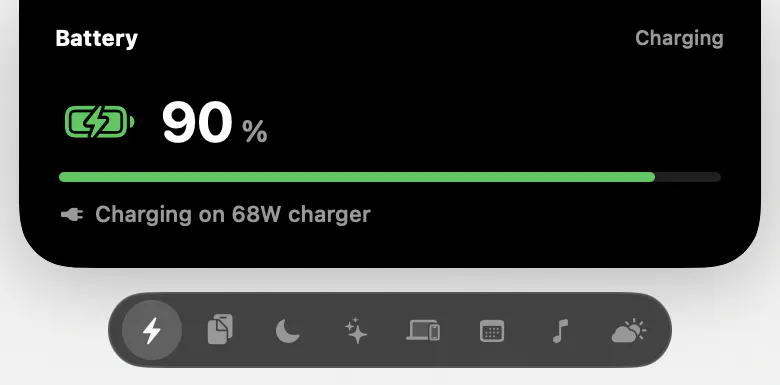
Icons instead of dots ✨
If you hop between cards a lot, Appearance now offers an icons style: a floating pill under the island with a glyph per module and the active one lit, so you know where a tap lands before you jump.
And the smaller stuff users asked for
The menu bar icon is now optional, so the island can be the whole interface.
Reduce Motion is honoured everywhere, with a Pulse-only switch if you want just the island calm.
The battery card names your charger: charging on 68W charger, 41 minutes to full.
Phantom Bluetooth toasts are gone. A connection has to survive a settle check before it earns one.
The drop zone no longer flickers shut while you are aiming a drag.
Try it now → https://pulseisland.club
Would love to hear what the notch should learn next.🙌🏻
Replies