

Introducing the new visual launch editor!!!

Hi everyone!
I'm super excited to share our new visual launch editor. It's built to make launching on Product Hunt a lot easier.
While working on launches ourselves, and watching makers go through theirs, we kept seeing the same three pain points:
Too many clicks and steps. Getting a launch live meant working through a long multi-step form.
You couldn't see your launch. You didn't really know what it would look like until you were done.
Editing was disruptive. To change something, you had to jump back into the launch flow and find it again.
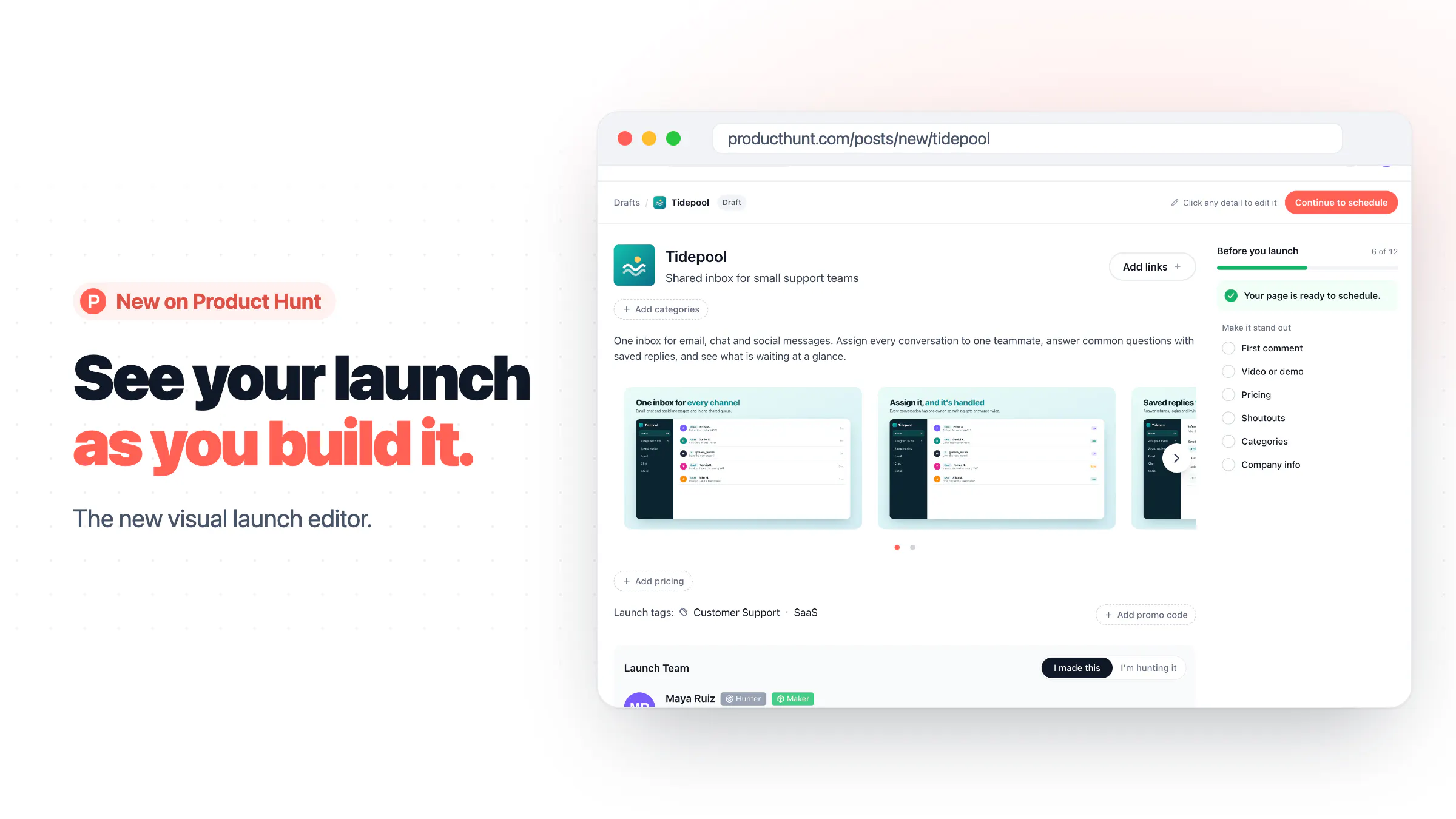
We thought it should be simpler: one visual place where you see your launch exactly as it will look live, and edit it right there.
So we built the visual launch editor:
Click anything to edit it. Name, tagline, description, gallery, pricing, tags, makers and your first comment are all edited right on the page.
A launch checklist shows what's required and what will help your launch stand out. Tap any item and the editor takes you straight to that field.
One editor for every stage. Drafts, scheduled launches and live launches all open in the same place.
A major shout-out to @rajsb_ for spearheading and leading this. He'll be in the comments dropping some engineering wisdom, so bring your questions. 🙌
Go launch something new and let us know what you think!
Support the launch: https://www.producthunt.com/products/producthunt/launches/product-hunt-visual-launch-editor
Replies
Thanks for the updates! It’s great to see that the platform cares about user convenience.
Tried it this morning with a relaunch draft for mailX. just pasted the URL and it filled the name, tagline and description in about 20 sec. The checklist jumping straight to the field is realy nice.
A few things I noticed:
the tagline came from our SEO title ("Email DNS Checker: Free SPF, DKIM, DMARC & MX Test"). Reads like a Google result, not a PH tagline
the launch logo is our favicon, not the logo already on our product page, and the checklist still marks it complete
I picked my own product under "Launching again?" but Launch Team defaulted to "I'm hunting it"
first tag suggestions for an email tool were Web3 and Blockchain 😅
@rajsb_ is the auto-fill reading only the page meta tags??? Or also the existing product page on PH???
One thing I'm curious about is whether the editor autosaves changes or if makers still need to save manually.
@michael_dawson4 Drafts save automatically as you edit, so you can come back and finish later. For scheduled and live launches, you click “Save changes” to prevent accidental changes from going public immediately.
the required vs suggested split in the checklist is a good idea. can you do the whole scheduling part from mobile web now, or just edits?