

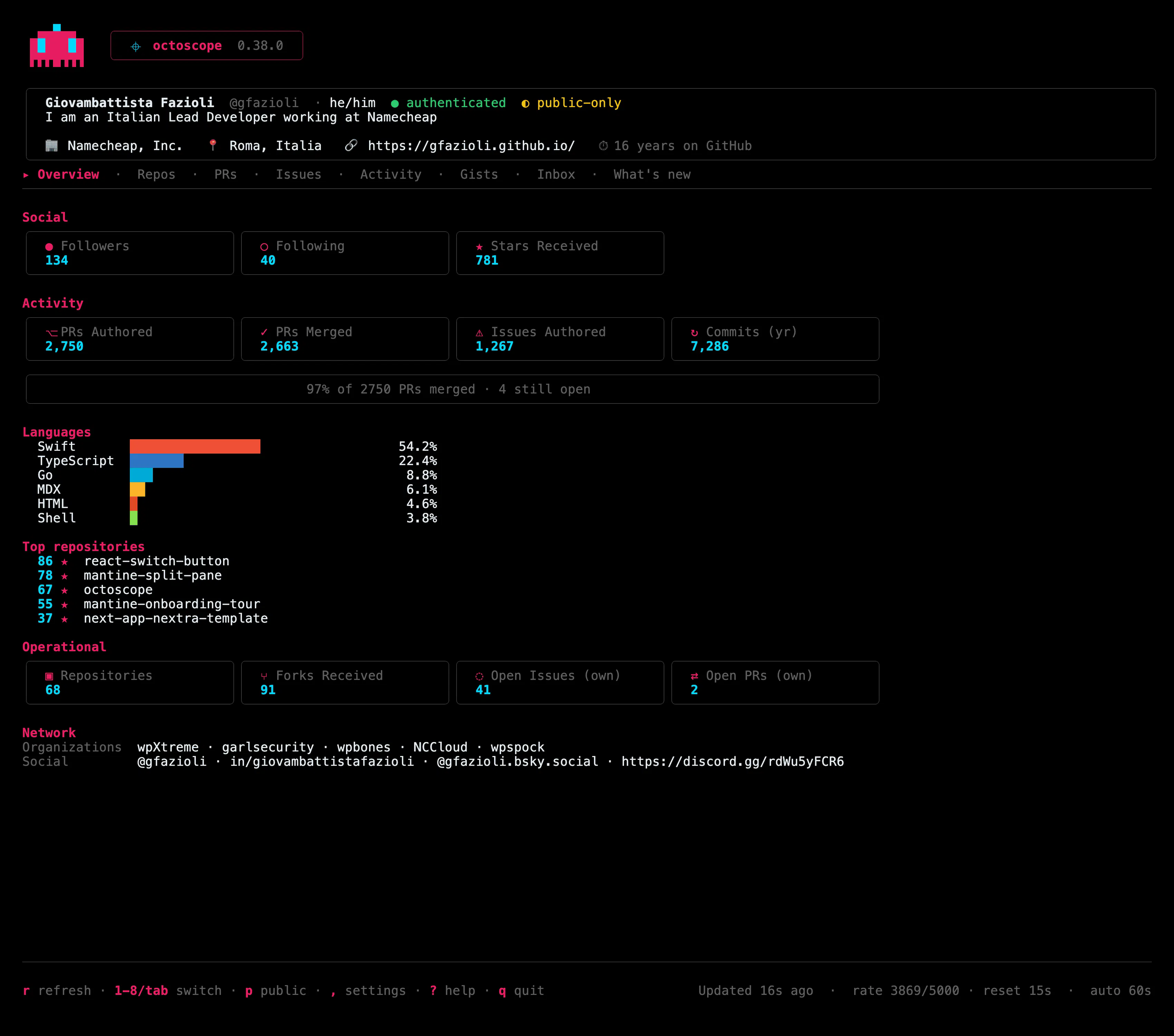
🛡️ octoscope 0.38 answers one question for your whole account: is anything of mine compromised?

The supply-chain scan used to work one repository at a time, from the dashboard. If a worm had pushed an implant into one of your 90 repos, you'd have had to open them one by one to find out.
Now one command does the round:
octoscope --scanIt reads the default branch of every repository you own, plus everything in your watch list (so your organisations' repos come along), and prints one report: how many are clean, which ones look suspicious and why, and which ones it couldn't read. About 17 seconds for ~100 repos on my account.
Add --json and the same report becomes a versioned contract you can pipe into a nightly job.
The drill-ins grew too: a repo now shows its traffic (views and clones over 14 days) and its open Dependabot alerts, and a PR that's a layer of a stacked pull request shows the whole stack, with a 2/4 marker in the PRs list.
The detail I enjoyed most: the first sweep flagged two of my own repos as forged, because my release workflow commits as github-actions[bot] and pushes with git, which GitHub doesn't sign. Instead of trusting the bot, the scan now looks at who recently changed each file that can actually run code. A workflow updating a data file is a note; a bot commit that changed a hook still scores. Codex broke the first two versions of that rule before it held.
And a repository the scan can't read is never counted as clean: it's listed as not scanned, with the reason. In a security tool, the expensive mistake is the quiet one.
brew upgrade gfazioli/tap/octoscopeHow do you check your repos today after a token leak or a scare like Shai-Hulud? Do you sweep everything, or only what you remember owning? 👇
Site: https://gfazioli.github.io/octoscope
Newsletter: https://octoscope.substack.com
Discord: https://discord.gg/rdWu5yFCR6
Replies
Be the first to reply
Have a question or a thought to share? Add a comment above to start the conversation.