

Kilo Code for JetBrains - Frequently asked questions

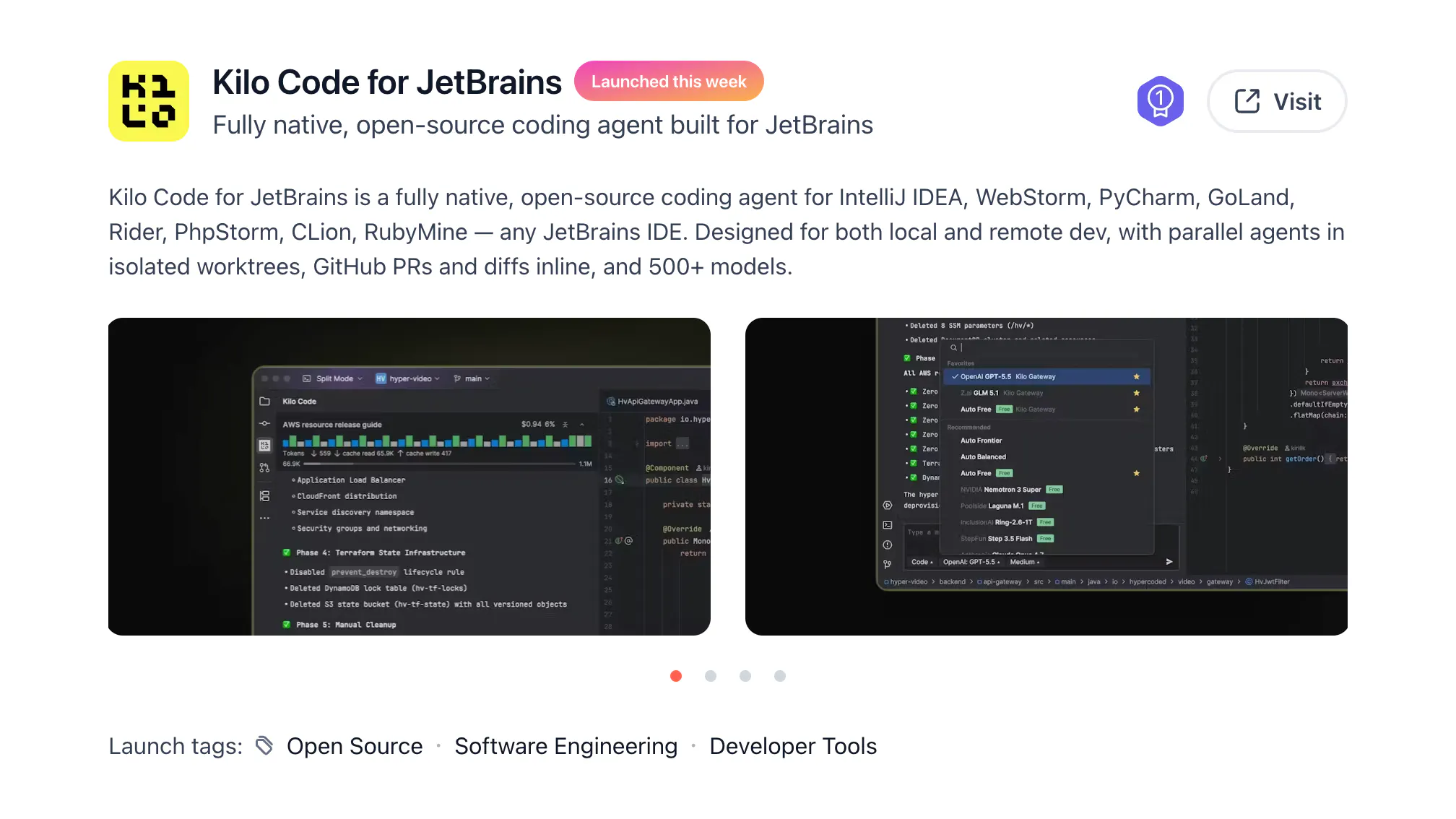
@Kilo Code launched a fully native plugin for @JetBrains.
Installation, model choice, pricing, team setup... Here's everything you want to know about it.
Which JetBrains IDEs support Kilo Code?
@Kilo Code supports IntelliJ IDEA, WebStorm, PyCharm, PhpStorm, GoLand, Rider, CLion, RubyMine, and DataGrip.
Is the native JetBrains plugin generally available?
Yes. The native Kilo Code plugin is generally available through the standard JetBrains Plugin Marketplace release channel. No custom plugin repository or early-access signup is required.
Does Kilo Code support JetBrains split mode and remote development?
Yes. Kilo Code was architected for JetBrains split mode from the beginning. The IDE backend and project can run on a remote machine while the JetBrains and Kilo interfaces stay on your local machine.
Does Kilo Code for JetBrains use ACP?
No. Many coding agents are available in @JetBrains through ACP, which provides a common interface and supports remote environments. Kilo chose a native plugin instead so it can provide custom model, pricing, usage, and agent controls directly in JetBrains.
Which AI models can I use in JetBrains?
Choose from 500+ hosted models through Kilo Gateway, including @Claude by Anthropic, @Grok, and @MiniMax, connect supported providers with your own API keys, or use local models through tools such as @Ollama and @LM Studio.
Is Kilo Code for JetBrains free?
@Kilo Code for JetBrains is free and open source for individuals. You can bring your own keys or use Kilo Gateway with transparent pay-as-you-go model pricing and no token markup.
View source code: github.com/kilo-org/kilocode
Learn more: kilo.ai/pricing
Can teams standardize Kilo across JetBrains and other editors?
Yes. Teams can use one Kilo platform across @JetBrains IDEs, @VS Code, CLI, and cloud workflows, with centralized billing, usage analytics, model controls, role-based access, and enterprise identity features where required.
Can I use Kilo Code alongside JetBrains AI?
Yes. Kilo can run alongside JetBrains AI Assistant and Junie, so you can adopt it gradually without changing IDEs or disrupting existing workflows.
@Kilo Code for JetBrains launched on Product Hunt in September 2025, ranked #1 Product of the Day and #1 Product of the Week.
Replies
Be the first to reply
Have a question or a thought to share? Add a comment above to start the conversation.