

VibeDefend by CybeDefend - Frequently asked questions

@CybeDefend is launching again today, introducing a one command line to secure coding agents, @Cursor, @Claude Code and else.
Highlighting here some comments from the community.
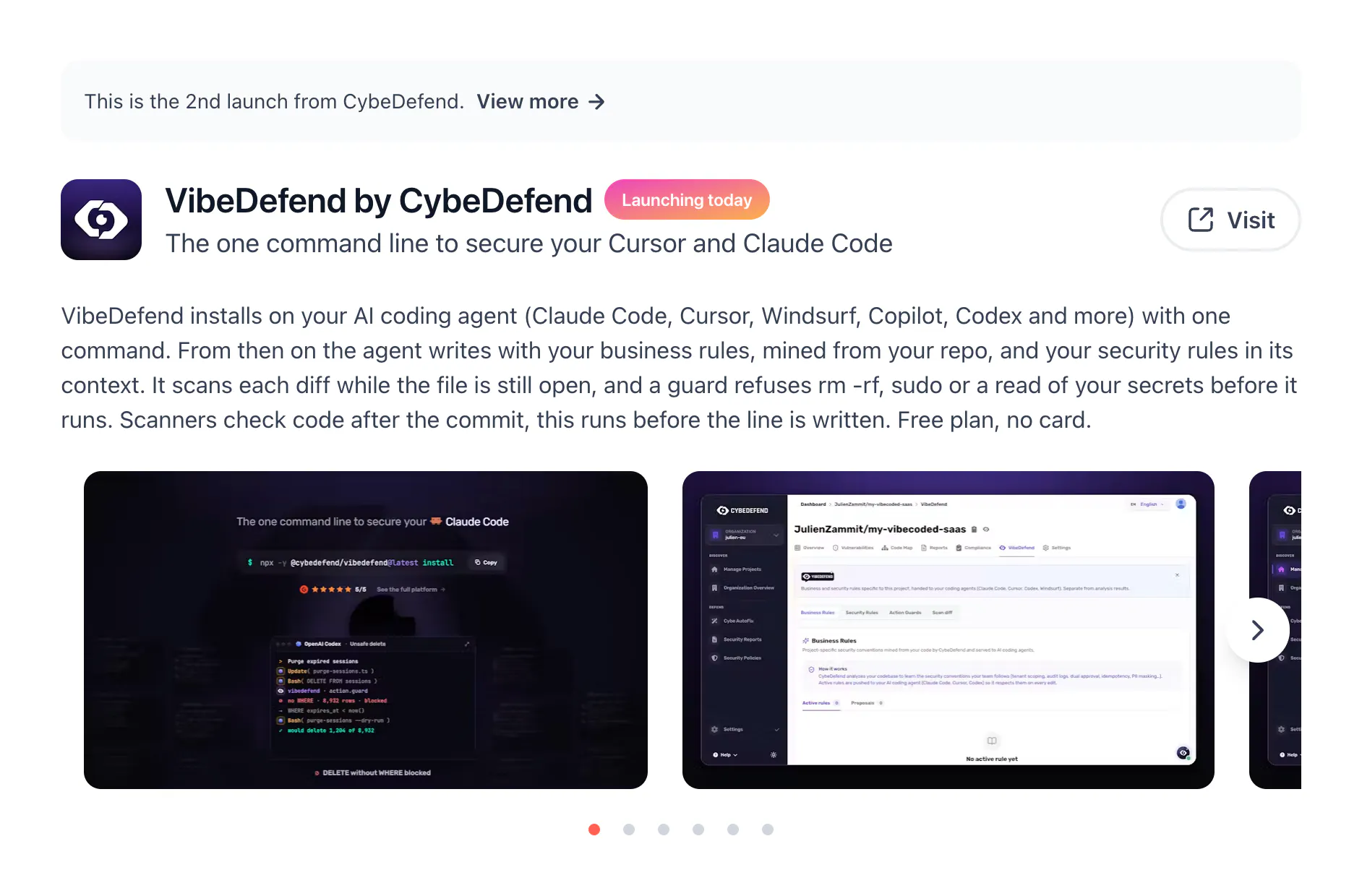
To get started:
npx -y @cybedefend/vibedefend@latest installDoes the agent get the security feedback immediately?
Yes. At the end of the session or when the finished part of the deliverable before the pull request, @CybeDefend runs a scan on the agent's work. It runs in the background, so the agent can keep going and gets notified as soon as the scan is done, then fixes the findings in the same session.
The scan only covers the files the agent modified, so it's very fast and focused on the work it just did. For example, if it introduces a SQL injection, it gets the finding and switches to a parameterized query before you even commit.
The result: far fewer alerts further down the pipeline.
How much control do teams have over the business rules?
Rules come from two sources, and your team stays in control of both.
At the first scan, a miner analyzes the repo and extracts the most consistent coding conventions and business rules, so the agent starts with a solid corpus from day one.
Then the corpus keeps growing as you code. When a business rule emerges during a session, either because the agent realized it made a mistake or because you corrected it, it can propose that rule at the end of the session. Your rule base gets enriched automatically, session after session.
On the control side, session proposals are never applied silently: they land in a review inbox and your team accepts or rejects each one. By default, the agent even asks you in chat before drafting one.
Does the secrets scanner also check files that are generated or modified indirectly by the coding agent?
Yes, in two ways:
Files the agent edits directly are scanned at the end of the session.
If the agent commits during the session, the scan also covers the full git diff of those commits, so files generated or modified indirectly (codegen, scripts, shell commands) are included too.
Upstream, the secret guard also blocks the agent from reading raw secrets (like .env files) and points it to the managed reference instead, so secrets are much less likely to end up in generated code in the first place.
Anything not committed during the session gets picked up by your regular CybeDefend scans (CI or repo) as soon as it lands in the codebase.
Can teams define their own blocked commands based on their internal security policies?
Yes. @CybeDefend ships with default presets across 5 categories: Filesystem, Shell & commands, Network, Git and Process. They block the most dangerous actions and warn on unusual behavior, which also acts as a safety net if the agent ever gets hijacked (prompt injection, poisoned context...).
From there, everything is configurable:
Switch any preset between warn and block, or disable it entirely.
Create your own blocking rules directly in the VibeDefend tab of your project, to match your internal security policies.
Rules live at the project level, so every AI agent working on that project gets the same policy.
You can cover file reads and writes, deletions, privileged actions like sudo, package installs, destructive Terraform actions, specific processes, git operations, HTTP and network calls, access to specific environment variables, and more.
Does CybeDefend have a free tier?
Yes. @CybeDefend has a free plan that includes 50 AI credits and 10 static scans, with no card and no time limit.
VibeDefend by @CybeDefend is launching today.
Replies
The "one-command" approach makes this especially interesting. As more developers rely on Cursor, Claude Code, and similar agents, keeping security close to the coding workflow will become increasingly important.
CybeDefend
@aruna_polosofttech Spot on 🎯 If security adds friction, it gets bypassed. That one-command setup was a huge priority for us to keep things seamless. Thanks!
@aruna_polosofttech 100%