

How to Run Scripts Safely for AI Agent
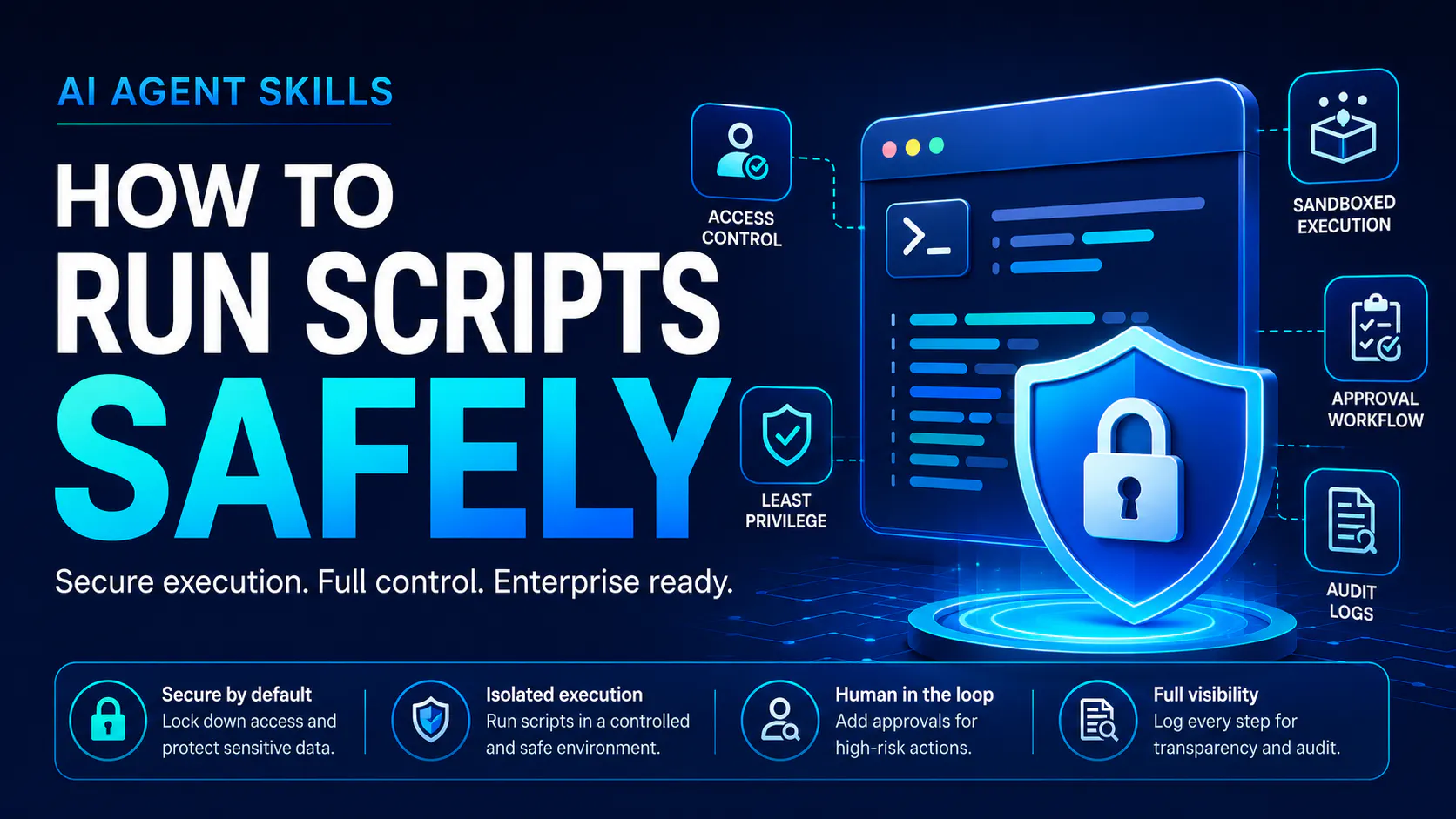
AI agents are moving from simple chat interfaces into real enterprise workflows. They can now summarize documents, process data, call tools, generate reports, and support decisions across departments.
This shift is valuable, but it also changes the risk profile.
When an AI agent only writes text, the main concern is answer quality. When an AI agent can run scripts, access files, call APIs, or trigger workflow actions, the concern becomes much larger. The agent is no longer just helping people think. It is starting to operate inside the business environment.
That is why AI agent skills need governance before they scale.
AI Agent Skills Are More Than Prompts
Many teams still think of AI agents as advanced prompt systems. That view is too narrow.
An AI agent skill is a reusable capability package. It can include instructions, templates, reference files, business logic, tool rules, and scripts. A skill helps the agent perform a specific task in a repeatable way.
For example, a finance skill may help an agent review invoice data. A manufacturing skill may help an agent analyze production records. A customer support skill may help classify tickets and recommend next actions.
This structure is useful because it turns business knowledge into repeatable execution. Instead of asking users to explain every step each time, the enterprise can encode the process into a skill.
But the same structure also creates risk.
If a skill includes scripts, the agent may be able to read files, transform data, call internal systems, or write outputs. That makes skills closer to software assets than simple prompt templates.
The Hidden Risk: Script Execution
Script execution is where AI agent skills become powerful. It is also where they become sensitive.
A script can make agent workflows more reliable. Instead of asking the model to perform every step through natural language, a script can handle deterministic tasks such as data cleaning, file conversion, report formatting, or API calls.
This gives enterprises better speed and consistency.
However, unmanaged script execution can create serious issues:
A script may access data it does not need.
A skill may run with too many permissions.
An agent may pass the wrong input into the script.
A script may call an unapproved endpoint.
A weakly isolated script may expose files or credentials.
A high-risk action may run without human approval.
Teams may lose visibility into which skills exist and what they can execute.
The core issue is not automation itself. The issue is uncontrolled automation.
Enterprises should not ask only, “Can the agent perform this task?” They should also ask, “Can the agent perform this task safely, with the right permissions, controls, and audit trail?”
For a deeper technical framework, read this AIQuinta article on AI agent governance and how to run scripts safely.
Governance Should Start With a Skill Registry
The first step is visibility.
Enterprises need a central registry for AI agent skills. This registry should show which skills exist, who owns them, what they do, which agents can use them, and what level of risk they carry.
A strong skill registry should include:
Skill name
Business owner
Technical owner
Approved use cases
Skill version
Scripts included
Required permissions
Data access scope
Risk tier
Approval status
Last review date
Without this structure, skill sprawl becomes hard to control. Different teams may create similar skills, reuse unsafe scripts, or rely on outdated versions. Over time, the enterprise loses control over what agents can do.
A registry turns AI agent skills into governed assets.
Permissions Must Follow the Task, Not the User
One of the most common mistakes in enterprise AI deployment is allowing skills to inherit broad user access.
This is risky.
A user may have access to many files, systems, or records. But a specific skill may only need access to one approved folder or one narrow API endpoint. The skill should not receive full user privileges by default.
The better model is task-based permissioning.
Each skill should receive only the access required to complete its approved task. This includes file access, API access, network access, command access, runtime limits, and credential access.
For example, a reporting skill may need read-only access to a specific data folder. It does not need permission to delete files, call external APIs, or access confidential employee records.
Least privilege should become a default rule for every AI agent skill.
Sandboxing Reduces the Blast Radius
Every script should run in a controlled environment.
A sandbox helps limit what a script can touch. It can restrict file access, block network access, remove default access to secrets, set timeouts, and capture outputs.
This matters because not every failure comes from malicious intent. An agent may select the wrong script, pass the wrong file path, or use the wrong parameter. A script may also contain a logic error.
Sandboxing reduces the impact of these mistakes.
A safe execution environment should include:
Temporary working directories
No default access to host files
No default access to secrets
Restricted network access
Runtime limits
Memory limits
Controlled command execution
Structured output capture
Full execution logs
Sandboxing should not be reserved only for high-risk use cases. It should be the baseline for all production skill scripts.
Human Approval Still Matters
AI agents can automate many tasks, but not every action should be autonomous.
Sensitive actions should require human approval. This includes scripts that write to business systems, update records, move files, access regulated data, call production APIs, or trigger financial and legal workflows.
A strong approval layer should show:
What script will run
Why the agent selected it
What data it will access
What system it may affect
What output is expected
What risk level applies
Who requested the action
This keeps humans in control where accountability matters.
Approval should not be treated as friction. It is a control point. It allows enterprises to gain the value of automation without giving agents unchecked authority.
Auditability Is Non-Negotiable
If an AI agent runs a script, the enterprise must be able to trace what happened.
A proper audit log should capture:
User ID
Agent ID
Skill name
Skill version
Script name
Input parameters
Files accessed
APIs called
Permissions used
Approval status
Execution time
Output summary
Error messages
Policy decisions
This supports security, compliance, debugging, and continuous improvement.
Without auditability, teams cannot explain failures, investigate incidents, or prove that controls worked as intended.
In enterprise environments, “the agent did it” is not an acceptable explanation. Every action needs a traceable execution record.
The Right Model: Governed Execution
The future of enterprise AI will not be built on unrestricted agents. It will be built on governed agents.
This does not mean slowing down innovation. It means creating the right operating model so AI agents can scale with control.
A practical governance framework should include:
A central skill registry
Clear ownership
Version control
Least privilege access
Script scanning
Sandboxed execution
Human approval for sensitive actions
Structured logs
Runtime policy enforcement
Regular review and rollback processes
This is how enterprises can move from AI experimentation to production-grade AI operations.
Final Thought
AI agent skills can help enterprises turn knowledge into repeatable action. They make agents more useful, more consistent, and more aligned with business processes.
But once a skill can run scripts, the governance standard must rise.
The goal should not be to block AI agents from executing work. The goal should be to make execution safe, visible, and accountable.
Enterprises that build this governance foundation early will be better positioned to scale AI agents across departments without losing control.
AIQuinta - An Agentic Enterprise Platform, where your knowledge base powers AI.
Website: https://aiquinta.ai/
Email: info@aiquinta.ai
Replies
Be the first to reply
Have a question or a thought to share? Add a comment above to start the conversation.