
The notch is finally useful
gm legends, happy Thursday.
Today’s secret weapons: a talking cursor you bark commands at for on-the-spot summaries and code snippets; that screen notch finally turned into a slick control hub so you can ditch the menu dives; and an ambient mixer that sculpts your own focus soundtrack. Load the mug, kill the distractions, and let’s roll.
P.S. Got a launch that deserves the spotlight? Pitch us at editorial@producthunt.co 🫶
Talk to your cursor

Mighty Cursor turns your mouse pointer into a voice shortcut: hold the hotkey, ask “what does this function do?”, request a quick summary, or draft fresh copy right in the app you’re using, no switching tabs, no copy-paste, no uploads.
🔥 Our Take: It feels like giving your cursor a brain: ask a question, and seconds later you’ve got the answer in place. Perfect for when you’re buried in code or docs, though expect a few “uh, what?” moments when it mishears you. A total flow-saver once you get the hang of talking to your mouse.
Wrap your ears in calm

Blankie lets you mix custom ambient soundscapes with 14 high-quality loops—all offline, open-source, and subscription-free. Built for macOS with native media controls, it’s just you, the sounds, and zero distractions.
🔥 Our Take: Ambient playlists lock you into someone else’s idea of “focus.” Blankie hands over 14 crystal-clear loops and a simple mixer so you dial in your own vibe. No hunt for the perfect rain-and-thunder combo, just tweak the sliders and get on with work. Warning: half the time goes into fine-tuning that wind-whisper setting.
Your agents stopped answering and started doing
Your agents call tools, write to databases and move money, so a wrong answer is now a wrong action, which is a considerably worse meeting. Arcjet runs policy before every LLM call, tool call, query and API request: prompt injection, sensitive data, bots, rate limits, spend quotas, and your own rules in Rego on top. It reads the OpenTelemetry you already emit, so switching it on is one environment variable, no code changes and nothing to deploy. Each check also reads the earlier steps in the same workflow, so an agent's tenth action gets judged against the first nine and not on its own. JavaScript, Python and Go SDKs all at 1.0, agent framework guards included, free tier to start on.
Notch finally earns its keep
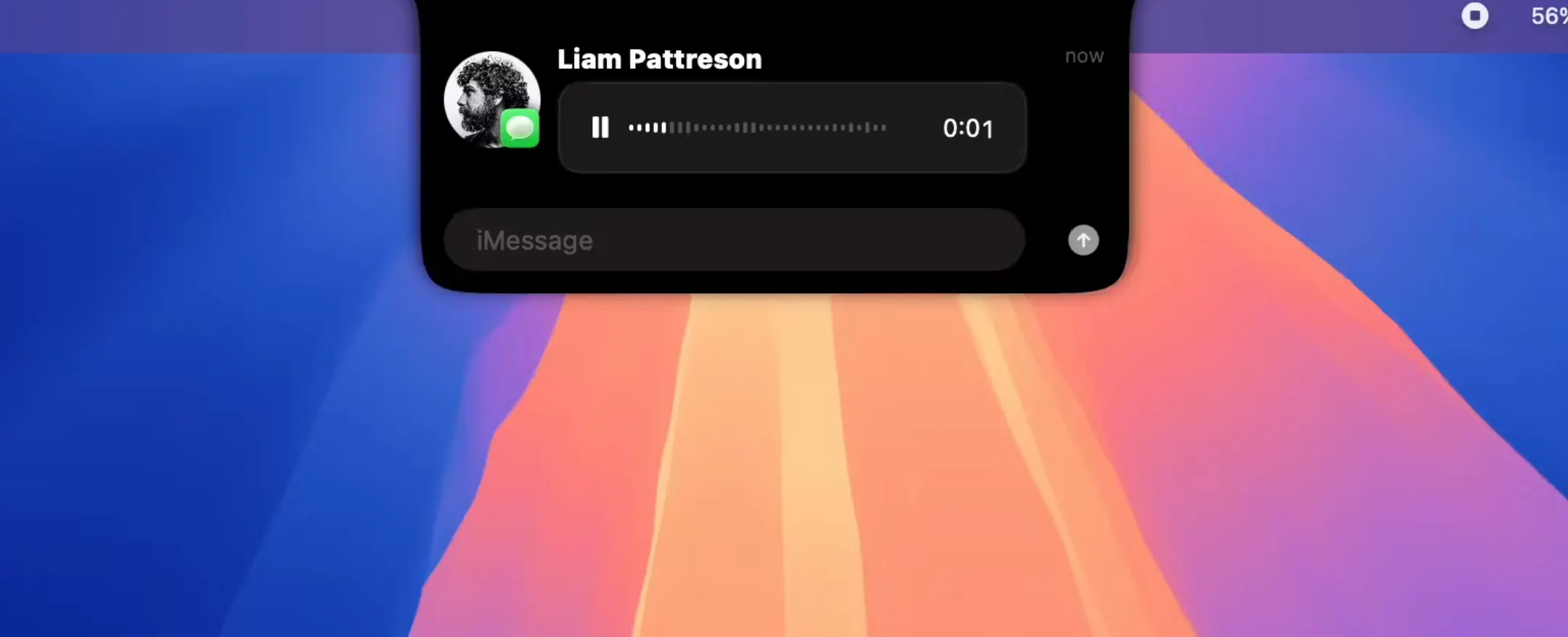
DynamicLake brings the iPhone’s Dynamic Island to your Mac. It tucks into the menu-bar cutout and surfaces music controls, weather, calendar events, call and message alerts, quick file drops, and more—all in a slick, animated UI.
🔥 Our Take: That little notch felt like a design oops now it’s a pocket-sized control tower. Swiping through music or glancing at tomorrow’s meeting without opening apps is weirdly addictive. Just beware: once your Mac starts pinging you for every email, there’s no turning back.
drop the menu dive
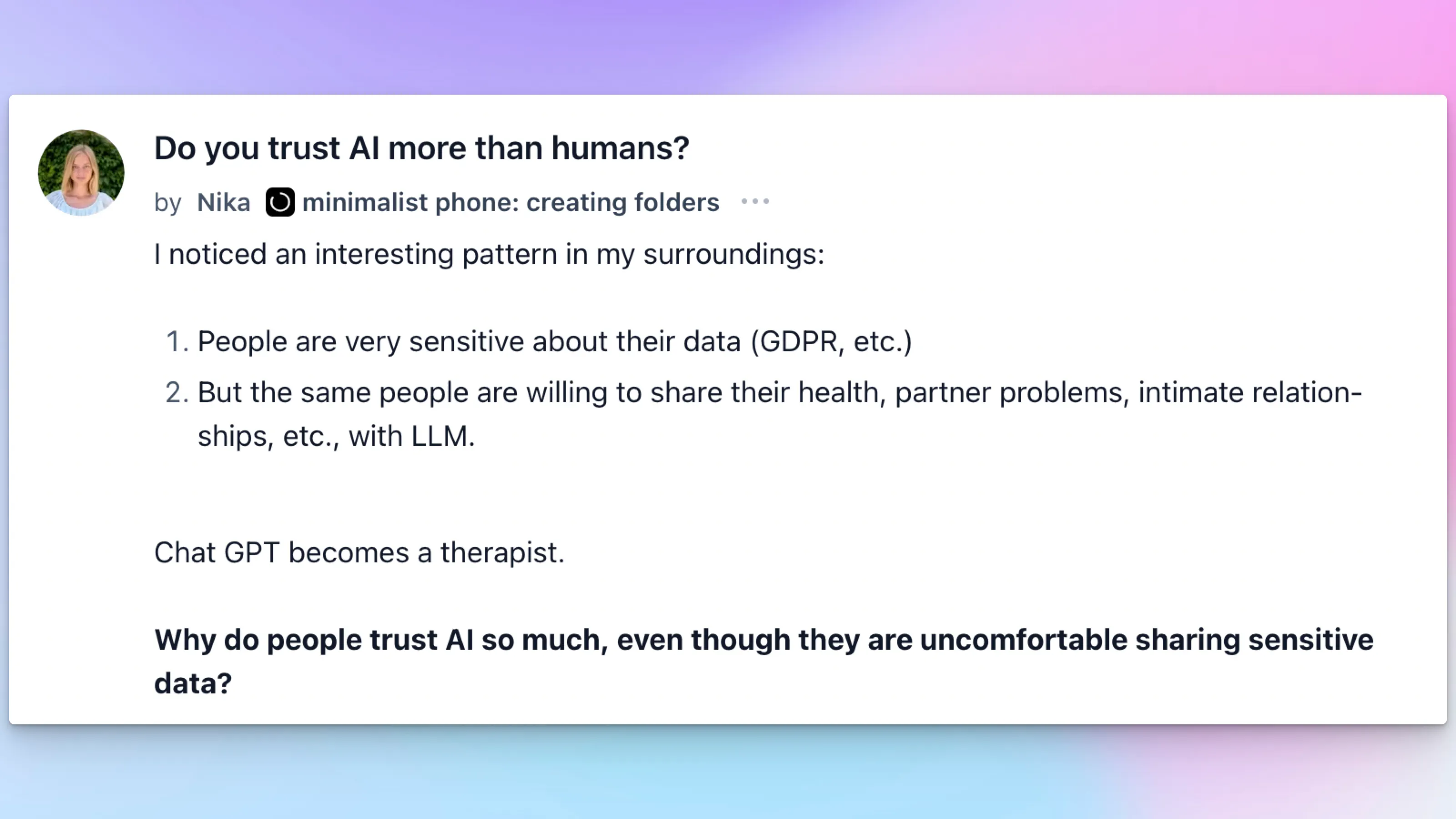
Nika asked: “Do you trust AI more than humans?”
Replies split fast: skeptics worry about hallucinations and missing context; others love that bots never judge and remember everything; pragmatists point out online privacy is already blown; and a few admit they’ve poured their hearts out to a chat window by accident.
Trust isn’t one-size-fits-all. Worth a skim if you’ve ever confided in a bot.
Daily Top Products


