Launching today

BoringKit
Tools for boring everyday tasks
2 followers
Tools for boring everyday tasks
2 followers
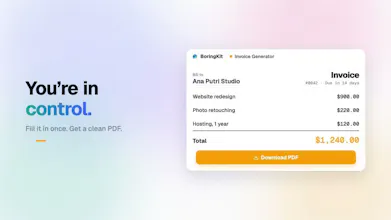
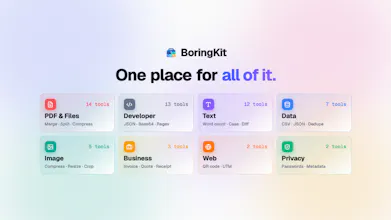
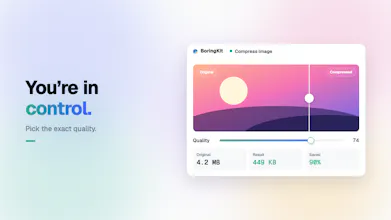
BoringKit brings everyday tools for PDFs, images, text, data, and developer tasks into one place. Start with 58 useful tools, use the API to automate them, and skip hunting for a different website every time. Still in beta, with many more tools coming.


Free Options
Launch Team / Built With


Floot MCPBuild and ship web and mobile apps inside Claude or ChatGPT
Promoted


Hi Product Hunt 👋
I’m the solo developer behind BoringKit.
I built it because I kept running into the same small annoyance over and over again.
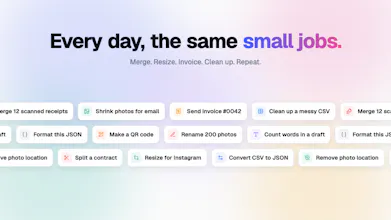
I would need to compress a PDF, resize an image, format some JSON, clean up text, convert a file, or do some tiny task that should take a few seconds.
And somehow I would end up searching Google, opening another random website, figuring out whether I could trust it with my file, closing popups, or creating an account just to do one simple thing.
I started thinking: why isn’t there just one place I can keep coming back to for all of these boring little tasks?
That became BoringKit.
I also think we are starting to overengineer some very simple problems with AI. I love AI when it actually makes something better, but formatting JSON, generating a QR code, resizing an image, or converting a file usually does not need an agent, a prompt, or a waiting screen.
Sometimes I just want to open a tool, get the result, and move on.
So I built BoringKit around that idea: practical tools that are fast, predictable, private when possible, and focused on doing one job well.
Today I’m launching the first beta with 58 tools across documents, PDFs, images, text, data, and developer utilities. Many of them run directly in your browser, and there is an API for things that are actually worth automating.
But I don’t want BoringKit to become another site that celebrates having thousands of mediocre tools.
I’ll keep adding more, but usefulness and output quality matter more to me than the number on the homepage. I also want to keep improving the tools that are already there as I learn how people actually use them.
This is still the beginning, so I’d genuinely love your input.
What should tool #59 be?
The more annoyingly specific the problem, the better 👇