
 •
•5mo ago
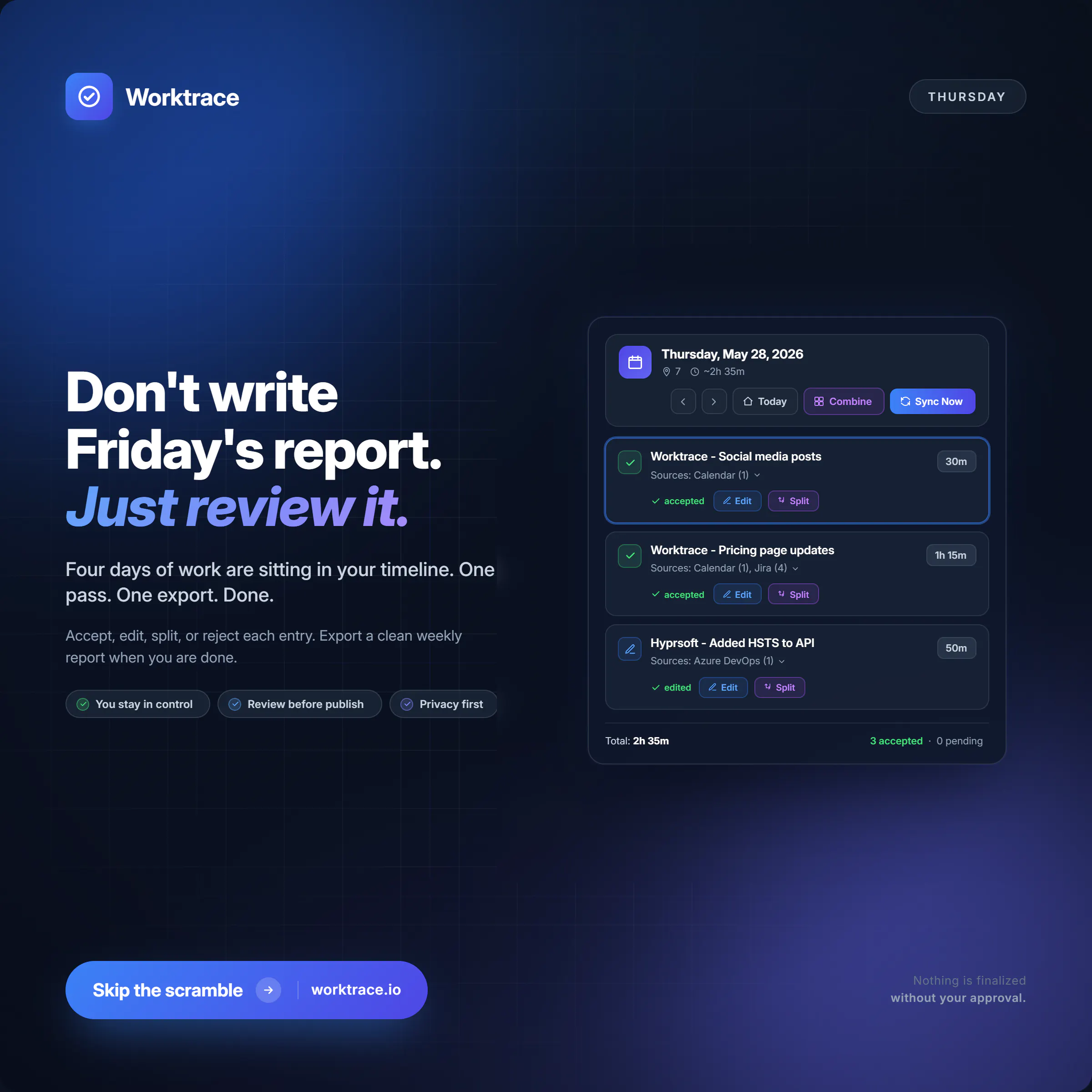
Don't write Friday's report. Just review it.
Worktrace automatically builds your daily work log from tools you already use like Google Calendar, GitHub, and Jira. It reads only metadata, never your documents, messages, or code.
By the end of the week, your log is already there. You review it, make any edits, and move on.
Free at worktrace.io.
#productivity #devtools #worklog #worktrace #engineerlife #timetracker #timetracking #TimeTrackingApp
 •
•5mo ago
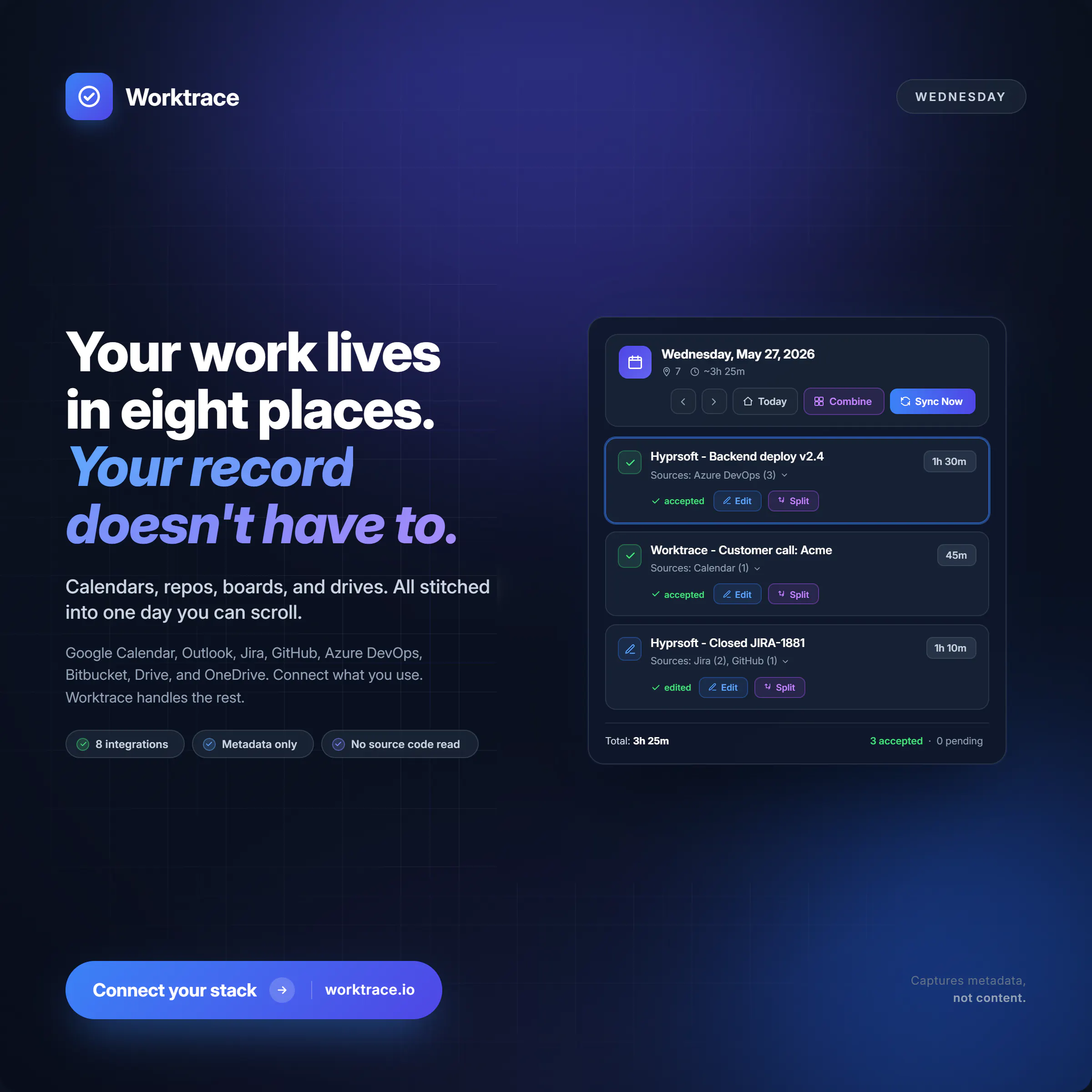
Your work lives in 8 places. Your record doesn't have to
If you are bouncing between GitHub, Jira, Google Calendar, Drive, and a handful of other tools every day, you already know the pain of trying to summarize what you actually accomplished. Worktrace connects to those tools, reads only metadata, and builds one clean daily work log for you automatically.
No timers. No manual entry. Nothing that reads your code or messages. Just a clear record of your day, ready to review.
Free at worktrace.io.
#productivity #devtools #worklog #worktrace #softwareengineering #timetracker #timetracking
 •
•5mo ago
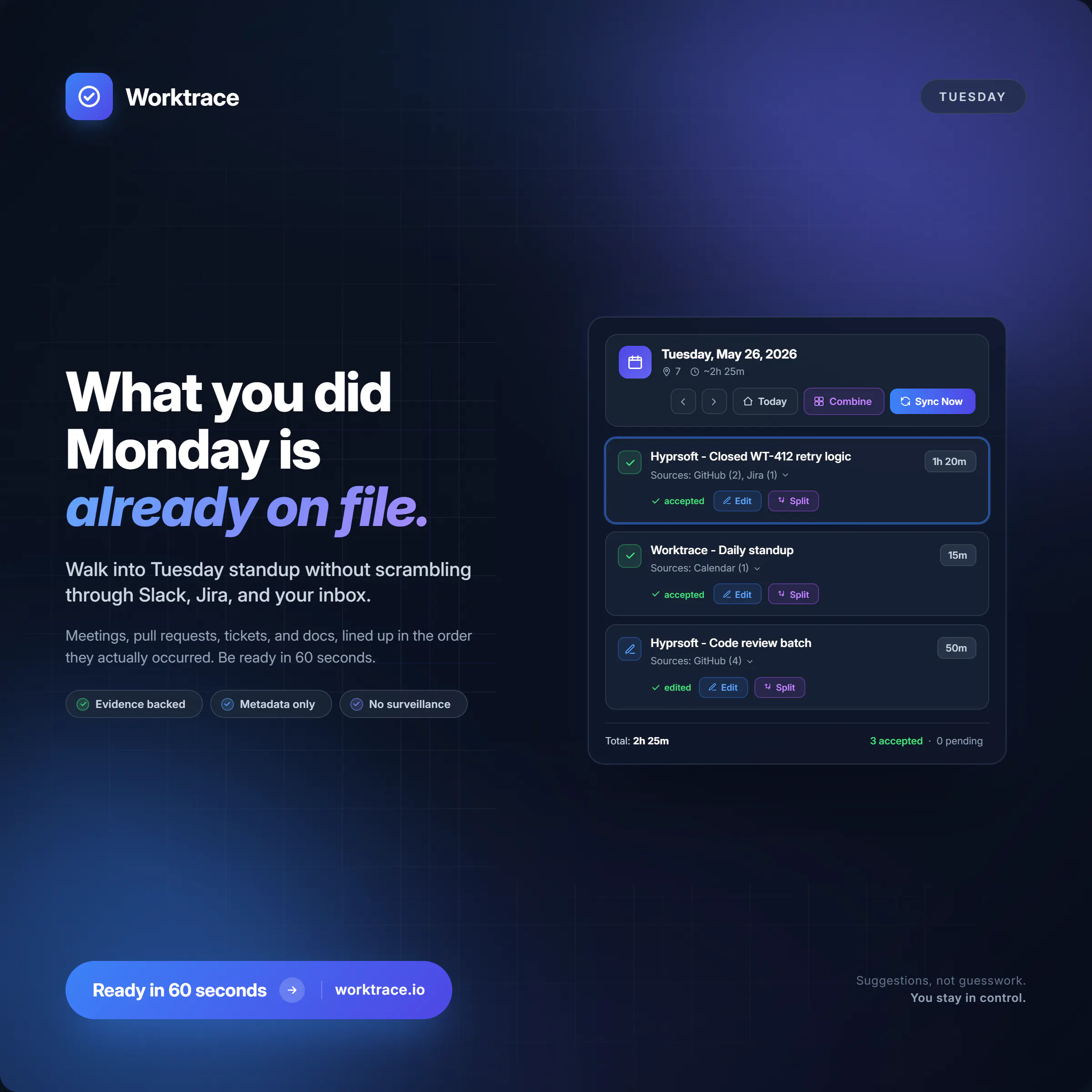
What you did Monday is already on file.
Worktrace automatically pulls metadata from your calendar, GitHub, Jira, and other tools you use every day. No timers. No manual logging. By Tuesday morning, your Monday is already assembled into a clean work log ready for you to review and confirm.
If you are an engineer, contractor, or tech lead who has ever spent time reconstructing your week for standups, invoices, or reviews, this is built for you.
Free at worktrace.io.
#productivity #devtools #worklog #worktrace #engineerlife #timetracker #timetracking
 •
•5mo ago
End the week with proof, not panic
If Friday afternoons mean digging through Jira, GitHub, and your calendar just to piece together what you actually shipped this week, there is a better way. Worktrace traces your activity across the tools you already use and builds a daily work log automatically. No timers, no manual tracking, no guessing.
You get a clean record you can review, edit, and export. Ready before the week closes out.
•5mo ago
Tomorrow's report is already half written.
If you use GitHub, Jira, or Google Calendar, Worktrace is already pulling together your daily work log in the background. No timers. No manual entry. Just a clean record of what you did, ready to review and edit before you share anything.
Perfect for engineers, contractors, and tech leads who are tired of reconstructing their week from scratch.
•5mo ago
Eight tools. One timeline
Your work lives in GitHub, Jira, Google Calendar, Drive, and a handful of other places. Worktrace connects them all, reads only the metadata, and builds a daily work log for you automatically. No timers, no manual entry, no guesswork.
Review it, edit it, export it. That is it.
•5mo ago
Walk into standup with the receipts.
Worktrace automatically builds your daily work log from the tools you already use like Google Calendar, GitHub, and Jira. No timers, no manual entry, no digging through memory. Just a clean record of your day, ready to review every morning.
It only reads metadata. Never your code, never your messages, never your documents. You stay in control.
•5mo ago
A timesheet without the timer.
No clocking in. No clocking out. No end-of-week panic trying to remember what you actually worked on.
Worktrace automatically builds your daily work log by reading metadata from tools like GitHub, Jira, and Google Calendar. It never touches your code, messages, or documents. You just get a clean record of your day, ready to review and approve.
Free at worktrace.io.
•5mo ago
Friday 4:58 PM. Weekly recap done.
Not because you pieced it together from memory. Because Worktrace traced your week automatically across GitHub, Jira, your calendar, and more, and built the log for you.
Metadata only. No surveillance. No reading your messages or code. Just a clean record of what you worked on, ready to review before you close your laptop.
•5mo ago
Status updates shouldn't take an hour
For a lot of engineers, pulling together a weekly status or standup recap means digging through calendars, commits, and tickets just to remember what you actually did. Worktrace does that part for you.
It connects to your existing tools, pulls metadata only (no messages, no code, no document content), and builds a clean daily work log you can review and edit before anything gets shared.