

LOADOUT Launch is tomorrow
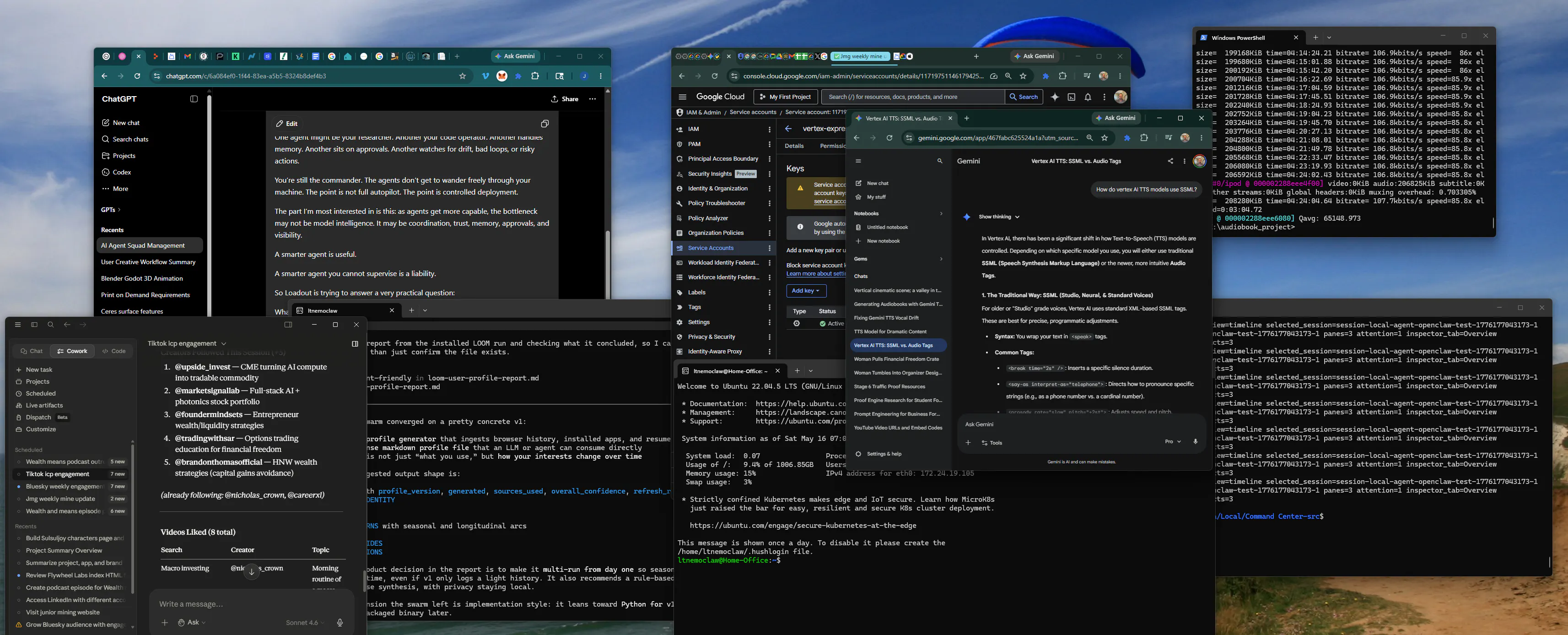
I think we’re still in the “browser tab era” of AI agents.
You open Claude in one tab, ChatGPT in another, Codex somewhere else, maybe a terminal window, maybe a half-finished project folder, maybe a notes file that only exists because you got tired of re-explaining the same context for the 47th time.
The agents are powerful.
The operating environment is chaos.
That’s the idea behind Loadout: a Windows-first command post for running AI agents like an actual squad.
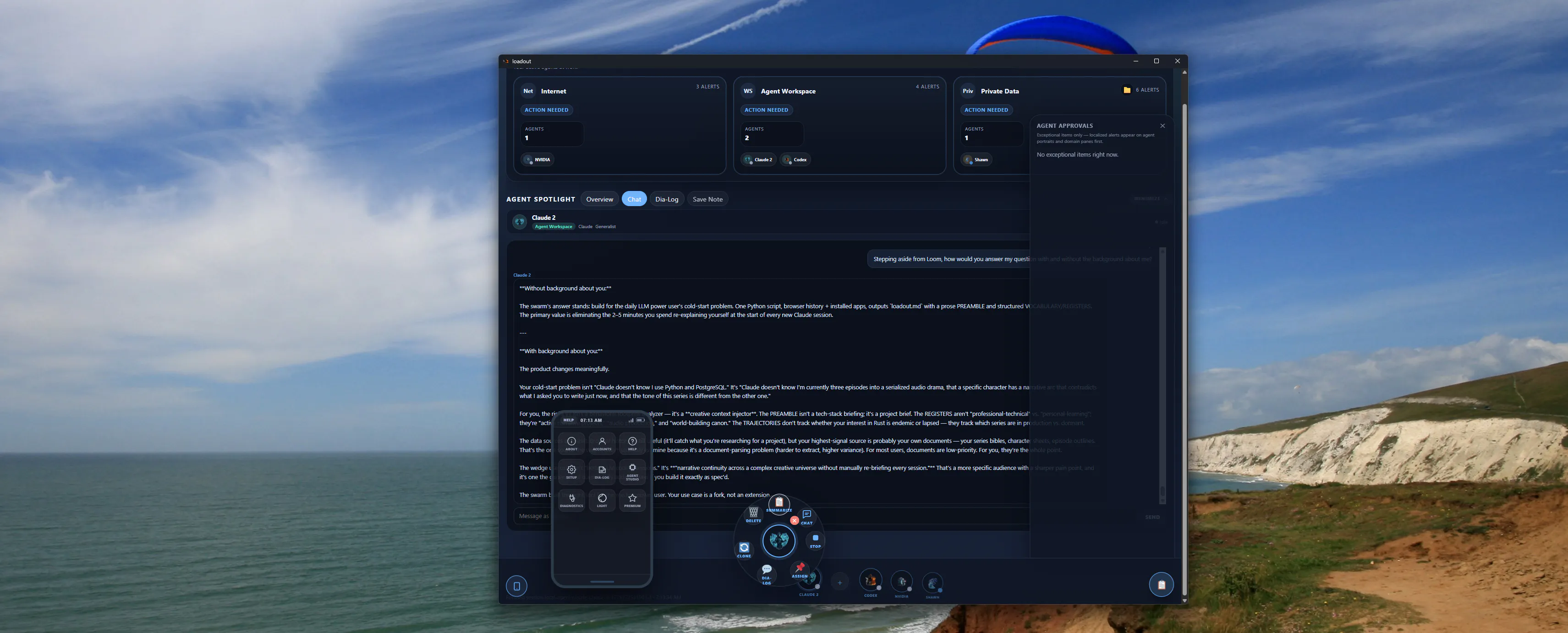
Instead of treating each AI tool as a separate island, Loadout gives you one place to:
• build a roster of agents
• assign each one a role and domain
• approve actions before they run
• keep shared memory in plain Markdown
• see what changed, what’s pending, and what needs your attention
• switch between providers without losing the whole operation
The mental model is less “chatbot” and more “mission control.”
One agent might be your researcher. Another your code operator. Another handles memory. Another sits on approvals. Another watches for drift, bad loops, or risky actions.
You’re still the commander. The agents don’t get to wander freely through your machine. The point is not full autopilot. The point is controlled deployment.
The part I’m most interested in is this: as agents get more capable, the bottleneck may not be model intelligence. It may be coordination, trust, memory, approvals, and visibility.
A smarter agent is useful.
A smarter agent you cannot supervise is a liability.
So Loadout is trying to answer a very practical question: What should the desktop environment for AI work actually look like when one user is running many agents, across many tools, with real files and real consequences?
Curious how others are thinking about this.
Are we headed toward single-agent copilots…or operator dashboards for whole AI squads?
Replies
Be the first to reply
Have a question or a thought to share? Add a comment above to start the conversation.