

Pulse 1.1 is out - Packed with New Features!

Hey folks,
When I launched Pulse, the pitch was simple: the notch should do something. Today I shipped 1.1, biggest update yet, and it turns the island into a place you can put things and a remote for your meetings.
Here's what's new:
Drop to AirDrop
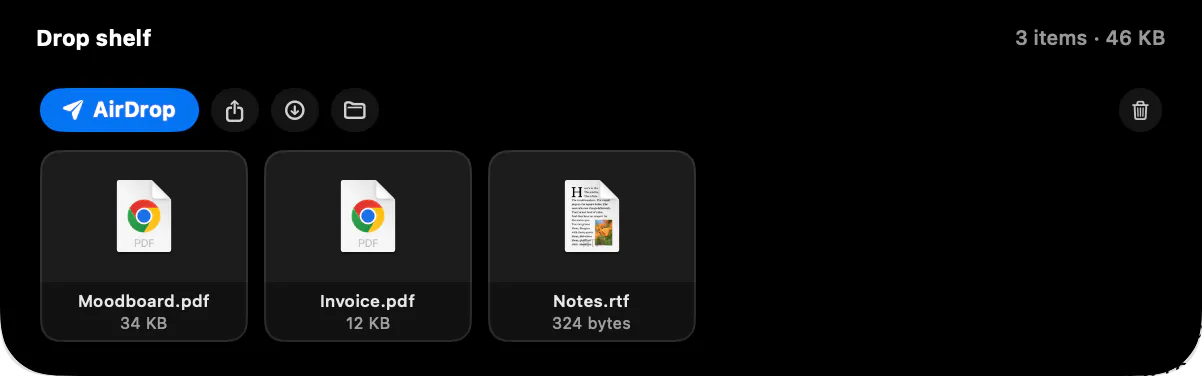
Drag files onto the notch and let go. The island opens into a drop target and AirDrop launches with everything ready to send.

A shelf, not a slot
Screenshots, PDFs and images pile up on the shelf together, then go out in one click. AirDrop, share, save to Downloads or reveal in Finder.
Calls, handled from the island
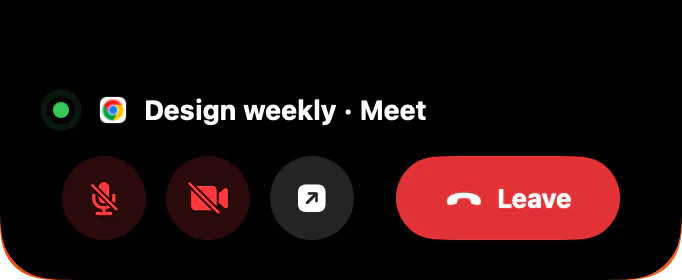
Mute, camera and leave for Zoom, Teams, Meet, Webex and FaceTime, right from the notch. The island can also hide itself from screen shares for the length of the call.
Islands on your other displays
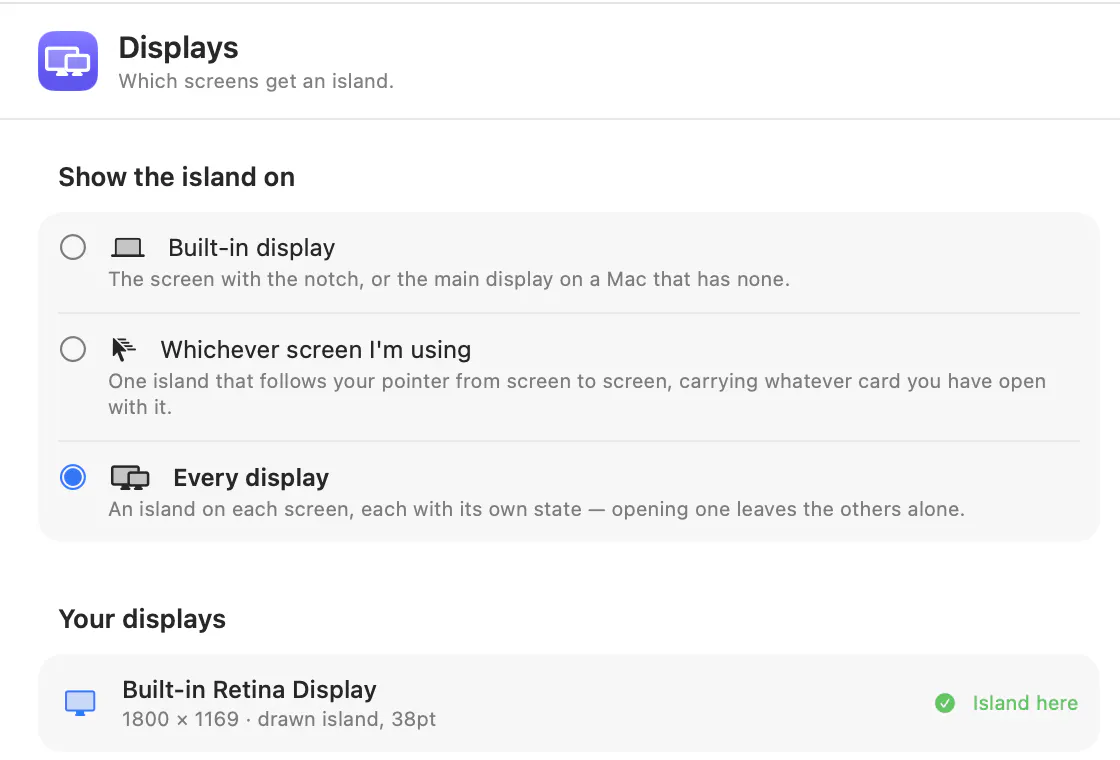
Every screen can have its own island, or one that follows your pointer. External displays without a notch draw a virtual one sized to their menu bar.
Notifications got quieter
Toasts never expand the island anymore. The compact pill stretches a little, shows what happened, and settles back on its own.

Also in this release:
The calendar card pages through today's agenda, settings were rebuilt as searchable sidebar panes with Liquid Glass on macOS 26, and full release notes now live at https://www.pulseisland.club/releases
If you're already running Pulse, it updates itself: click the island's menu bar icon, then Check for Updates or setup auto-update for future releases.
Would love to hear what you'd want the island to hold or control next. I read everything here and on email.
Replies
Be the first to reply
Have a question or a thought to share? Add a comment above to start the conversation.