

mantine-onboarding-tour 4.0.8 — popovers that stay on screen

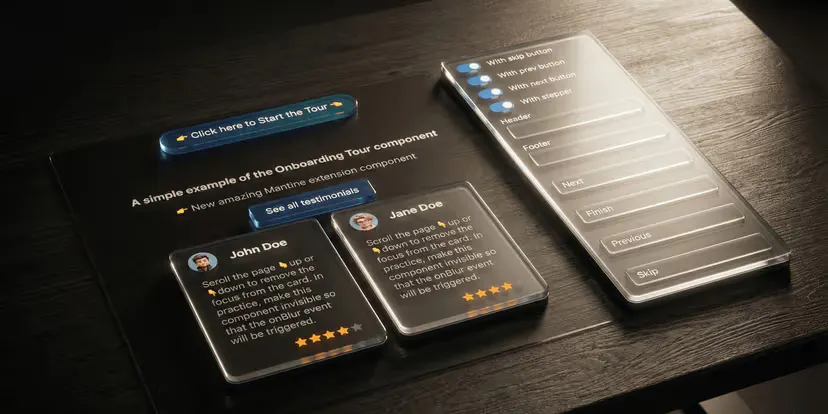
Hey makers 👋
A small but satisfying patch for mantine-onboarding-tour (the Mantine component for building guided product tours).
Two bug reports turned out to share one root cause: the tour popover had no width ceiling, so wide content — an image, a code block, a fixed-width layout — blew the dropdown up. And because the tour hides horizontal overflow, that runaway width also made the popover look like it was ignoring the position you set. The fix is a sensible default max-width (400px) on the dropdown, applied as a CSS class so it survives your own style overrides, and still fully configurable.
The takeaway I keep relearning: two "separate" bugs are often one missing constraint — capping the width fixed the positioning report for free.
Also shipped: per-step popover config no longer clobbers tour-level settings, and the popover keeps re-positioning while a step is visible on Mantine 9.3+ (which had flipped that default).
How do you size your tour popovers — fixed width, or let the content decide? Curious to hear.
📦 npm: https://www.npmjs.com/package/@gfazioli/mantine-onboarding-tour
📖 Docs: https://gfazioli.github.io/mantine-onboarding-tour
💻 GitHub: https://github.com/gfazioli/mantine-onboarding-tour
Replies
Be the first to reply
Have a question or a thought to share? Add a comment above to start the conversation.