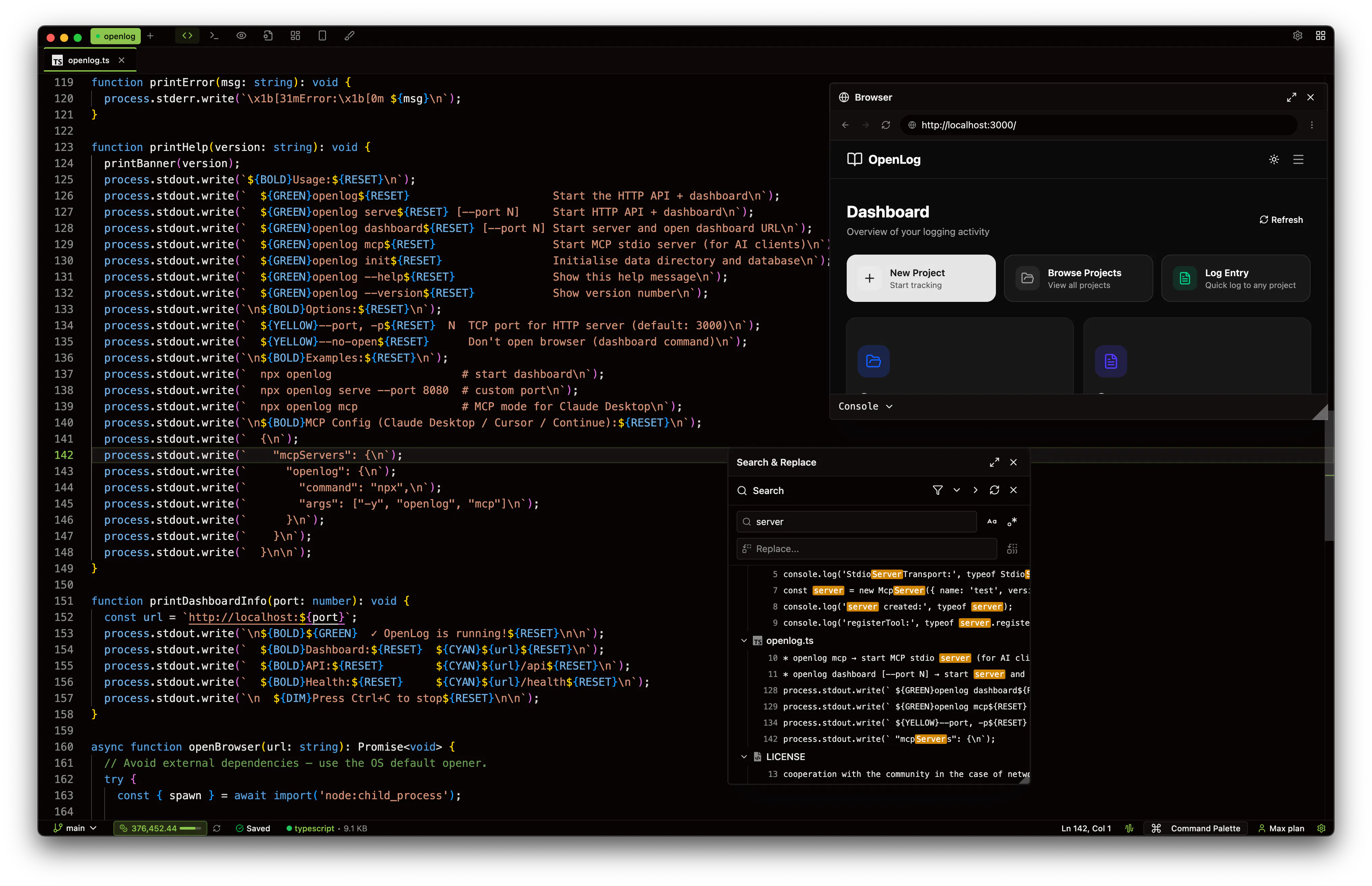
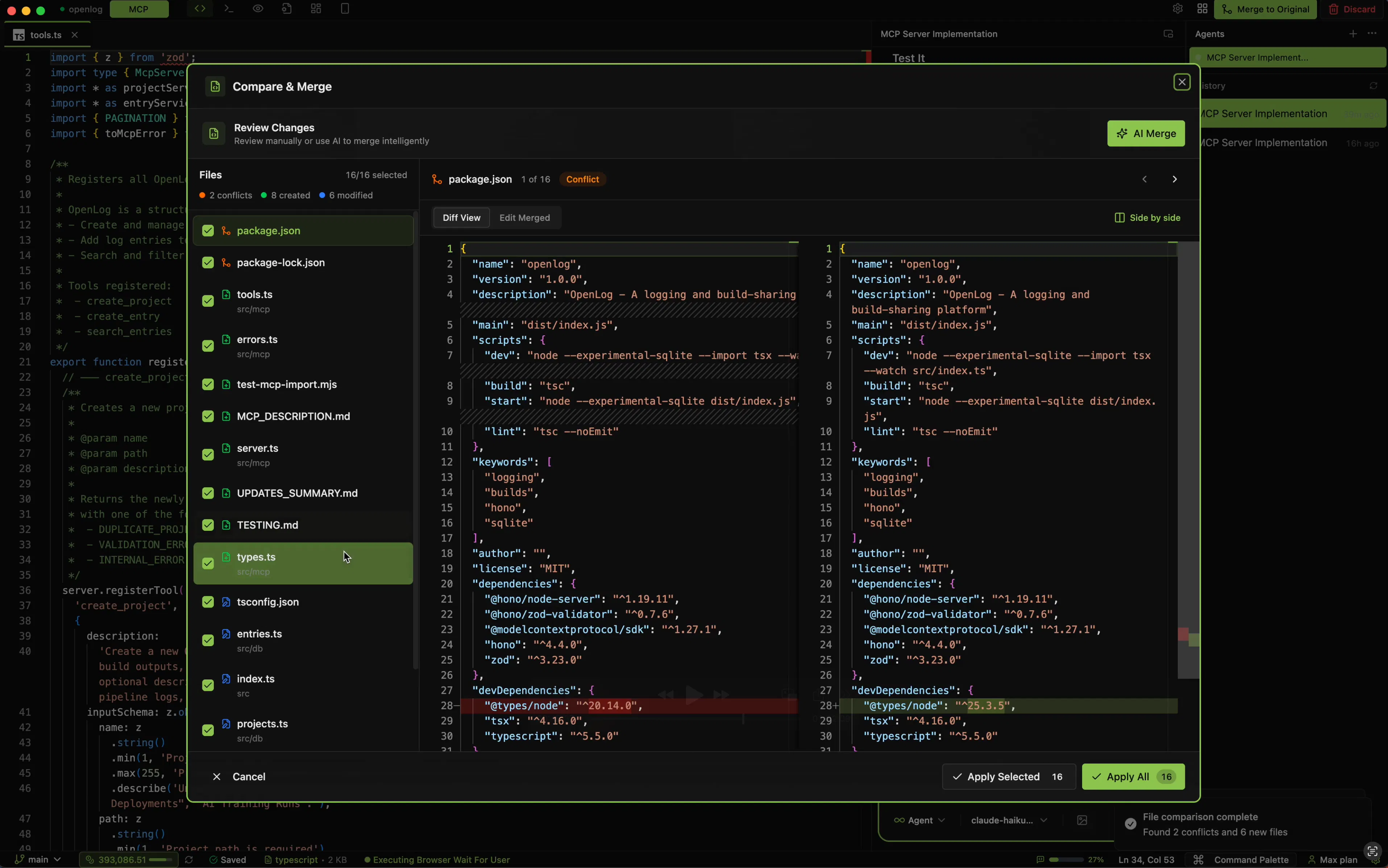
Invoke Studio is a desktop AI coding IDE with visual planning, design canvas, and intelligent agents. Map features on Boards, draw dependencies, and let AI build them in order. Design pages in Canvas — drag, resize, edit visually — then export as production code. Experiment safely in Sandbox with AI-powered merging. Run parallel agents, create custom subagents and agents. Works with Claude, OpenAI, Google, xAI, and Ollama. Free with your own API keys.
We're excited to announce v0.10.21 with several major features and improvements.
Voice to Text (Preview) Transcribe voice input in the Agent sidebar entirely on-device. Your voice data never leaves your machine, giving you complete privacy and control over your transcriptions.
Automation You can now create scheduled tasks powered by AI agent steps. Set custom schedules, run manually and create automation directly from the agent using the /automation command.
We have released Invoke v0.10.20, which introduces several workflow improvements and UI refinements. Here is a summary of what is included in this release.
Added
User-Defined Slash Commands You can now create custom slash commands by adding markdown files to your .invoke/commands/ directory. This allows you to define reusable prompts and workflows tailored to your project.
Thinking Effort Controls New textarea controls have been added to adjust the AI thinking effort level across all supported providers.
Lay out your features as cards on a canvas. Add descriptions, reference files from your project with @ mentions, and draw connections to map out dependencies and flow.
When your plan is ready, hit Build. The entire board every feature, every connection, every file reference gets sent to AI as a structured prompt. It reads the plan, respects the dependency order, and implements it.
No more explaining your whole architecture in a long chat message. Just show it.
One click and Invoke creates an isolated fork of your entire project. Experiment freely try new features, refactor, break things.Your original codebase stays completely untouched.