

Rebuilding jagged edge repair in IconSplit: from pixels to geometry
Most icon splitters stop after cropping and removing the background.
But icons extracted from low-resolution AI-generated sheets often have another problem: jagged circles, uneven diagonal lines, rough inner holes, and dirty edge pixels.
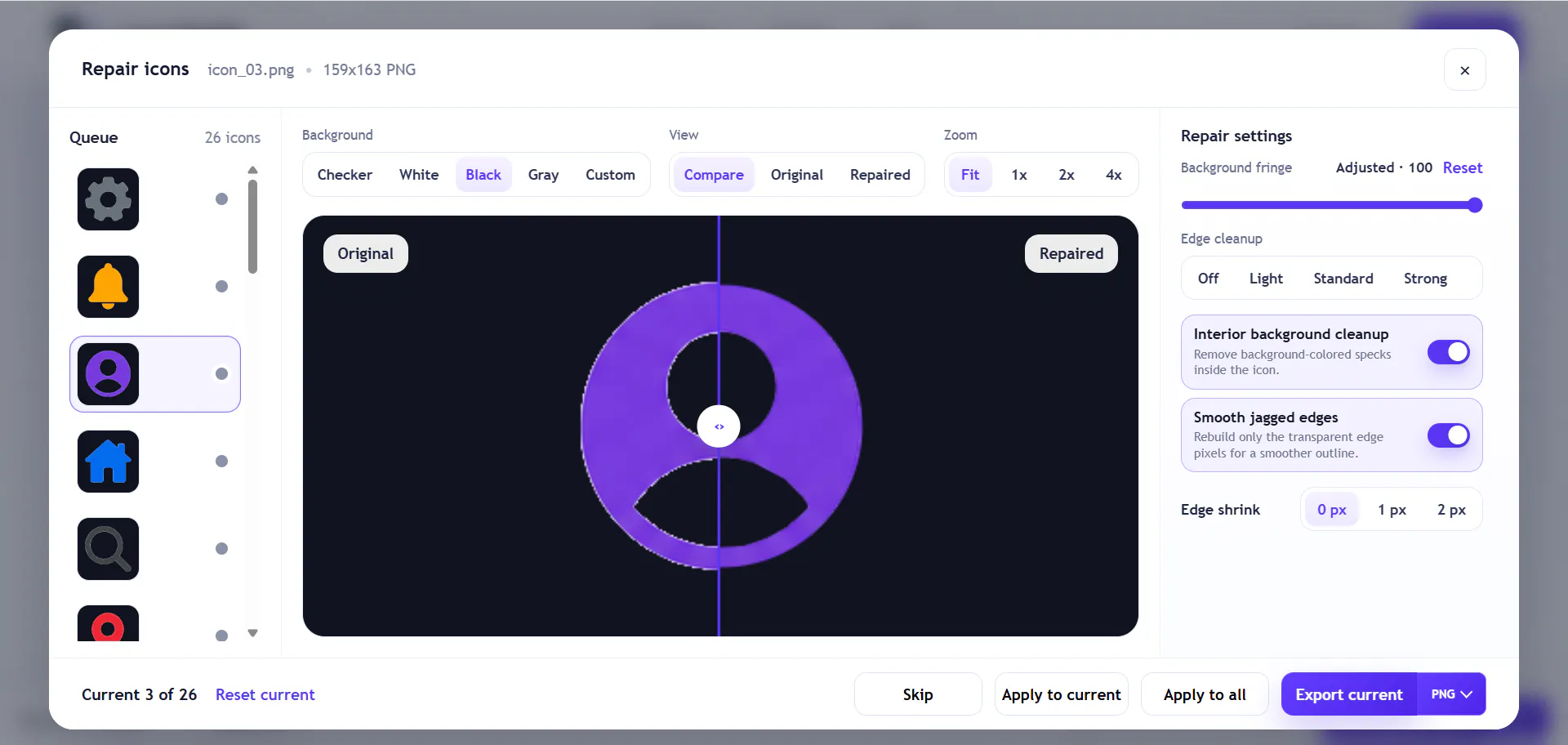
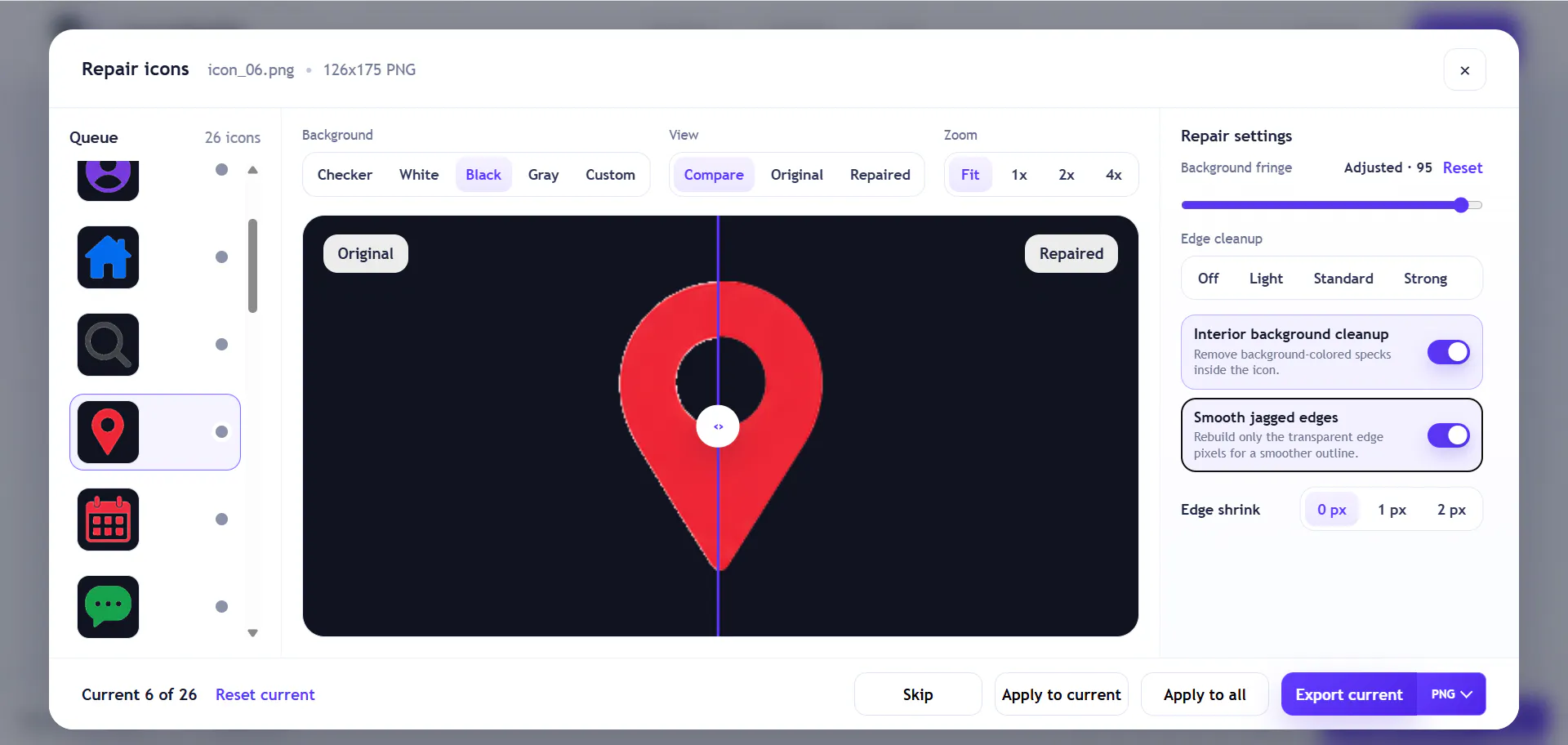
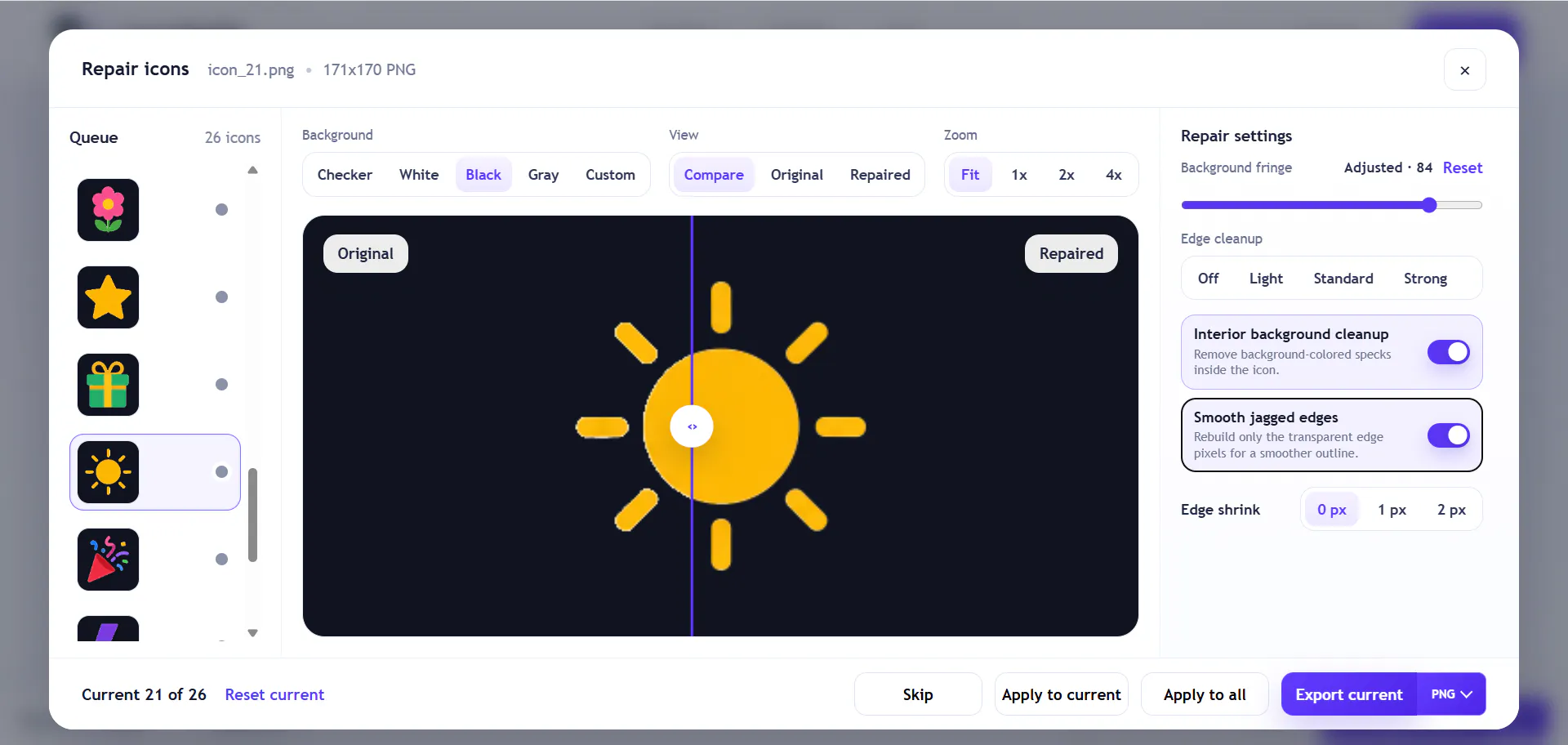
Over the past few days, I rebuilt IconSplit’s edge repair system as V5.
Instead of blurring or resizing the whole image, V5:
• Converts the alpha mask into subpixel contours
• Recognizes circles, ellipses, capsules, straight lines, arcs, and Bézier curves
• Processes outer boundaries and internal holes using the same pipeline
• Preserves sharp corners, concave corners, and separate components
• Changes only a narrow edge band, leaving the interior untouched
• Rerasterizes the geometry directly at Original, 64, 128, 256, or 512px
• Uses the same edge model for previews, PNG, WebP, and ZIP exports
• Falls back locally when a section cannot be reconstructed safely
I’m currently testing it against 26 real UI icons, including folders, avatars, location pins, lightning bolts, cameras, and sun rays.
Circles and internal holes are already much better. Compound corners and overlapping color layers, such as the right edge of a folder icon, are still the hardest cases.
I’d love to test it on more real-world assets. What kind of icon edge causes you the most trouble after background removal?
Replies
Be the first to reply
Have a question or a thought to share? Add a comment above to start the conversation.