

HtmlDrag v2.1.4 Product Update: Secure HTML Export to AI & Unified Output

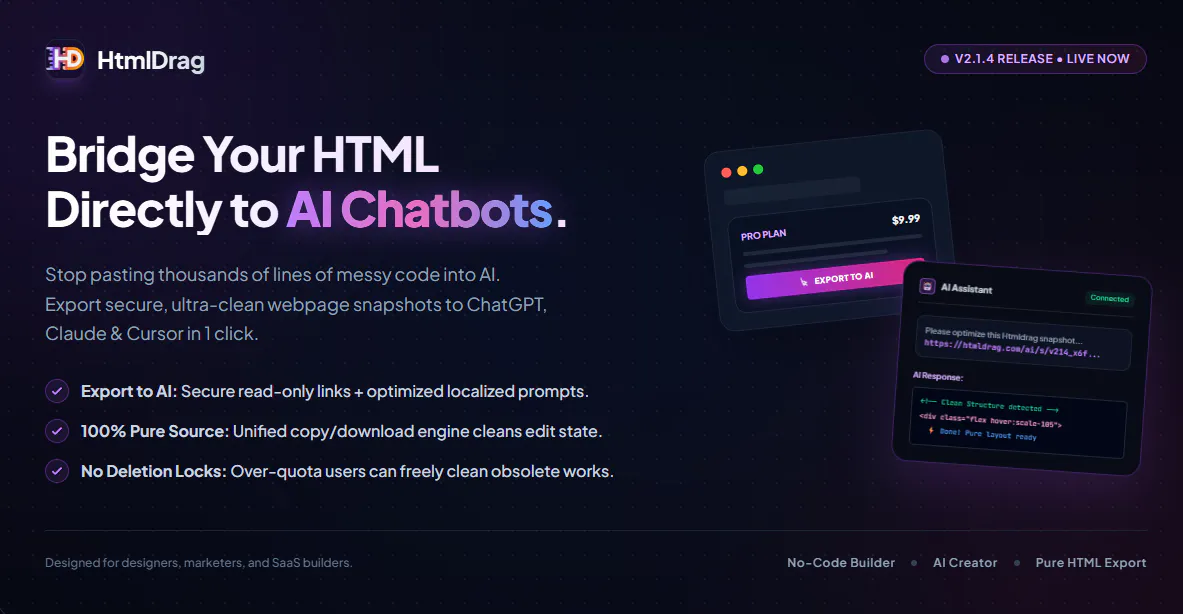
HtmlDrag v2.1.4 is now live, introducing a dedicated pipeline to share visual canvas structures with AI assistants, alongside codebase cleanup and bug fixes.
1. Export to AI (Snapshot Bridge)
When copying large HTML source code to AI chatbots, it often exceeds token limits and loses styles or images. We introduced a feature to export your current visual canvas into a secure, read-only HTML snapshot link. Custom context prompts are automatically copied to your clipboard alongside the link, allowing ChatGPT, Claude, or Cursor to read and refine your layout.
2. Pure HTML Output
We unified the rendering engines for copying and downloading HTML. This completely strips away visual editing states, including active blue outline highlights, blinking text cursors, and transition animations. The exported code is now 100% clean and ready for production.
3. Fix Deletion Lock for Over-Quota Accounts
We resolved an issue where users who exceeded their storage quota were blocked from deleting obsolete files to free up space. Deletion is now fully accessible under all quota states.
You can try the new release at https://htmldrag.com
Replies