

HtmlDrag v2.0: AI creation now has File Mode, Thinking, and a redesigned Template Mode

Hey everyone — I just shipped HtmlDrag v2.0, and this is the biggest product update I’ve made so far.
This release is all about making AI HTML creation more practical.
Instead of treating AI like a one-shot generator, I rebuilt the experience around two clearer workflows:
File Mode
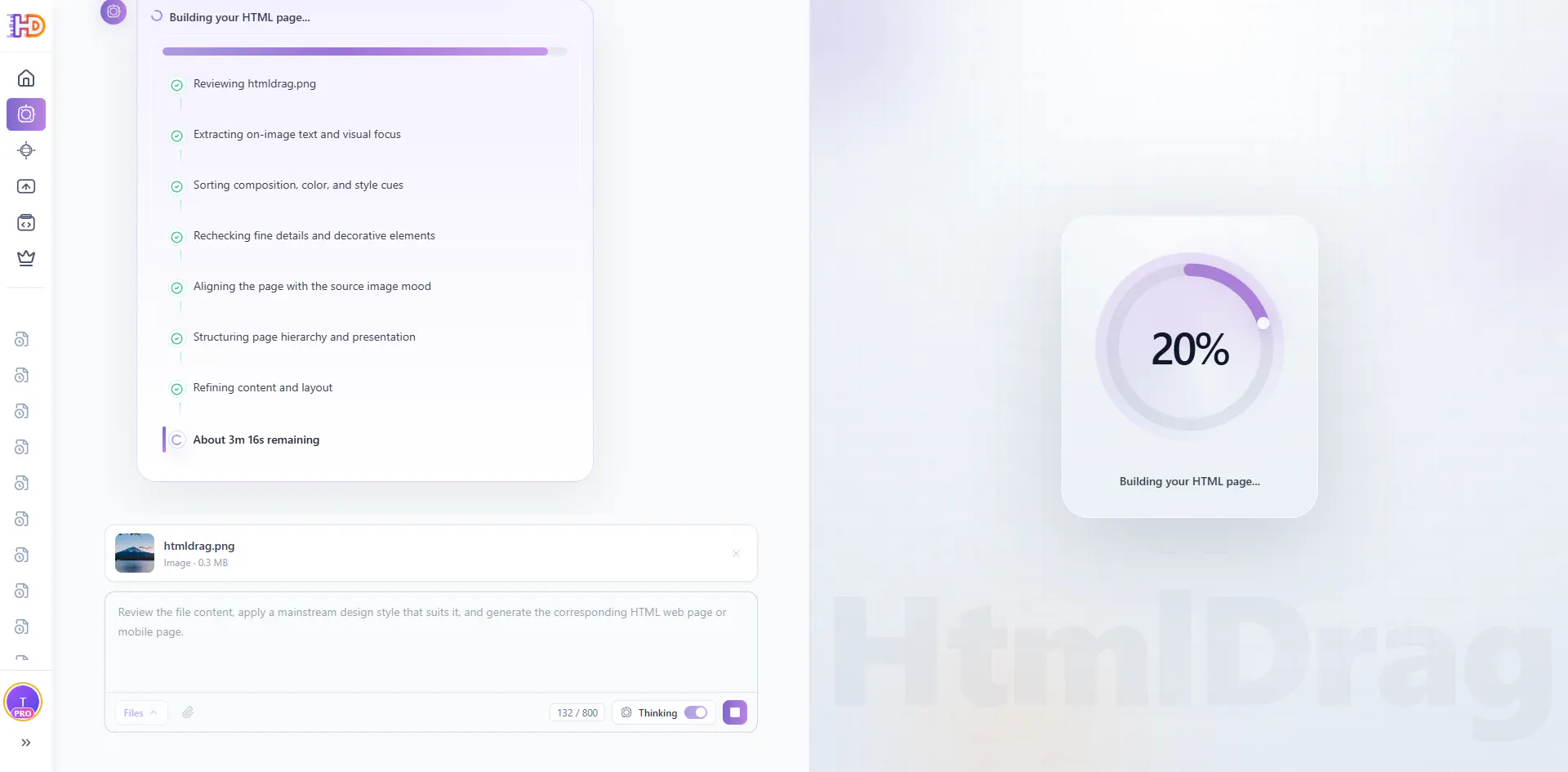
You can now upload source materials and turn them into editable HTML pages.
Supported formats right now:
JPG / JPEG / PNG / WEBP
DOCX / MD / TXT
I also added Thinking, so the system can spend more effort understanding the uploaded material before generating page structure and content.
And one thing I care a lot about: files are processed in a local-first flow and won’t be stored in the cloud after processing.
Template Mode
I also redesigned the original AI generation flow:
improved interaction flow
custom styles
custom HTML sizes
A more personal note: I used AI heavily to complete this upgrade. That was intentional. I wanted this release to show not only what the product can do with AI, but also how far I can push AI as a solo founder building a real tool.
What’s next
I’m already planning support for:
PDF
PPT
Changelog
launched AI Creator
added File Mode
added support for images and documents as source materials
added Thinking in File Mode
redesigned Template Mode
added custom styles
added custom HTML sizes
clarified privacy flow: files are not stored in the cloud after processing
If you try it, I’d really love to know:
Would you use File Mode more for landing pages, reports, email layouts, or something else?



Replies
@htmldrag Any challenges with handling large or messy input file?
@emma_watson21 Yes, definitely — large or messy inputs are one of the hardest parts. That’s actually one reason I added Thinking in File Mode. It helps with structure, but I still want to keep improving this area, especially as I add PDF and PPT support later.