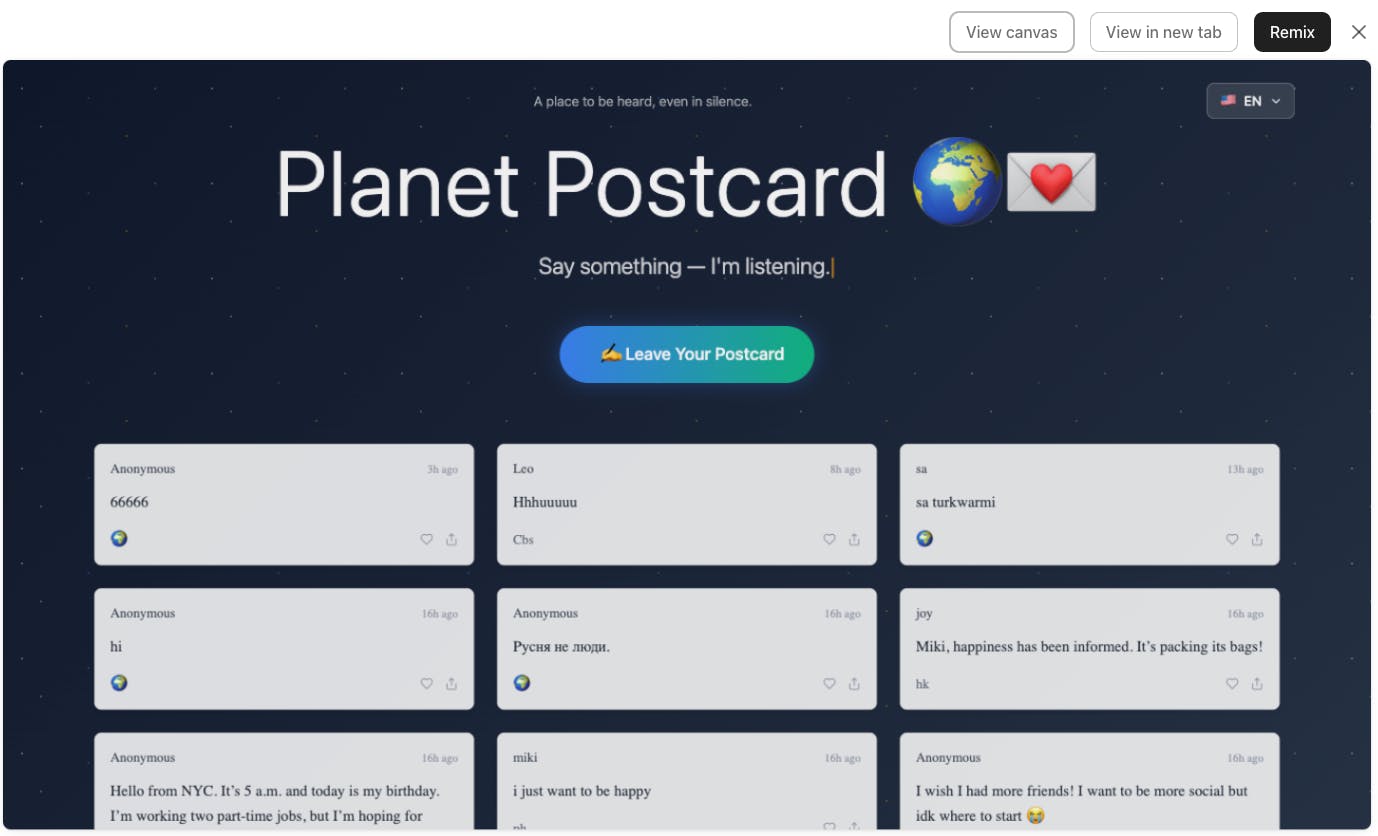
Prompting is everything in the age of vibe coding. Knowing how to guide AI precisely and efficiently is the key to getting the results you want. Today, I m sharing some of my favorite prompting tips, plus a handy cheatsheet I put together.
Prompting Tips That Actually Work
Be spatially specific. Use keywords like "left", "right", "centered", "aligned to bottom", "spaced evenly" to help the model place elements correctly.
Mention device behavior. If it should behave differently on mobile vs desktop, say so. Ex: "stacks on mobile, grid on desktop".
Use visual vocabulary. Mention familiar UI terms like "modal", "toast", "card", "hero section", or "split view" to tap into known design structures.
Give UX intent. Add the why: "Add white space for readability", "Add a hover effect for feedback", "Use a progress bar to show completion".
Sequence your ideas. For complex prompts, list in steps: "First, add a header. Below that, place a form with two inputs...". AI loves structure.
Say what not to do. If you want to avoid scrollbars, animations, shadows, etc., say so.
Don t forget empty states. Great design considers what happens when nothing is there say "show a placeholder when list is empty".
Test prompt variants. Swap words like "tile" vs "card", "modal" vs "popup" to see which gives cleaner structure.
Use active voice. Start with a verb: "Add", "Place", "Make", "Create", "Animate", "Style". It helps guide generation.
Trickle is the AI-driven workspace blending your notes, tasks, and knowledge base — for you and your team. Get inspired, write faster, and work smarter directly in Trickle with the power of GPT-4.
Quick background: we're the team behind Trickle.so, where we help people build apps and websites with AI. We've been deep in the AI tooling space for a while now, and something kept bugging us.
I ve been building with AI tools a lot lately, and one thing kept bothering me: I had dozens of great prompts scattered everywhere Notion docs, chat histories, screenshots It was chaos.